Misiom – Digital Agency Services WordPress Theme

100% Original fileUnmodified copy of the developer's release
DeveloperLayerdrops
Up to dateFile last updated Oct 21, 2026
About this product
The Misiom theme is a WordPress theme for digital agencies that sell web design, development, branding and online marketing. It runs on Elementor, ships with two home page designs and more than 20 inner pages, and adds pricing tables, a portfolio and a shop to the usual agency layout. It suits studios, small marketing firms and freelancers who work under an agency name. This page is for Misiom 1.0.0. On GPLGuide you download the original theme file to install on your own websites.
Good for: web design and development studios, branding and visual design agencies, SEO and digital marketing firms, startups that sell services, and freelancers who want an agency style site with case studies, a team page and monthly plans.
Requirements: WordPress, with versions 6.5 up to 7.0 on the item page's software list, and PHP 7.4 as named in the theme's stylesheet header. The free Elementor plugin builds the pages. After activation, a notice asks you to install Kirki Customizer Framework, Elementor, Contact Form 7, CMB2, One Click Demo Import and the theme's own Misiom Addon plugin. WooCommerce is only needed if you want the shop pages.
What the Misiom theme does
Misiom is a business theme with one clear buyer: the agency that sells digital work. The demo follows the order most agency sites use. A hero with one call to action, an about block, four service cards, case studies, client quotes, a FAQ, a work process strip, the team, a contact form and the latest posts. You get two home pages built this way and more than 20 inner pages.
Pages in the Misiom theme are edited in Elementor, and the theme adds its own widgets for these sections. You change text, images and links visually, so everyday edits don't need code. Site wide settings live in the Customizer under Misiom Options, and the footer is a separate Elementor template you can swap page by page.
Under the hood the Misiom theme builds on the Underscores starter theme and the Bootstrap 5 framework, with Swiper and OwlCarousel for the sliders. The item page also lists WooCommerce and RTL compatibility, mega menu styles, SVG icon support, CSS3 animations and a child theme in the package. The stylesheet carries the translation-ready tag, so the theme's strings can be translated.
Two home pages and the inner pages in the Misiom theme
Home One opens with the headline "Delivering the best result" and a Discover More button. Below that come an about block with client logos, four service cards, a stats row, a strip of brand logos and five case studies. Then come three testimonials, a Why Choose Us block, nine FAQs, a four step work process (Meeting, Discovery, Design, Launch), five team profiles, a contact form, three blog posts and a map with your contact details.
Home Two is busier. Its hero is built around the words Digital Marketing, with three short bullet points and a row of taglines under it. It adds an about section with an embedded video, a three tier pricing table with the middle plan marked Popular, team counters, a Recent Awards timeline and a repeated Contact Us strip above the footer. If you sell monthly retainers, start here, since the pricing block is already in place.
The Pages menu in the demo holds a team page, a team carousel and team details, two portfolio page styles with a portfolio details page, pricing tables, FAQs, a login page and a 404 page. Services has an overview page and four service detail pages. The blog comes in grid and classic layouts, each with no sidebar, a left sidebar or a right sidebar. The shop uses the same three sidebar choices for its product list, plus a product page, cart and checkout.
Misiom Options, footers and colors
The Misiom theme keeps its global settings in the Customizer. Open Appearance, Customize, Misiom Options and you'll find sections for General, Header, Mobile Menu, Footer, Service Sidebar and Service Sidebar Contact. The last two belong to the sidebar on the service detail pages. On an agency site that sidebar is often where a visitor decides to get in touch, so fill in the contact part early.
In the Misiom theme, footers are their own post type, built in Elementor. Before you can edit one, switch Elementor on for that post type under Elementor, Settings. Then go to Footers, All Footers. The demo brings two: Footer home for the home page and Main footer for inner pages. Choose the site wide footer under Misiom Options, Misiom Footer Options. To change it on a single page, turn on Custom footer in that page's General Options box and pick another one.
Colors work in three layers. A color set in a page's own meta box wins, then the Customizer color, then the theme default. The page colors are in the Color Options box at the bottom of the normal page edit screen, not inside Edit with Elementor. That catches people out. One honest limit from the docs: some design elements use solid color images in the CSS, so the color picker can't change them. Those need a small CSS edit, ideally in the child theme.
The documentation also describes boxed, dark and RTL modes, each switched on in General Options. For icons there's a predefined list in a select field, and Font Awesome 5 Free works in the Elementor widgets as well.
Contact forms, Mailchimp and the shop
Contact forms in the Misiom theme run on Contact Form 7, which is on the required list. The demo import brings a ready made contact form, and you add your own under Contact, Add New. Keep a quote form short. Name, email, budget range and the service they need is plenty for a first reply.
Newsletter sign-ups use a Mailchimp form action URL. In Mailchimp, open the List menu, click the dropdown next to your list, choose Signup forms, then Embedded forms, and copy the action URL from the form code. Paste that URL into the Elementor widget that holds the sign-up form. It's a five minute job. Test it with your own email address before launch.
The video popup widget takes a YouTube link, which suits a showreel or a short client story. For a shop, install WooCommerce, which the item page lists as compatible. It isn't on the documentation's required list, so leave it out if you only sell services.
Site plans to copy with the Misiom theme
Before you import anything, gather four service descriptions, three to five case studies with one strong image each, a few client quotes and team photos. The Misiom theme's sections are built around exactly these pieces.
- Web design studio: Home One, the four service cards renamed to what you sell, five case studies and the contact form near the bottom.
- Marketing agency on retainers: Home Two for its three tier pricing table. Rename the plans to your retainer levels and mark your best seller as Popular.
- Branding agency: Portfolio Page 02 for the case study grid, a portfolio details page for each project and the Recent Awards block for recognition.
- Solo SEO consultant: drop the team section, keep the work process and FAQs, and fill the service sidebar contact box on every service page.
- Agency that sells audits or templates: WooCommerce with the left sidebar product list, a product details page, cart and checkout.
Write the FAQ yourself instead of keeping the demo questions. Nine real answers about price, timelines and what happens after launch will do more for a quote request than any animation.
What's new in the Misiom theme 1.0.0
As far as the developer's pages show, 1.0.0 is the first release of the WordPress version. The theme's stylesheet on the developer's demo site reads 1.0.0, and the item page shows a last update of August 11, 2026. There's no changelog on the item page yet, so we can't list release notes.
Good to know before you buy
The Misiom theme is new. When we checked, the item page showed very few sales, no ratings and no changelog. It's marked Gutenberg Optimized: No, so build pages in Elementor and keep the block editor for posts. Try it on a staging copy first.
The Misiom theme's documentation is short and has some leftovers from the developer's other themes. A link is labelled with another theme's name, and the path given for the boxed, dark and RTL switches names a different options panel. Look under Misiom Options instead. The docs don't list server settings, and only the stylesheet names a PHP version.
The demo photos and media are preview only. The item page says they are not included in the main download, so bring your own images. The six required plugins are named in the requirements above, and nothing on the developer's pages points to a service on their servers, such as a cloud library.
Misiom theme from GPLGuide vs the official subscription
The Misiom theme is sold on ThemeForest, where the Regular licence costs $39 for one end product. It includes future updates through the marketplace and six months of item support from the developer, which you can extend to 12 months for $10.13 at the price shown when we checked. The Extended licence is $2,600. Under Envato's licence for this item, its PHP code is licensed under the GPL.
From GPLGuide you get the original Misiom 1.0.0 theme file, with the same two home pages, Elementor widgets, Misiom Options panel and footer templates. The file comes with the license key already activated, so there's no key to enter.
Item support from the developer, refunds under Envato's rules and updates through an Envato account come only with a ThemeForest purchase. The item page says replies can take up to five business days. If you want the developer's help, buy the licence there.
How to install the Misiom theme
- Sign in to GPLGuide, open My Account, Downloads and save the Misiom theme ZIP.
- Go to Appearance, Themes, Add New Theme, Upload Theme, choose the ZIP and activate it.
- Install and activate the plugins from the notice: Kirki, Elementor, Contact Form 7, CMB2, One Click Demo Import and Misiom Addon.
- Run the demo import with One Click Demo Import once every plugin is active.

Import the Misiom theme demo on a fresh install, so it doesn't mix with existing pages. Then work from the top down. Set the colors in Misiom Options, General Options, fill in Header and Mobile Menu, and choose your footer. Swap the four service cards and their detail pages for your own services before you touch the design. Add case studies next, send yourself a test message through the contact form and connect Mailchimp. Check every page on a phone last.
Keeping it up to date
Updates from GPLGuide are manual. When a new version of the Misiom theme is listed here, download it from your account and upload it under Appearance, Themes, Add New Theme, Upload Theme. WordPress offers to replace the installed copy, and your Elementor pages and Customizer settings stay in the database. Put any code changes in the included child theme so an update doesn't overwrite them. If you spot a newer release we haven't added, tell us on the Request Item/Update page.
Questions about the Misiom theme
Which page builder does the Misiom theme use? Elementor. The theme adds its own widgets, and the header and footer are built with Elementor too.
Do I need Elementor Pro? No. The documentation lists Elementor, and nothing on the item page asks for the Pro version.
How many demos are there? Two home pages and more than 20 inner pages.
Can I run a shop with the Misiom theme? Yes. Install WooCommerce, which the item page lists as compatible.
Does it support right to left languages? Yes. RTL is on the item page's list, and the docs describe an RTL switch in General Options.
Are the demo images included? No. The item page says images and media are for the preview only, so use your own.
Can I change the colors without code? Mostly. Set them in Misiom Options or per page in Color Options. A few elements use color images in the CSS and need a small code edit.
Do I need a purchase code? No. The license key is already activated in the file you download from GPLGuide.
Looking for other agency and business designs? Browse the WordPress themes on GPLGuide, or see what a GPLGuide membership includes if you build sites for several clients.
Features & capabilities
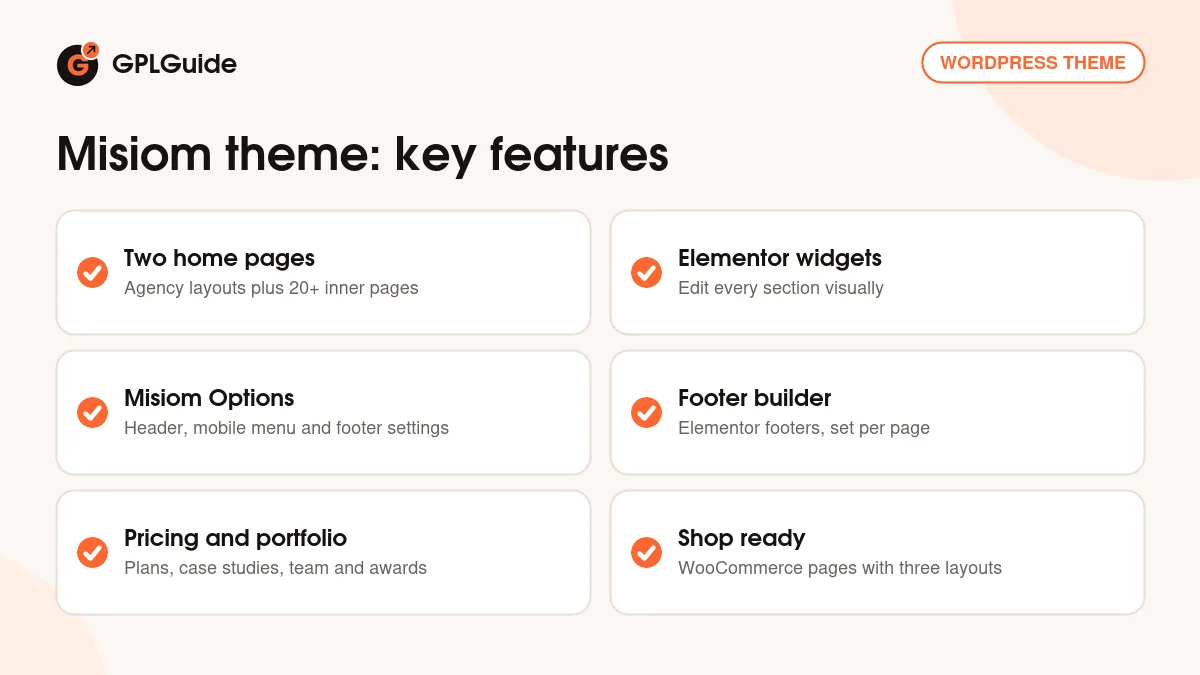
- Digital agency design with two home pages and 20+ inner pages
- Elementor editing with the theme's own widgets and footer builder
- Misiom Options in the Customizer for header, mobile menu and footer
- Pricing tables, case studies, team, awards and FAQ sections
- WooCommerce shop pages with three sidebar layouts
- Contact Form 7 forms and Mailchimp newsletter sign-up
- Boxed, dark and RTL modes, plus a child theme
- Bootstrap 5 grid with Swiper and OwlCarousel sliders