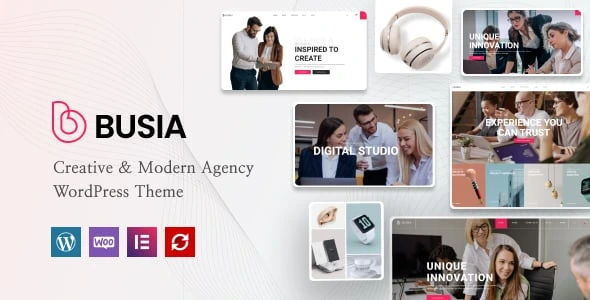
Busia – Creative Agency Theme
100% Original fileUnmodified copy of the developer's release
DeveloperRadiantThemes
Up to dateFile last updated Oct 16, 2026
About this product
Busia is a creative agency WordPress theme by RadiantThemes, built with Elementor for agency, consulting, corporate, business and marketing websites. It comes with seven home page demos, nine inner pages, portfolio and blog layouts and a WooCommerce shop, all importable in one click. Our download is Busia version 1.4.0. On GPLGuide you get the original Busia theme file to install on your own WordPress websites.
Good for: creative and digital agencies, consultants, corporate teams and marketing firms who want a choice of polished starting designs, a strong portfolio section and the option to sell products, without writing code.
Requirements: the developer's docs ask for WordPress 5 or newer, PHP 7.3 or newer (7.4 recommended), MySQL 5 or newer and a PHP memory limit of 256M. Pages are built with the free Elementor plugin from WordPress.org, and the theme installs its companion plugins for you after activation.
Seven Busia home page demos
Busia gives you seven different home pages to start from: Digital Studio, Agency, Consulting, Corporate, Business, Marketing and Digital Hub. Each one is a complete design with its own layout, so you can pick the one closest to your business and import it, rather than reshaping a single generic home page.
A design studio might start from Digital Studio or Digital Hub, a consultancy from Consulting or Corporate, and a growth or advertising agency from Marketing.
The same demo site also includes the inner pages, portfolio, blog and shop described below, so there is a matching page for everything your menu needs.
Inner pages, portfolio and blog layouts
Nine inner pages come with the demo content: About Us, Service, Our Company, Our Experts, Our Clients, Testimonial, Contact, Get In Touch and a custom 404 page. Together they cover what most agency sites need beyond the home page.
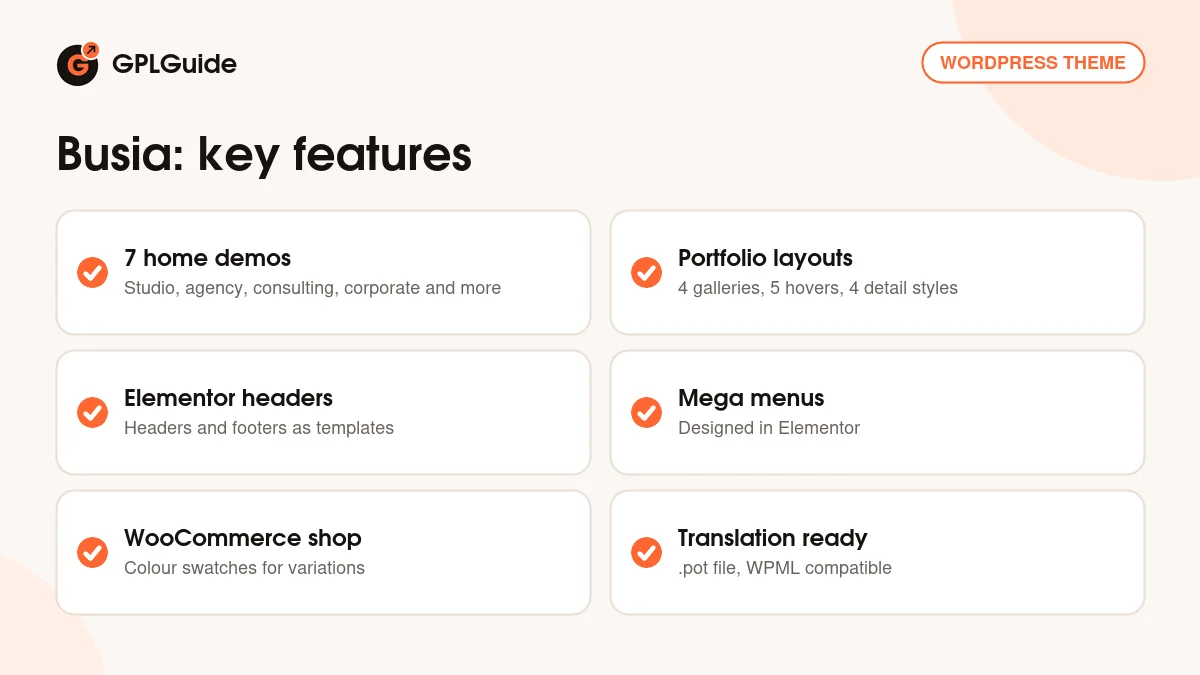
The portfolio is where Busia offers the most choice. There are four gallery styles (Standard Gallery, Metro Masonry, Creative Gallery and Masonry Gallery), four grid layouts in three or four columns, boxed or joined, five hover effects and four styles for the single project page. Projects are filtered by category, so visitors can jump straight to the kind of work they care about.
For the blog you can choose Default, Grid, Listing or Masonry layouts, and posts can use the Default, Audio, Video, Image and Quote formats. That makes it easy to mix case studies, short news posts and video updates on one blog.
Headers, footers and mega menus built in Elementor
Busia doesn't use a separate header builder. Headers and footers are Elementor section templates that you put in a "Custom Header" or "Custom Footer" category. That means you design them with the same drag-and-drop tools as the rest of the site.
You choose the site-wide header in the Customizer under Header, General, and you can swap in a different header on any single page with the Select Custom Header option. Blog, shop and single post or product pages always use the header set in the Customizer. Because headers are ordinary Elementor templates, you can keep more than one, for example a bold header for the home page and a simpler one for inner pages.
Menus can open into a mega menu. Busia has a Mega Menus section in the admin where each mega menu is designed in Elementor, starting from bundled templates, and then attached to a menu item under Appearance, Menus. It is a flexible way to show services or portfolio categories in a large dropdown.
Shop, forms and translation
The demo includes a full WooCommerce shop with product lists, a user account, cart and checkout. RadiantThemes' docs cover the basic shop settings, the product sidebar and colour swatches for product variations through the Variation Swatches for WooCommerce plugin. That suits agencies that also sell templates, courses or service packages online.
Contact forms run on Contact Form 7, and seven ready-made forms arrive with the demo import. If your host blocks PHP's mail function, the docs suggest adding an SMTP plugin so the messages reach you.
Busia is translation ready. A .pot file is included, and the docs explain translating it with Poedit or Loco Translate. The ThemeForest listing also names WPML as compatible. RadiantThemes doesn't advertise right-to-left (RTL) support, so check that first if you need it.
Smaller settings worth knowing
A few details in RadiantThemes' documentation make day-to-day editing easier. The 404 page has its own image and text settings in the Customizer, so a broken link still lands on a page that looks like part of your brand. The web address used for custom content types, such as portfolio items, can be changed in the Customizer too, which helps if you prefer a word like "work" or "projects" in your links.
The docs also include short guides for adding testimonials and client logos, the two sections most agencies update as they win new work.
Planning your agency site with Busia
With seven home pages to choose from, the first decision matters most. Open each Busia demo and pick the one whose structure fits your business, not just its colours, because colours and images are easy to change later while the order of sections takes more work.
Next, decide how you want to show your work. A studio with strong visuals may suit Metro Masonry or Creative Gallery, while a consultancy with fewer images may prefer the Standard Gallery in a boxed grid. Choose one portfolio style and use it across the site so it feels consistent.
Finally, replace the demo team, testimonials and client logos with your own, connect the contact forms to your email and test every page on a phone. Busia is responsive and retina ready, but long headings and service names are worth checking on small screens before you launch.
Version 1.4.0 and change notes
The Busia file on GPLGuide is version 1.4.0. RadiantThemes' public changelog stops at version 1.2.0 from September 21, 2022, which updated the RadiantThemes Dashboard, outdated WooCommerce templates, the demo import process and the RadiantThemes Addons plugin. Before that came 1.0.1 (July 26, 2022, a demo import update) and the first release, 1.0.0, on April 20, 2022.
ThemeForest shows that the item was last updated on June 24, 2026, but RadiantThemes hasn't published notes for 1.3 or 1.4.0. We list the version from the theme file itself and will update this page if official change notes appear.
Things to know before you choose Busia
Busia is an Elementor theme. ThemeForest lists it as not optimized for the block editor (Gutenberg), so plan to design your pages with Elementor.
The demo import needs generous server limits. RadiantThemes recommends memory_limit 256M, max_input_vars 3000, max_execution_time 300, post_max_size and upload_max_filesize of 12M, and allow_url_fopen switched on. Its docs explain how to raise these in .htaccess, php.ini or wp-config.php, and suggest a max_input_vars of 5000 or more for sites with large menus.
The ThemeForest sidebar lists WordPress only up to version 6.4 and WooCommerce 6, while RadiantThemes' own live demo runs much newer versions of both.
Busia from GPLGuide vs a ThemeForest licence
From GPLGuide you get the original Busia theme file, released under the GPL, to use on your own websites. The demos, layouts and Elementor templates are the same as in the developer's package.
A licence bought on ThemeForest adds six months of support from RadiantThemes through their help desk, with an option to extend it, plus future updates through your ThemeForest account. If you want the developer's help with your setup, buy it there. If you need the theme itself, GPLGuide gives you the same file at a lower price, on its own or with a GPLGuide membership.
How to install Busia
- Sign in to GPLGuide, open My Account, Downloads and save the Busia theme ZIP. Upload busia.zip itself, not a larger package or folder, or WordPress will report that the stylesheet is missing.
- In WordPress go to Appearance, Themes, Add New Theme, Upload Theme, choose the ZIP, click Install Now and then Activate.
- Click Install Plugins when the theme asks, then install and activate all of them.
- Open the Demo Importer, choose the home page you want, click Install, confirm and wait for the progress bar to finish.
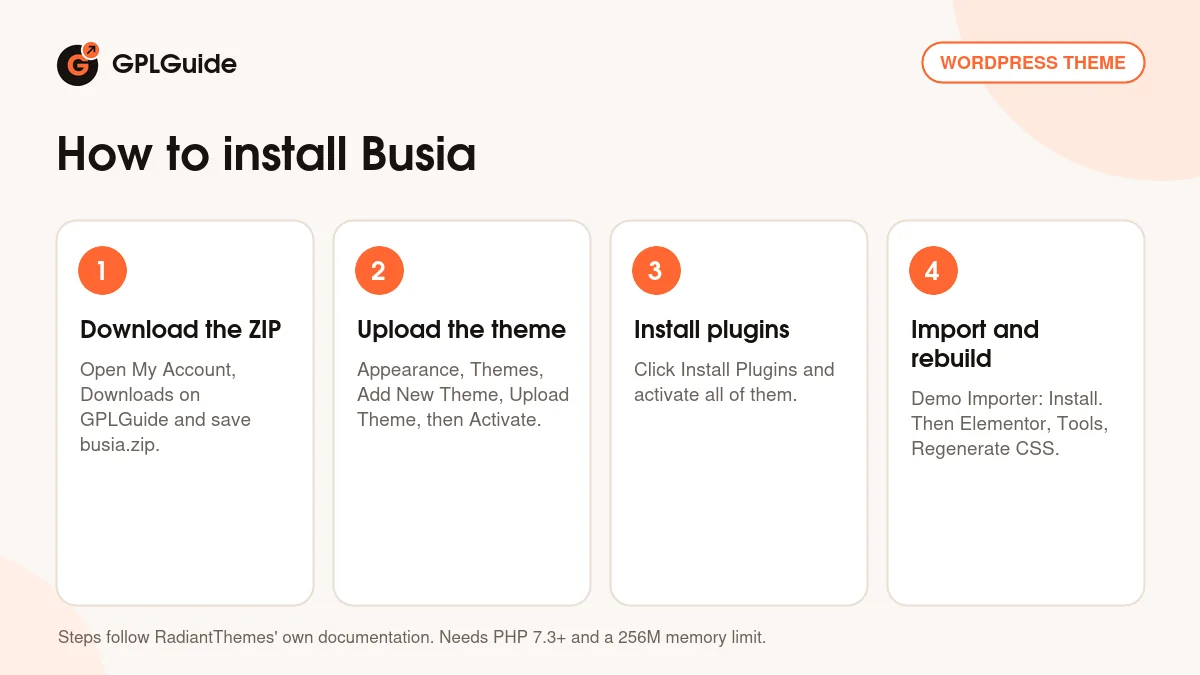
When the import is done, go to Elementor, Tools and click Regenerate CSS. RadiantThemes' docs stress that this step is important, because it rebuilds the styles for the imported pages. Then add your logo and retina logo, choose your header and footer, and start replacing the demo text and images with your own.
Import the demo on a fresh WordPress site where you can. Demo content adds pages, posts, projects and products, and it is far easier to start clean than to remove demo content from an existing site later.
Keeping it up to date
Updates from GPLGuide are manual. When a new Busia version is listed here, download it from your account and upload it under Appearance, Themes, Add New Theme, Upload Theme, and WordPress will offer to replace the current version. RadiantThemes' own docs describe replacing the theme folder through your hosting or FTP, which works too. Take a full backup first and keep custom code out of the theme files, so an update never overwrites your changes.
The companion plugins are updated a little differently. The docs say to delete the old plugin and reinstall it through Appearance, Radiantthemes Install Plugins. If you see a newer Busia version that we haven't added, tell us on the Request Item/Update page.
Questions about Busia
Does Busia have one-click demo import? Yes. After activation you install the plugins, open the Demo Importer and click Install on the demo you want. RadiantThemes confirmed this to buyers on the item's comments page.
Do I need to know code? No. The demo designs are edited with Elementor's drag-and-drop editor, including the headers, footers and mega menus.
What hosting does Busia need? WordPress 5 or newer, PHP 7.3 or newer (7.4 recommended), MySQL 5 or newer, a 256M memory limit, max_input_vars of 3000 and max_execution_time of 300.
Can I translate Busia? Yes. Use the included .pot file with Poedit or Loco Translate. The developer also lists WPML as compatible.
How do I change the header or footer? Edit or create an Elementor section template, put it in the Custom Header or Custom Footer category, then choose it in the Customizer or on a single page.
Which plugins does Busia use? The docs name Contact Form 7, Variation Swatches for WooCommerce and RadiantThemes' own Addons plugin, alongside Elementor and WooCommerce. The live demo also runs Slider Revolution, but RadiantThemes doesn't say whether it comes with the theme, so install what the theme's plugin screen asks for.
Does Busia include a mega menu? Yes. Mega menus are designed in Elementor from the Mega Menus section, starting from bundled templates, and attached to a menu item under Appearance, Menus.
How do the contact forms work? With Contact Form 7. Seven ready forms come with the demo import. If emails don't arrive, add an SMTP plugin.
Who helps me if the download or install goes wrong? For problems with your GPLGuide download, contact us through the Support page. Help with customizing the theme itself comes from RadiantThemes with a ThemeForest licence.
Building a site for an agency or studio? See more agency and portfolio themes, browse all WordPress themes on GPLGuide, or check what a GPLGuide membership includes.
Features & capabilities
- Seven home page demos: Digital Studio, Agency, Consulting, Corporate, Business, Marketing and Digital Hub
- Nine inner pages, including About Us, Our Experts, Our Clients and a custom 404 page
- Portfolio with four gallery styles, four grid layouts, five hover effects and four detail styles
- Blog in Default, Grid, Listing or Masonry layouts with five post formats
- One-click demo import
- Headers, footers and mega menus designed in Elementor
- WooCommerce shop with colour swatches for product variations
- Seven Contact Form 7 forms included with the demo
- Responsive and retina ready, with a retina logo option
- Translation ready with a .pot file, WPML compatible