Transport – WP Transportation & Logistic Theme
100% Original fileUnmodified copy of the developer's release
DeveloperAnpsThemes
Up to dateFile last updated Oct 21, 2026
About this product
The Transport theme is a WordPress theme for trucking companies, freight forwarders, cargo and delivery firms and logistics providers. It gives you eight demo layouts built with WPBakery Page Builder, plus quote request sections, fleet and storage pages, shop support and Google Maps blocks. This page is for Transport 4.0.3. On GPLGuide you download the original theme file to install on your own websites.
Good for: haulage and trucking firms, freight forwarders, couriers, warehouse operators, shipping agents and passenger transport businesses that want customers to ask for a price.
Requirements: WordPress and PHP 5.6 or higher. The theme's style.css says it's tested up to WordPress 6.8.3, the item page lists WordPress 4.9.x through 7.0.x, and version 3.2.1 added PHP 8.0 support. Recommended limits are memory_limit 256M, max_execution_time 300 and 32M uploads. Required plugins are the theme's own plugin and WPBakery Page Builder. The theme's plugin installer also lists Slider Revolution and the free Contact Form 7, Newsletter and WooCommerce.
What the Transport theme does
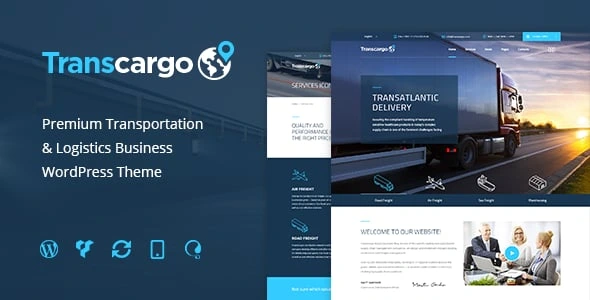
Transport is a business theme with one job: putting a logistics company online with pages that look like they belong to one. The demos cover road haulage, freight, warehousing, express delivery and maritime shipping, so the layouts already have vehicle fleets, service lists, storage blocks and buttons asking visitors to request a quote.
It has been on sale since 2015 and has grown in big steps. Version 3.0 added four demos, new header types, live Customizer support and a redesigned Theme Options panel. The 3.x releases since then kept up with WooCommerce and PHP, and the late 2025 updates fixed WPBakery and widget bugs.
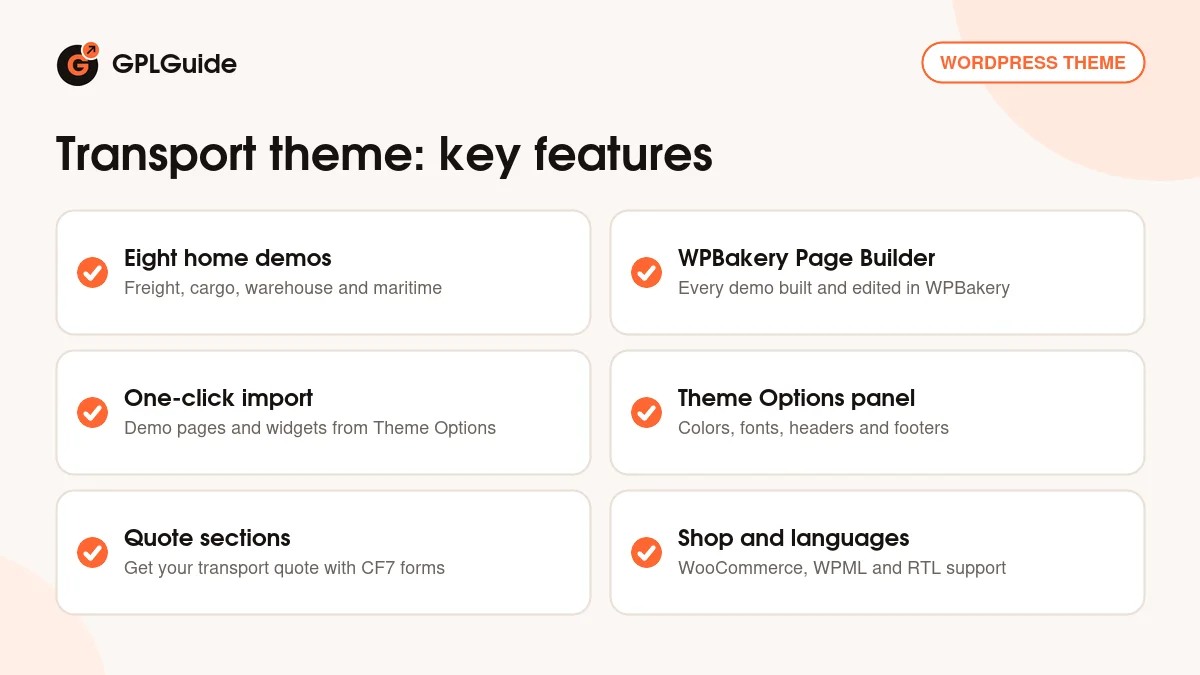
Day to day you work in two places. Theme Options controls the global look of the Transport theme: colors, fonts, headers, footers and logos. WPBakery Page Builder controls what sits on each page. WooCommerce, WPML, RTL stylesheets and three blog layouts mean you can add a shop, a second language and a news section without switching themes.
The eight Transport theme demos and WPBakery
The file has eight demo import sets. The developer's preview page names eight classic demos: Transport Everywhere, Worldwide Freight, Cargo Transport, Freight Services, Express Delivery, Maritime Video Slider, Warehouse Cargo and Worldwide Logistics. That page also shows a ninth, newer demo, which isn't among the import sets in this file, so plan your site around the eight.
Transport Everywhere is the classic layout. A top bar shows opening hours and phone, then come a slider with Get a Quote buttons, a vehicle park with nine truck, van and bus types, a 2000m2 storage block and testimonials. Its menu adds Vehicle fleet, six service pages from Tow Service to Storage, three blog views and a shop.
Warehouse Cargo feels calmer. Its hero line, We make your cargo transport simple, sits over a GET A QUOTE button, followed by a Warehouse solution for every need block with Quality, Fast and Safe, six fleet cards from Short trucks to Veteran fleet and a Three step processing strip. Maritime Video Slider swaps the photo slider for video, and some demos add Contact us 2 and Contact us 3 as alternative contact pages.
All eight are built with WPBakery Page Builder, and the theme's plugin installer marks it as required next to the theme's own plugin. If you've only used the block editor, give yourself an hour with WPBakery on a demo page first. Blog posts are a different story: version 3.1.7 added Gutenberg block support, so you can write posts in the block editor.
Theme Options, headers and layouts
Open Theme Options from the admin bar or from Appearance, Theme Options. Style Settings holds Theme Style, Font family, Custom Font sizes, Predefined color Scheme and the button styles. Pick one of the four color schemes or set your own colors, then upload custom fonts or paste Custom CSS if you need them. Set the colors before you build pages. Every button and heading picks them up, so you won't be fixing them one by one later.
Headers live under General Settings. Front page Top Menu offers four header options, and the third and fourth show a text area for a slider shortcode, which is how a Slider Revolution slider ends up under the menu on the home page. Top Menu can be default, primary color or off. Menu can be normal or show descriptions, and you can center it, make it sticky and swap in a separate sticky logo with Sticky logo transition.
Smaller switches cover search, breadcrumbs and the page title. Page layout lets you choose a wide or boxed site, and a boxed Transport theme site can sit on a background image, a pattern or a solid color. Prefooter Style, Footer Style and Copyright Footer finish each page.
Quote forms, maps and the shop
Most visitors to a haulage or freight site want one thing: a price. Every classic demo has a Get your transport quote section, and the demo copy promises a reply within the hour. Forms in the Transport theme run on Contact Form 7, and Theme Options has its own Contact Form Options page. Keep the quote form short: collection point, delivery point, cargo type, weight and a phone number price most jobs.
The installer also lists the free Newsletter plugin for an email sign-up. That's handy for route changes, holiday cut-off dates or fuel surcharge notices that regular customers actually want to hear about.
Google Maps sections show your depots or offices. Google has required an API key since June 2016, so create one and paste it into Appearance, Theme Options, Google Maps. Any map usage costs are between you and Google.
WooCommerce support kept pace through the 3.x releases, and the item page lists WooCommerce 5.x through 10.x. A shop suits firms selling packing materials or courier slots. WPML and Loco Translate handle translation, and RTL stylesheets cover right-to-left languages.
Site plans to copy with the Transport theme
Gather your services, vehicle capacities, three client quotes and depot addresses first. Each plan below starts from one Transport theme demo.
- Local haulage firm: Transport Everywhere, the vehicle park for your trucks, a quote form with collection and delivery postcodes and a map of the yard.
- Freight forwarder: Worldwide Freight, one slide each for road, rail and sea freight, a quote form that asks for cargo type and weight, and a client testimonial.
- Warehouse operator: Warehouse Cargo, the Three step processing strip for intake, storage and dispatch, and a form that asks for pallet numbers.
- Courier or last-mile delivery: Express Delivery, opening hours in the top bar, a short quote form and a WooCommerce shop for fixed price delivery slots.
- Shipping agent or port service: Maritime Video Slider, a video of your vessels or terminal in the slider and services split into ocean freight, customs and storage.
- Logistics group in two countries: Worldwide Logistics with WPML, one language per market and the boxed layout to keep long pages tidy.
Use real photos of your own trucks. People booking freight want to see who's carrying the load.
What's new in the Transport theme 4.0.3
The theme's style.css confirms 4.0.3, and the item page shows a last update on October 12, 2026. Neither the ThemeForest changelog nor the developer's landing page has notes for 4.0.3 yet, so we can't list what it changed. The newest entry on the landing page is 4.0.2 (October 7, 2026), and its note is a single word: SDK.
The 4.0.0 (July 15, 2026) and 4.0.1 (August 13, 2026) notes cover a second page builder and a ninth demo, and neither is part of this file's demo sets or plugin installer. Version 3.3.4 (November 21, 2025) fixed the option to disable the heading on single pages. The October 2025 releases fixed the theme's widgets and a WPBakery stretched row bug, and 3.2.9 (August 20, 2025) fixed a theme options security issue.
Good to know before you buy
The Transport theme is older and has been updated, not rebuilt from scratch. Its documentation was written around WPBakery, which it still calls Visual Composer, so it fits this file well.
The theme's plugin installer downloads the theme's own plugin, WPBakery Page Builder and Slider Revolution from the developer's server. That server answered when we checked in October 2026, but it's the developer's service, so install those plugins right after the theme rather than months later. Contact Form 7, Newsletter and WooCommerce are free plugins.
Demo images aren't part of the download. The item page credits them to Shutterstock, Depositphotos and Photodune, so plan to use your own. If the one-click import fails on tight hosting, fix write permissions on wp-content/uploads or use the manual route through Tools, Import and the WordPress importer.
Transport theme from GPLGuide vs the official subscription
Transport is sold on ThemeForest, where the Regular License costs $59 with future updates and six months of item support. The developer also sells a Single site license on its own checkout for $39, paid once, with 12 months of updates and priority support and a 14-day money back promise. Under Envato's licence for this item, its PHP code is licensed under the GPL.
From GPLGuide you get the original Transport 4.0.3 theme file, with the eight demo sets, the Theme Options panel and the plugin installer that come in it. The file comes with the license key already activated, so there's no purchase code to look up.
Support tickets, refunds and the developer's paid installation service come only with a purchase from the developer, and the plugin downloads in the installer run on the developer's server. Want their team's help with setup? Buy there.
How to install the Transport theme
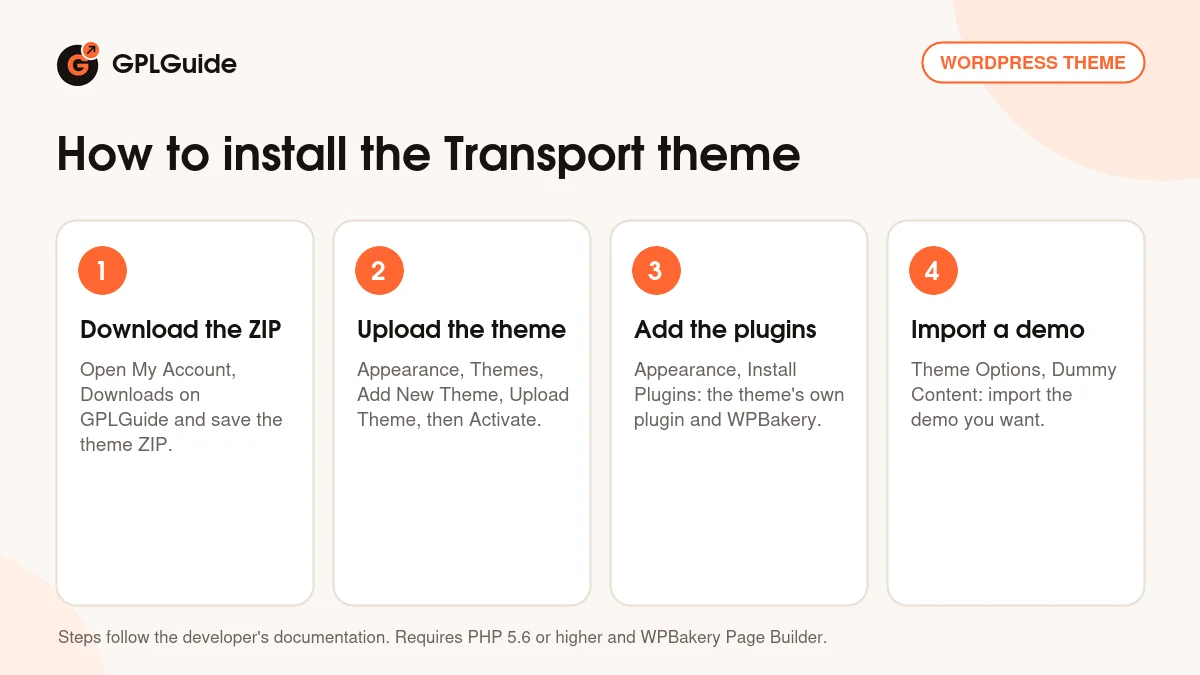
- Sign in to GPLGuide, open My Account, Downloads and save the Transport theme ZIP.
- Go to Appearance, Themes, Add New Theme, Upload Theme, choose the ZIP, click Install Now and then Activate.
- Follow the notice, or open Appearance, Install Plugins, and install the theme's own plugin and WPBakery Page Builder, then Slider Revolution and Contact Form 7.
- Open Appearance, Theme Options, Dummy Content and import the demo you want to start from.
A good first setup: import one demo only, then set colors and fonts in Style Settings and upload your logo and sticky logo under Logos and Media. Paste your Google Maps key and pick a header under Front page Top Menu. Then trim the quote form to the fields you price on, send a test request and check your Transport theme site on a phone.
Keeping it up to date
Updates from GPLGuide are manual. When a new Transport theme version is listed here, download it from your account and upload it under Appearance, Themes, Add New Theme, Upload Theme. WordPress offers to replace the installed copy, and your Theme Options, pages and settings stay in the database. Keep custom code in a child theme, since edits to theme files are lost on update. If a newer release is out and we haven't added it, tell us on the Request Item/Update page.
Questions about the Transport theme
Which page builder does the Transport theme use? WPBakery Page Builder. The theme's plugin installer requires it, and all eight demo sets are built with it.
Which plugins are required? Two: the theme's own plugin and WPBakery Page Builder. Slider Revolution, Contact Form 7, Newsletter and WooCommerce are also listed in the installer.
How many demos does the Transport theme have? Eight demo import sets, each imported from Theme Options, Dummy Content.
Can customers request a quote on a Transport theme site? Yes. The demos have Get your transport quote sections, and the forms run on Contact Form 7, so you choose the fields.
Which PHP version does it need? PHP 5.6 or higher, according to the theme's style.css. Version 3.2.1 added PHP 8.0 support.
Can I write posts in the block editor? Yes. Version 3.1.7 added Gutenberg block support, and the item page marks the theme Gutenberg optimized.
Is the Transport theme translation ready? Yes. It works with WPML and Loco Translate and has RTL stylesheets for right-to-left languages.
Are the demo photos included? No. The item page says images aren't included and credits them to Shutterstock, Depositphotos and Photodune.
Do I need a purchase code? No. The file comes with the license key already activated.
Running a different kind of business site? Browse the WordPress themes on GPLGuide, or see what a GPLGuide membership includes. If slider-heavy Transport theme pages feel slow, WP Rocket is available here too.
Features & capabilities
- Logistics and transport design with eight demo import sets
- Pages built with WPBakery Page Builder and the theme's own plugin
- One-click demo import from Theme Options, Dummy Content
- Get your transport quote sections with Contact Form 7 forms
- Four header options, sticky menu and sticky logo transition
- Wide or boxed layout, four color schemes and unlimited colors
- WooCommerce shop pages, Newsletter sign-ups and Google Maps sections
- WPML, Loco Translate and RTL stylesheets