AdLinkFly Monetized URL Shortener

100% Original fileUnmodified copy of the developer's release
DeveloperCode Canyon
Up to dateOriginal released Feb 9, 2026 · File last updated Oct 23, 2026
About this product
AdLinkFly is a monetized URL shortener script for running your own paid link shortening site: members shorten links, visitors see an ad before they reach the destination, and publishers earn a share of what advertisers pay. It's a standalone PHP application that you install on your own server or hosting account, not a WordPress plugin. This page is for AdLinkFly 6.6.5, released on February 9, 2026. On GPLGuide you download the original script file to install on your own server.
Good for: site owners who want to launch a paid link shortener under their own domain, marketers who want their own short link service with ad space to sell, and developers who set up link monetization sites for clients. It also works as a plain branded shortener if you switch advertising off.
Requirements: AdLinkFly is a standalone PHP application built on the CakePHP framework, so it needs its own web hosting or server, not a WordPress site. The developer lists PHP 7.3 or higher (PHP 8.5 support arrived in February 2026), a web server with Apache's mod_rewrite module enabled, the PDO, OpenSSL, intl, cURL, mbstring and DOM extensions, and a MySQL or MariaDB database, with MySQL 8.x among the tested versions. The tmp, logs and config folders must be writable. The AdLinkFly file from GPLGuide comes with the license key already activated, so there's no key for you to enter.
What AdLinkFly does
Every short link on the site leads through an ad page first. The visitor clicks, sees an interstitial, a banner page or a popup, waits for the counter, then continues to the real address. Three groups use the site. Publishers sign up, shorten links and earn from the views. Advertisers buy campaigns that show their ads on those pages. You, the admin, set the prices and approve the payouts, and you keep the gap between what advertisers pay and what publishers earn.
Publishers get a dashboard with monthly and yearly statistics, line graphs and a list of their links. They can shorten links in bulk, create them through an API or convert the links on their own website. A referral program pays referrers 20% of their referees' earnings for life by default. Members sign up with email activation and can log in with Facebook, Twitter or Google.
Around that you get unlimited pages, a blog with comments, an SEO sitemap, SMTP email, GDPR tools such as data export and full user deletion, and two frontend themes, Classic and Modern. Short links can run on more than one domain, and the script is ready for translation.
Ad types, campaigns and pricing in AdLinkFly
Start under Admin Area, Settings, Links and pick the ad types you'll allow. Interstitial is the full-page ad, banner pages use the 728x90, 468x60 and 336x280 sizes, and popup is the third paid type. There's also a No Advert type that just redirects. Since 6.5.0, membership plans can limit which ad types a member may choose.
Prices live under Admin Area, Ads, with a page each for Banner, Interstitial and Popups. You enter them per country and per 1,000 views, separately for advertisers and publishers. The docs give the math: $1 per 1,000 US views is $0.001 per view. Keep the advertiser price above the publisher price, because the difference is your margin. Fill in every traffic source, even unused ones.
Campaigns are where views turn into earnings, and this trips up a lot of new admins. Only non-default campaigns count. A default campaign is the fallback that shows when no paid campaign fits the visitor, and it earns nothing. So create at least one default campaign per ad type covering all countries, under Campaigns, Create Banner, Interstitial or Popups Campaign. The 468x60 ads go there too, while the 728x90 and 336x280 slots sit under Settings, Admin Ads.
Advertisers can target desktop, mobile and tablet, or all traffic, and pause or resume a campaign from Campaigns, List. You can still edit the publisher price later, but not the advertiser price. A view only counts when the visitor is unique within 24 hours, has ad blockers off, has JavaScript and cookies enabled, and stays at least 5 seconds.
Publisher tools, plans and payouts
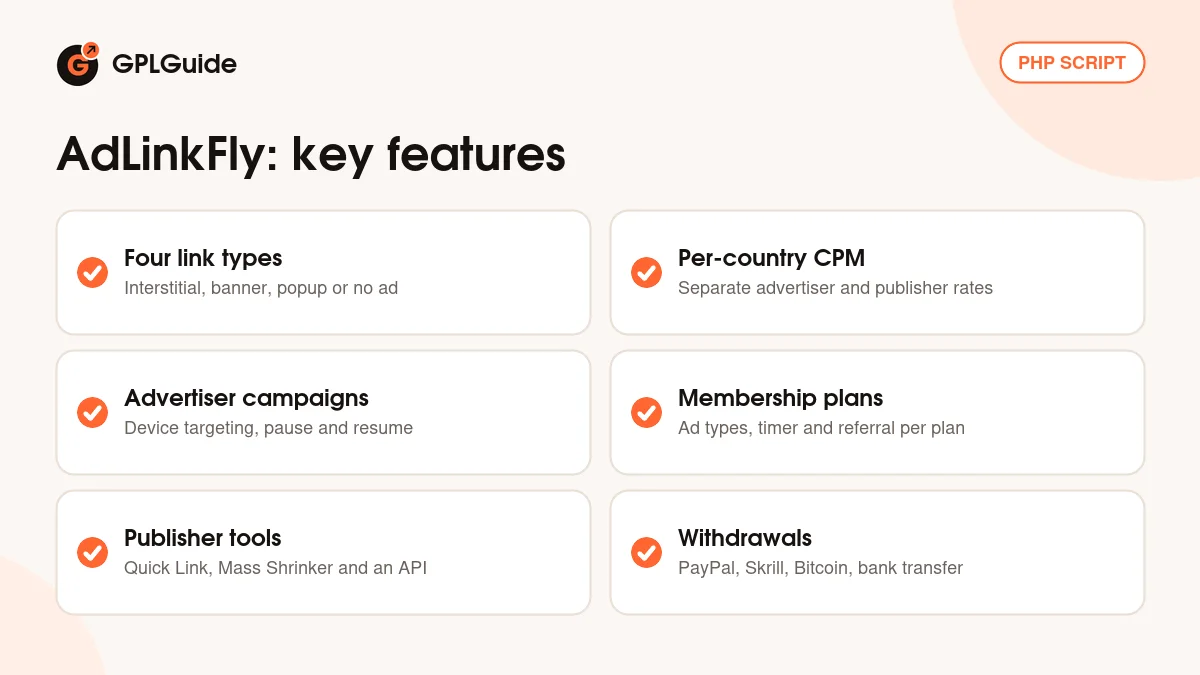
Link tools. In the member area under Tools, Quick Link gives each publisher an API token and a ready GET URL that shortens a link on the fly. Mass Shrinker takes up to 20 URLs at once, one per line, and the admin can change that limit. The Full Page Script turns the links on a publisher's own website into short links, and the Developers API returns JSON.
Membership plans. Per plan you can set the referral percentage, a paid views limit, the counter value for the timer and the allowed ad types, plus link limits. Version 5.0.0 added a trial plan and a sign-up bonus. Login as a user, added in 6.5.0, helps when a member reports a problem you can't reproduce.
Payments and withdrawals. Advertisers and plan buyers pay through PayPal, Stripe, Skrill, Coinbase Commerce, CoinPayments, WebMoney, Perfect Money, Paystack, PAYEER, Wallet Money or bank transfer, using your own gateway accounts under Settings, Payment. Publishers request payouts by PayPal, Skrill, Bitcoin, WebMoney, Wallet Money or bank transfer, and you approve them under Withdraws. Click a withdrawal's ID first to see the IPs, countries and referrers behind it.
Keeping AdLinkFly traffic clean
A paid shortener attracts bots and people gaming the counter. Captcha is set under Settings, Captcha and can be switched on for the short link page, the signup form and the forgot password form. You can use reCAPTCHA, Invisible reCAPTCHA, hCaptcha or Cloudflare Turnstile, with your own keys from the provider. For reCAPTCHA, list every short link domain in its Domains field.
There's a force disable AdBlock option, and you can put several continue pages before the captcha page. VPN, Tor and proxy visitors can be caught through IsProxyIP.com, a paid outside service you can switch off. New links are checked against PhishTank and Google Safe Browsing, and a disallowed domains list keeps chosen sites out.
Setups you can copy with AdLinkFly
Swap in your own prices, countries and domains.
- First paid campaign: one default Interstitial campaign for all countries as the fallback, then a non-default campaign for your main country with the advertiser price above the publisher price.
- Branded shortener without ads: set Enable Advertising to No under Settings, Earnings and run the site as a plain short link service for your team or clients.
- Second short domain: park a short domain on your hosting account, add it under Settings, General, Multi Domains (comma separated, no http and no trailing slash), then choose it as the Default Short URL Domain.
- Free and paid plans: a free plan with banner ads only and a longer counter, and a paid plan with all ad types, a higher referral percentage and a shorter timer.
- Your own language: copy src/Locale/en_US to a folder named after your language code, translate default.po in Poedit, upload it and pick the language under Settings, General.
What's new in AdLinkFly 6.6.5
Version 6.6.5 came out on February 9, 2026. It's a short release: support for PHP 8.5, multiple security enhancements across the script, and general improvements with minor bug fixes. If your host is moving you to a newer PHP version, this is the release to be on.
Before it, 6.6.4 (May 8, 2025) added PHP 8.4 support and Cloudflare Turnstile captcha, and fixed a QR code that didn't display. 6.6.3 (March 28, 2024) brought PHP 8.3 support and fixed the interstitial ad height. 6.6.2 (June 19, 2023) fixed force disable AdBlock sometimes not working, and 6.6.0 (January 3, 2023) added PHP 8.1 compatibility and better cron jobs. At the time of writing, 6.6.5 is the newest version in the CodeCanyon changelog.
Good to know before you buy
AdLinkFly gives you the software, not the business. Advertisers, ad networks, payment gateways and payouts all run through your own accounts, and the script brings no traffic or advertisers with it. What a site earns depends on the campaigns you sell and the visitors you get.
The developer's documentation for this line dates from 2018, so a few screens may have moved since. Housekeeping such as deleting pending users and inactive links runs on a cron job, so make sure your host lets you add one. The WordPress plugin that shows short links inside WordPress posts comes from the developer's support desk on request and isn't part of this download.
The developer now also sells AdLinkFly 7, rebuilt on Laravel, only on its own store. It's a separate purchase that needs PHP 8.4.18 or newer and the ionCube Loader. The developer says its installer accepts a database from 6.6.5 or later, but older themes must be rebuilt.
AdLinkFly from GPLGuide vs the official subscription
From GPLGuide you get the original AdLinkFly 6.6.5 script file, with the publisher and advertiser areas, all ad types, campaigns, membership plans, payment and withdrawal options and both themes inside. The license key is already activated.
Buying from the developer gets you what a download can't carry: their support, refunds and the WordPress plugin they hand out by ticket. On CodeCanyon the Regular License is $99 with 6 months of support, which you can extend to 12 months for $35.25. The Extended License, for an end product that end users can be charged for, is $1,955.
How to install AdLinkFly
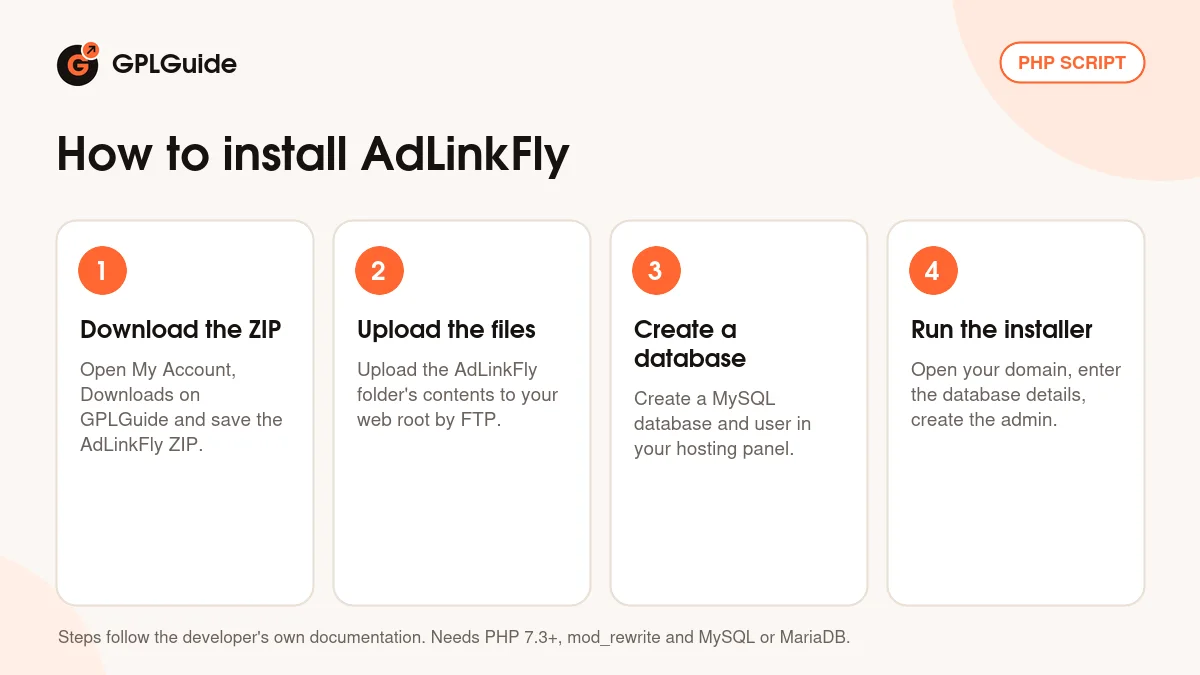
- Sign in to GPLGuide, open My Account, Downloads and save the AdLinkFly ZIP.
- Unzip it and upload the contents of the AdLinkFly folder to your domain's web root by FTP or your host's file manager. Make the tmp, logs and config folders and their subfolders writable.
- In your hosting panel, create a MySQL database and a database user for it, and note the name, user and password.
- Open your domain in a browser to start the web installer. It checks the requirements, asks for the database details, creates the tables and initial data, then has you create the admin account.
A 404 at /install/index means you should rename htaccess.txt in the script root to .htaccess. For a good first setup, follow the developer's order: ad types under Settings, Links, prices under Ads, one default campaign per ad type for all countries, your 728x90 and 336x280 codes under Settings, Admin Ads, then a captcha. Shorten a test link and open it in another browser to see what visitors see.
Keeping it up to date
Updates from GPLGuide are manual. When a new AdLinkFly version is listed here, back up all files and the database first, which the developer calls very important. Download the new ZIP from your account, upload the new files and folders over the old ones, then open your-domain.com/admin/upgrade and click the database upgrade button. Purge your Cloudflare or CDN cache afterwards. Seen a newer version that we haven't added? Tell us on the Request Item/Update page.
Questions about AdLinkFly
Is AdLinkFly a WordPress plugin? No. It's a standalone PHP application that runs on its own domain with its own MySQL database. The developer's separate WordPress plugin for showing short links in posts isn't in this download.
Do I need to enter a license key or purchase code? No. The file comes with the license key already activated. Captcha, payment gateway and ad network keys are different: those come from your own accounts.
Can I run it on shared hosting? Yes. The developer says it runs on shared, VPS and dedicated hosting, as long as PHP 7.3 or newer, mod_rewrite and the listed PHP extensions are there.
Why do my publishers show zero views? Usually because only default campaigns exist. Default campaigns don't count earnings, so add a non-default campaign for the countries your traffic comes from.
Does it come with advertisers or an ad network? No. You find advertisers yourself or add ad code from networks you've joined. Payment gateways and payouts use your own accounts as well.
Why is the interstitial page blank for some links? Most often the target site sends an X-Frame-Options header set to SAMEORIGIN. The developer's docs name that as the usual cause.
Is this AdLinkFly 7? No. This is AdLinkFly 6.6.5, the CakePHP based 6.x line sold on CodeCanyon. Version 7 is a separate product on the developer's own store.
Running more than one project from your own server? Browse more scripts and plugins on GPLGuide, or see what a GPLGuide membership includes if you use several premium products.
Features & capabilities
- Interstitial, banner, popup and No Advert link types
- Per-country CPM for advertisers and publishers, per 1,000 views
- Advertiser campaigns with device targeting, pause and resume
- Membership plans with per-plan ad types, timer and referral rate
- Quick Link, Mass Shrinker, Full Page Script and a JSON Developers API
- reCAPTCHA, hCaptcha and Cloudflare Turnstile on key forms
- PayPal, Stripe, crypto and bank transfer payments and withdrawals
- Multi-domain short links, Classic and Modern themes, translations