Advanced Custom Fields (ACF) Pro

100% Original fileUnmodified copy of the developer's release
DeveloperWP Engine
Up to dateOriginal released Sep 10, 2026 · File last updated Oct 16, 2026
About this product
ACF Pro is the premium edition of Advanced Custom Fields, the WordPress plugin from WP Engine that adds your own fields to edit screens and gives you simple PHP functions to show those values in your theme. On top of the free plugin, it adds the Repeater, Flexible Content, Clone and Gallery fields, Options Pages and ACF Blocks. This page is for Advanced Custom Fields (ACF) Pro 6.8.10, released on September 10, 2026. On GPLGuide you download the original plugin file to install on your own WordPress websites.
Good for: WordPress developers, agencies and freelancers who build custom sites with structured content, such as team pages, project archives, landing page sections, site-wide settings and custom blocks for the block editor.
Requirements: WordPress 6.2 or newer and PHP 7.4 or newer. The developer recommends PHP 8.2 or higher and MySQL 8.0 LTS or 8.2 and up. ACF Pro is a standalone plugin, so the free Advanced Custom Fields plugin is not needed and should be deactivated when you switch. The ACF Pro file from GPLGuide comes with the license key already activated, so the PRO fields, Options Pages and ACF Blocks are ready to use.
What ACF Pro does
Advanced Custom Fields works with field groups. A field group is a set of fields plus location rules that decide where it appears: on posts, pages, users, taxonomy terms, media, comments, options pages or blocks. Editors fill in the fields on normal WordPress screens, and your theme reads the values with functions such as get_field() and the_field().
The free plugin has over 30 field types, among them Image, File, Link, Select, Relationship and Google Maps, and it can register custom post types and taxonomies without code. ACF Pro keeps all of that, because WP Engine builds both from the same codebase, and adds fields that repeat, flexible page layouts, reusable field sets, image galleries, settings pages and blocks.
Repeater, Flexible Content and Clone in ACF Pro
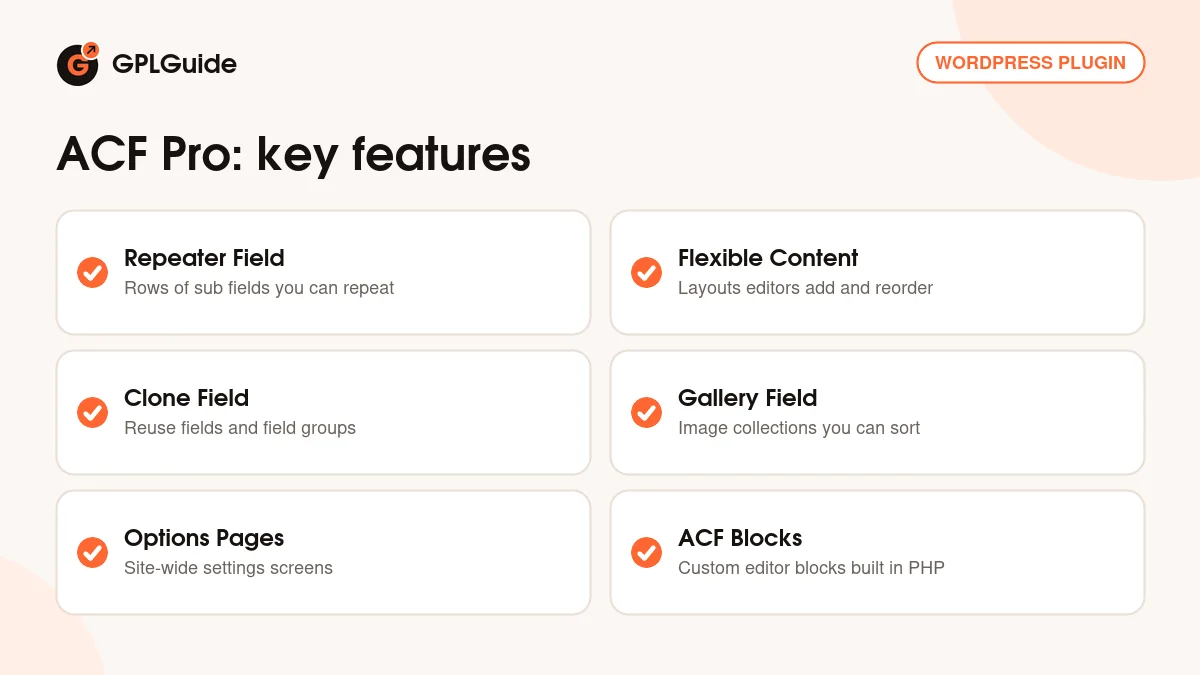
Repeater. A Repeater holds a set of Sub Fields that an editor can add again and again as rows. Minimum Rows and Maximum Rows set limits, Button Label renames the Add Row button, and Layout shows the rows as a Table, as Blocks or as Rows. Collapsed folds each row down to one chosen sub field, and Pagination with Rows Per Page splits long lists in the admin. In templates you loop with have_rows(), the_row() and get_sub_field().
Flexible Content. Here you define several Layouts, each with its own Label, Name, Limit, Display and fields. Editors pick a layout, fill it in and reorder the sections as they like, within your Minimum Layouts and Maximum Layouts. In the template, get_row_layout() tells you which layout the current row uses, so you can load the matching template part. Since 6.5.0, layouts can be renamed in the post editor, disabled and collapsed in bulk.
Clone. The Clone field shows existing fields or whole field groups inside another group at runtime, without copying them in the database. Choose the Fields to clone, then set Display to show them in place of the Clone field or wrapped as a Group of sub fields. Prefix Field Labels adds the Clone field's label in front of each cloned label, and Prefix Field Names prefixes the saved field names.
Options Pages and the Gallery field
Options Pages. Some content belongs to the whole site rather than one post: a phone number, a footer note or a promo banner. Since ACF Pro 6.2 you can create Options Pages under ACF, Options Pages. Set a Page Title (it starts as "Site Settings") and a Menu Slug, pick a Parent Page if needed, then open Advanced Configuration for the Menu Icon, Menu Position, Update Button Label, Capability (edit_posts by default) and Autoload Options.
Developers can register the same pages in code with acf_add_options_page() and acf_add_options_sub_page() inside the acf/init action. To read a value, pass 'option' as the second parameter, for example the_field('header_title', 'option').
Gallery. The Gallery field keeps a collection of images in one field, where editors add, edit and sort them. Return Format gives you an Array, URLs or IDs. Insert decides whether new images go at the Beginning or End, and Minimum Selection and Maximum Selection set how many images are allowed. The Minimum and Maximum settings check width, height and file size.
ACF Blocks and Blocks V3
ACF Blocks let you build custom blocks for the block editor in PHP, without React or JavaScript. Each block has a block.json file registered with register_block_type(), and its "acf" key points to a renderTemplate (a PHP file) or a renderCallback. A field group with the location rule "Block is equal to" your block supplies the fields, and the template reads them with get_field().
ACF Pro 6.6 introduced Blocks V3. The old switch between Edit and Preview mode is gone: the editor always shows your PHP template as a live preview, and the fields sit in the sidebar or in a larger expanded editor that opens from the pencil icon. Since 6.7.0, V3 supports inline editing, so editors can change content right in the preview. Opt in per block with "blockVersion": 3, or for all blocks with the acf/blocks/default_block_version filter.
Setups you can copy with ACF Pro
These examples only use the settings described above. Change the names to suit your project.
- Team page: a Repeater called team with Name, Role and Photo sub fields, Layout set to Block and Collapsed set to Name. Loop it with have_rows('team') in your page template.
- Landing page builder: a Flexible Content field with Hero, Text and Image, Testimonials and Call to Action layouts. Use get_row_layout() to load one template part per layout.
- Site settings: an Options Page titled Site Settings with phone, address and footer text fields. Print them anywhere with the_field('phone', 'option').
- Reusable button: a small field group with a Link field and a Select for the button style, cloned into other groups with Display set to Group and Prefix Field Names turned on.
- Project gallery: a Gallery field on a Projects post type that you registered in ACF, with Return Format set to Array and a Minimum Selection of 3.
- Testimonial block: an ACF Block with "blockVersion": 3 and a renderTemplate, plus a field group whose location is Block is equal to Testimonial.
What's new in ACF Pro 6.8.10
Version 6.8.10 came out on September 10, 2026. It is a security release with seven changes. Uploaded PDF files must now start with the standard PDF header. The Relationship, Post Object, Image, Gallery and File fields respect WordPress read permissions in REST API responses, and the REST schema no longer reveals field group settings to callers who can't read the object. Frontend forms get a token that expires and always run field validation, and the User field AJAX endpoint checks its nonce.
Before it, 6.8.9 (August 27, 2026) made blocks without a declared version default to V3 on WordPress 7.1 or later and added the renderPreview option. 6.8.8 (August 19, 2026) fixed Image and Gallery fields rejecting SVG files. 6.8.7 (August 4, 2026) was another security release, and 6.8.6 (July 14, 2026) fixed field saving on WooCommerce orders with HPOS in compatibility mode. At the time of writing, 6.8.10 is the newest version in WP Engine's changelog.
Good to know before you buy
Since version 6.2.8 (April 2, 2024), WP Engine's changelog says ACF PRO needs a valid license activated to use PRO features. Its activation guide says that until a valid key is active on the site, you can't create new PRO fields or edit existing ones, and you can't use Options Pages or ACF Blocks. The file from GPLGuide already has its license key activated, so there is no key for you to enter.
The same guide says the editing and display of field data is not affected by license status.
ACF Pro is also a developer tool. Showing values on the front end normally means editing PHP templates, and ACF Blocks are written in PHP. Newer parts such as the Abilities API integration and JSON-LD schema output from 6.8.0 sit behind feature flags.
ACF Pro from GPLGuide vs the official subscription
From GPLGuide you get the original ACF Pro 6.8.10 plugin ZIP, released under the GPL, to install on your own websites. It is the same code that WP Engine ships, with the Repeater, Flexible Content, Clone and Gallery fields, Options Pages and ACF Blocks all in the file.
An official license from WP Engine includes updates inside WordPress through your ACF account, help desk support tickets and a 30-day money-back guarantee. WP Engine lists ACF PRO at $49 per year for one site (Personal), $149 per year for up to 10 sites (Freelancer) and $249 per year for unlimited sites (Agency).
How to install ACF Pro
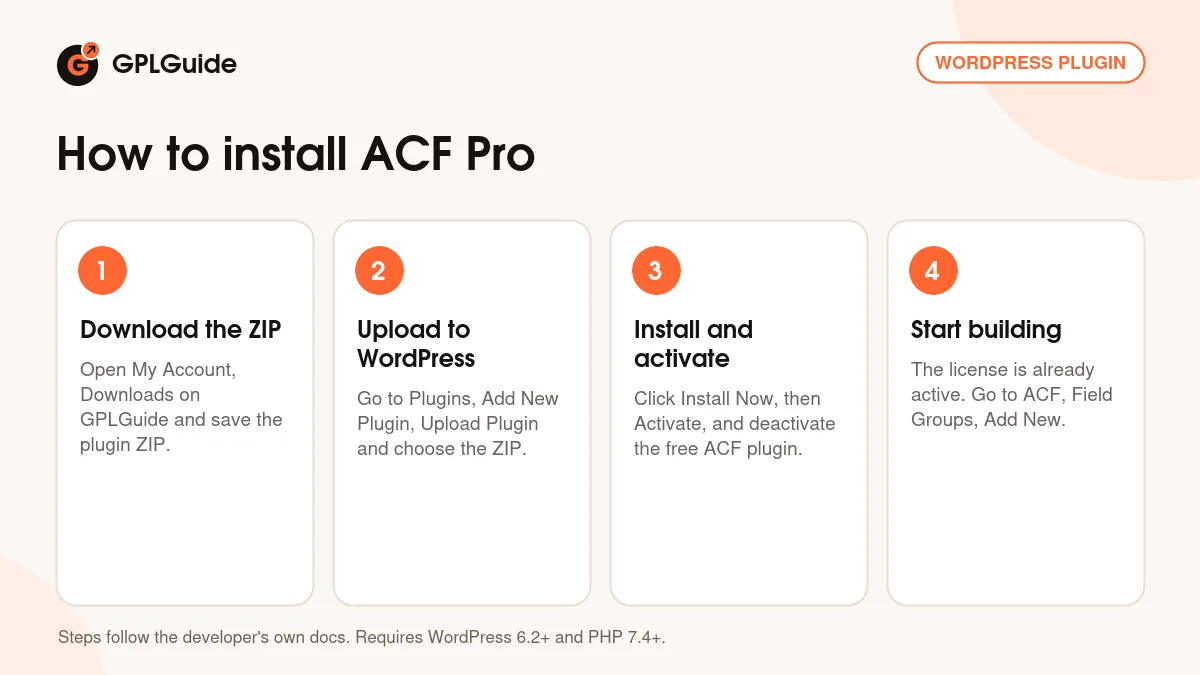
- Sign in to GPLGuide, open My Account, Downloads and save the Advanced Custom Fields (ACF) Pro ZIP.
- In WordPress go to Plugins, Add New Plugin, Upload Plugin and choose the ZIP.
- Click Install Now, then Activate. If the free Advanced Custom Fields plugin is active, deactivate it, because ACF Pro runs on its own.
- Start building: the license key is already activated, so go to ACF, Field Groups, click Add New and add your first Repeater or Flexible Content field.
For a good first setup, create a field group called Page Extras with one Repeater and two or three sub fields, and set its location to pages. Save it, open a page to see the rows, then add a have_rows() loop to your page template. Next, try an Options Page for site-wide details such as your phone number.
Keeping it up to date
Updates from GPLGuide are manual. When a new version of ACF Pro is listed here, download it from your account and upload it under Plugins, Add New Plugin, Upload Plugin. WordPress offers to replace the installed copy, and your fields and content stay in place because they are stored outside the plugin folder. If you see a newer version that we haven't added, let us know on the Request Item/Update page.
Questions about ACF Pro
Do I need the free Advanced Custom Fields plugin as well? No. ACF Pro is a standalone plugin. Deactivate the free version when you activate ACF Pro.
Will I lose my fields if I switch from the free plugin? WP Engine says no. Both share the same codebase, and the developer says no data is deleted or modified during the upgrade. A backup first is still a good idea.
Do I need to enter a license key for the PRO fields? No. The ACF Pro file from GPLGuide comes with the license key already activated, so you can create Repeater, Flexible Content and Gallery fields, Options Pages and ACF Blocks right after you install it.
What happens when a WP Engine subscription runs out? Updates stop, and you can't create new PRO fields, ACF Blocks or options pages. Existing PRO field definitions can still be edited, and editors can keep using what is already there.
Does ACF Pro work with WooCommerce? Yes. It can add fields to WooCommerce orders (since 6.4.0) and to WooCommerce Subscriptions (since 6.4.2) when HPOS is used.
Do I need to write code? You build field groups, Options Pages and post types in the admin. Showing values on the front end uses PHP functions such as get_field() in your theme, and ACF Blocks need a PHP template.
Can I manage field groups from the command line? Yes. Version 6.8.0 added WP-CLI wp acf json commands for importing, exporting, syncing and checking the status of ACF JSON files.
Building more custom sites? Browse more WordPress plugins on GPLGuide, or see what a GPLGuide membership includes if you use several premium plugins. The free Advanced Custom Fields plugin is on WordPress.org.
Features & capabilities
- Repeater field with Table, Block or Row layout, row limits and pagination
- Flexible Content layouts that editors add, rename, disable and reorder
- Clone field to reuse fields and field groups without copying them
- Gallery field with return format, selection limits and file checks
- Options Pages built in the admin or with acf_add_options_page()
- ACF Blocks in PHP with block.json, Blocks V3 and inline editing
- Fields on WooCommerce orders and Subscriptions when HPOS is used
- WP-CLI wp acf json commands and no need for the free plugin