
AdSanity Core

100% Original fileUnmodified copy of the developer's release
DeveloperAdSanity
Up to dateOriginal released Sep 1, 2025 · File last updated Oct 23, 2026
About this product
AdSanity Core 1.9.5 is the main AdSanity plugin, an ad manager for WordPress that runs your own banners and ad network code from the dashboard. It's for bloggers, niche publishers and small media sites that sell ad space to sponsors for set dates, promote their own products or newsletter, or paste in units from networks like Google AdSense, and want to see which ads get clicked without running a separate ad server. Every AdSanity add-on needs it installed first.
What's in the AdSanity Core download
Our download is the original AdSanity Core ZIP for version 1.9.5, with the license key already activated. It is the core plugin only. The add-ons are separate plugins and not in this file: Rotating Ad Widget and Google Analytics Tracking (both available here as their own products), plus Weighted Ads, Impressions, Ad Block Detection, Conditional Ad Appearance, User Role Ad Visibility, Advertiser Reporting, Custom Ad Sizes, Image Cache Buster and the Ordered Ad Group Widget.
Good to know
AdSanity needs WordPress 5.6, PHP 7.4 and MySQL 5.7 or newer. Watch your page caching: the plugin picks a fresh set of ads on every page load, so a cache that serves whole pages without asking the server is not compatible, while object and fragment caching are fine. Ads from external networks and HTML5 ads display normally, but core tracking doesn't count their views and clicks; that takes the Google Analytics Tracking add-on.
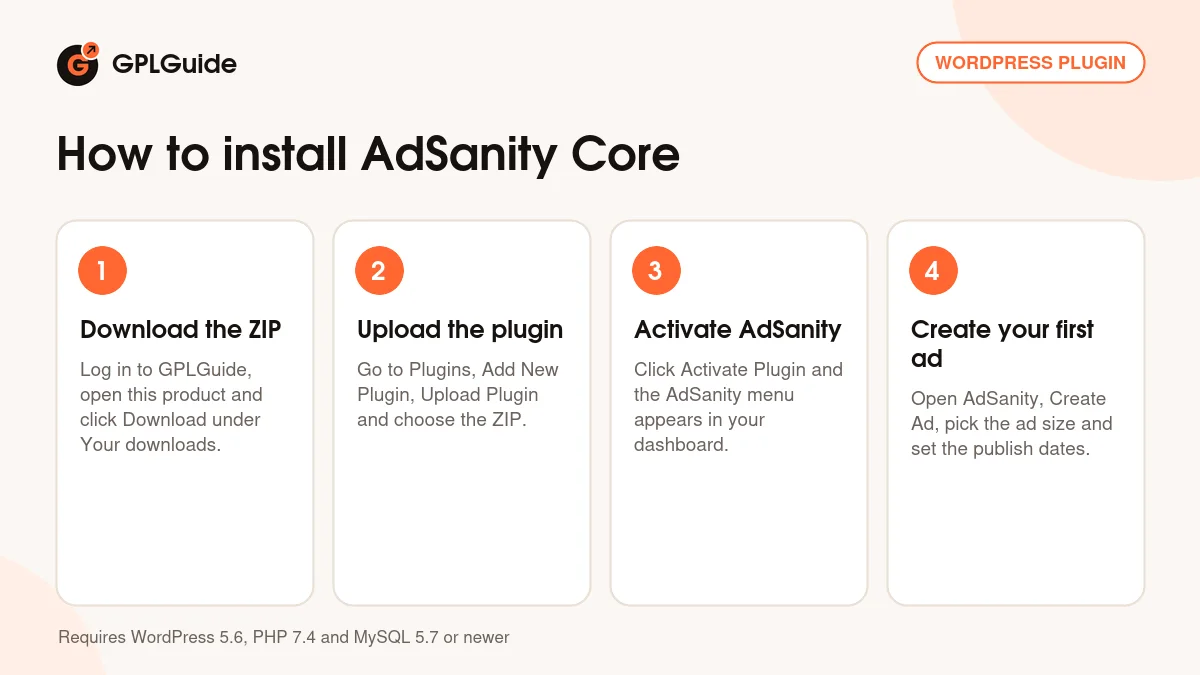
How to install AdSanity Core
Features & capabilities
- One Create Ad screen for hosted image ads (JPG, PNG or GIF), HTML5 ads, text ads and ad network code
- A start and end date for each ad, or let it run indefinitely
- Ad groups that show one random ad or several ads in columns
- Place ads with blocks, the Single, Random and Ad Group widgets, shortcodes or PHP template tags
- Views, clicks and CTR, with all-time top 10 lists and date-range custom reports you can export as CSV
- Exclude chosen user roles from tracking so your own visits don't skew the numbers
- Display Options to place ad groups in posts, pages or both automatically, plus an ads.txt field in Settings
- New IAB sizes in this release: a 300 x 50 smartphone banner and a wide 970 x 250 banner
Frequently asked questions
Is this the original file?
Yes. Every product on GPLGuide is the developer’s own release, unchanged. The license key comes already activated. If a product does ask for a key, the activation steps appear on its page once you have it.
Is it legal to use a GPL plugin or theme from GPLGuide?
Yes. WordPress plugins and themes are released under the GPL, which lets anyone use, share and change the code. The developer’s support desk and the developer’s own update service are not part of the file; those stay with the developer.
How do I install it?
Log in, open the product page and click Download under Your downloads. For a plugin go to Plugins, Add New Plugin, Upload Plugin, choose the ZIP, then Install Now and Activate. For a theme go to Appearance, Themes, Add New Theme, Upload Theme.
How do updates work?
When a newer version is listed on GPLGuide, download it from the product page and upload it over the installed copy; WordPress offers to replace the old version. Updates are manual.
Can I use it on more than one site?
Yes. The GPL lets you use it on as many of your own sites as you like.
What if the file does not work or a newer version is out?
Tell us on the Request Item page or through Support. We check the file and add the newer version when we have it.


