
Zippy - Multipurpose Elementor WordPress Theme

100% Original fileUnmodified copy of the developer's release
DeveloperRadiantThemes
Up to dateFile last updated Oct 23, 2026
About this product
Zippy Theme 2.0 is a multipurpose WordPress theme for Elementor, aimed at startups, agencies, restaurants and service businesses that want to launch from a ready design. The developer's demo site offers 24 home pages, covering IT solutions, consulting, finance, banking, investments, online payments, SaaS, digital marketing, dentists, beauty salons, life coaches and construction firms. You import the closest one and rework it in Elementor rather than design every page from scratch.
What's in the Zippy Theme download
Our download is the original Zippy package for version 2.0, with the license key already activated. It holds the installable theme, zippy.zip. After activation the theme's installer asks you to click Install all plugins. The theme is built on Elementor, needs Contact Form 7 for its seven prebuilt forms, and only sets up the shop and its demo data if you tick Activate Shop.
Good to know
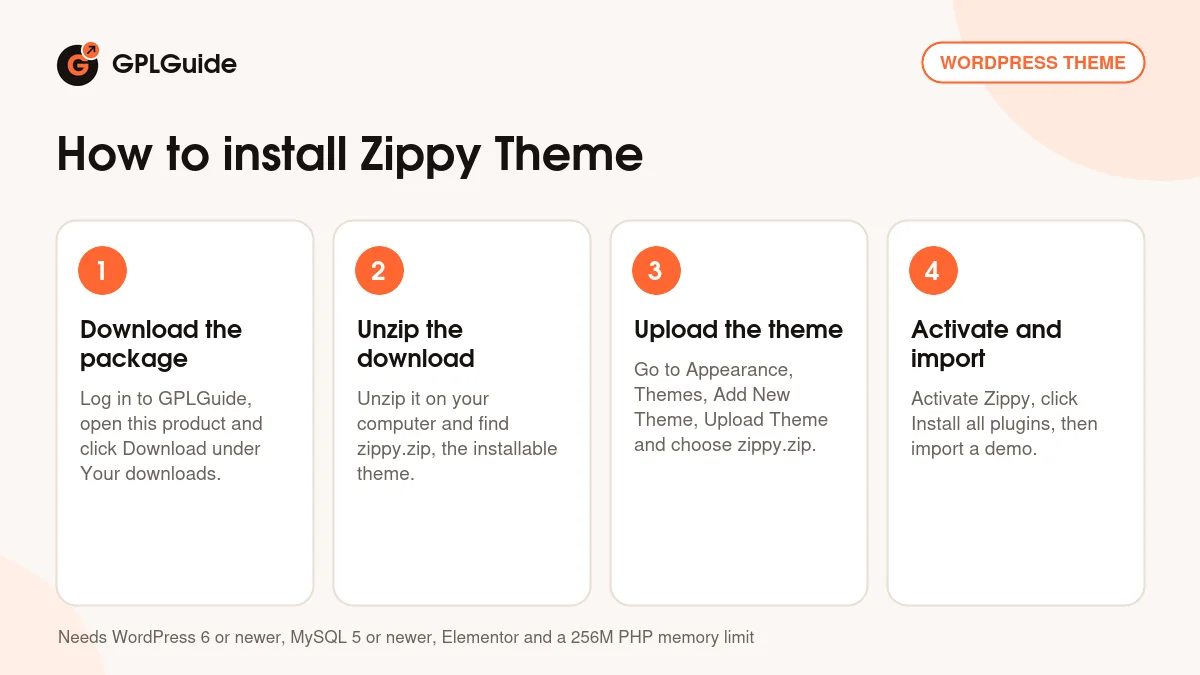
Unzip the download on your computer first and upload zippy.zip, not the whole package. The docs ask for WordPress 6 or newer, MySQL 5 or newer, a 256M memory limit, max_input_vars of 3000 and a 300 second execution time, and say the demo import won't work on WP Engine or WordPress.com. The import replaces your current content, so start on a fresh install. Afterwards go to Elementor, Tools and click Regenerate CSS.
How to install Zippy Theme
Features & capabilities
- 24 home page demos, from startups and banking to beauty salons and construction.
- Layouts that range from split screens to video sections.
- Headers, footers and mega menus built and edited in Elementor.
- Seven ready contact forms that run on Contact Form 7.
- WooCommerce shop with button, image and color swatches via Variation Swatches for WooCommerce.
- Retina-ready design with a separate retina logo setting.
- Blog and shop layouts set once in Theme Options for the whole site.
- Translation with Loco Translate or Poedit, and WPML compatible.
Frequently asked questions
Is this the original file?
Yes. Every product on GPLGuide is the developer’s own release, unchanged. The license key comes already activated. If a product does ask for a key, the activation steps appear on its page once you have it.
Is it legal to use a GPL plugin or theme from GPLGuide?
Yes. WordPress plugins and themes are released under the GPL, which lets anyone use, share and change the code. The developer’s support desk and the developer’s own update service are not part of the file; those stay with the developer.
How do I install it?
Log in, open the product page and click Download under Your downloads. For a plugin go to Plugins, Add New Plugin, Upload Plugin, choose the ZIP, then Install Now and Activate. For a theme go to Appearance, Themes, Add New Theme, Upload Theme.
How do updates work?
When a newer version is listed on GPLGuide, download it from the product page and upload it over the installed copy; WordPress offers to replace the old version. Updates are manual.
Can I use it on more than one site?
Yes. The GPL lets you use it on as many of your own sites as you like.
What if the file does not work or a newer version is out?
Tell us on the Request Item page or through Support. We check the file and add the newer version when we have it.