Youplay – Gaming WordPress Theme

100% Original fileUnmodified copy of the developer's release
DevelopernK
Up to dateOriginal released Sep 24, 2026 · File last updated Oct 17, 2026
About this product
The Youplay theme is a gaming WordPress theme by nK for game stores, news sites, studios, clans and fan communities. It is built on Bootstrap and works with WooCommerce, BuddyPress and bbPress, so one site can carry a shop, member profiles and a forum. This page is for Youplay theme version 3.8.5, released on September 24, 2026. On GPLGuide you download the original theme file to install on your own websites. The file from GPLGuide comes with the license key already activated, so there is no key to enter.
Good for: Online game shops, esports clubs with member profiles, indie studios that want a news and community site, and streamers who want fans to log in, chat and buy merchandise in one place.
Requirements: WordPress. The ThemeForest listing shows compatibility with WordPress 6.0.x through 7.0.x, WooCommerce 7.x to 9.x, BuddyPress 9.x and 10.x, and bbPress 2.5.x and 2.6.x. It gives no PHP version. WPBakery Page Builder is supported, and Revolution Slider is included.
What the Youplay theme does
The Youplay theme gives a gaming site an image-led design with parallax blocks and large banners. According to the listing, it offers unlimited layouts and colour schemes, social sharing and account buttons, Google Fonts and an SEO-ready build on HTML5 and CSS3.
Community and commerce are the theme's strong side. The listing names WooCommerce, BuddyPress and bbPress support, and nK's changelog shows steady work on all three: WooCommerce templates were brought up to 7.x in version 3.8.2, and the same release fixed BuddyPress invitation pages and form input colours.
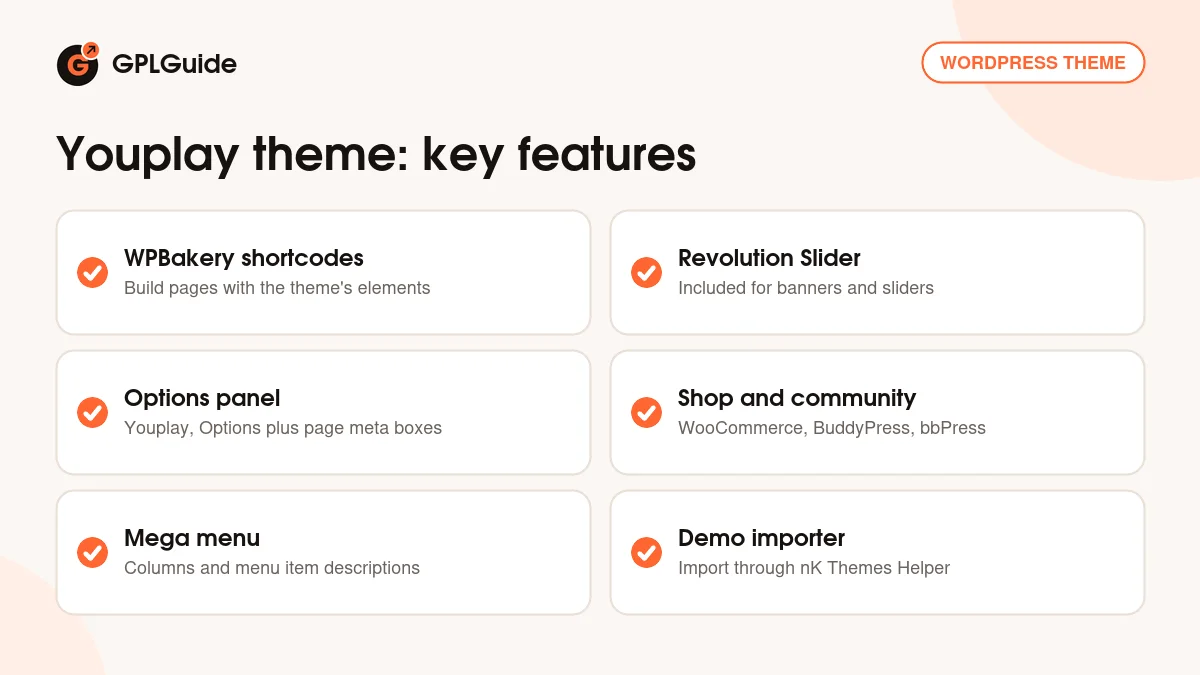
Everything is tuned from the Youplay menu in the WordPress admin. Open Youplay, Options and you reach, in nK's words, all of the theme's configuration settings. Single pages and posts also get meta boxes below the content, which can override the global settings for that page only.
Page building with the Youplay theme
Pages are built with WPBakery Page Builder, which nK's older docs still call Visual Composer. The theme registers its own shortcodes for the builder, and nK recommends that you use the builder instead of writing pages by hand. The docs show the full shortcode list only as a picture, so open the builder's element picker to see what is available.
Revolution Slider comes with the theme for banners and sliders. Behind the scenes, nK credits a set of front-end libraries: Bootstrap, Jarallax, Owl Carousel 2, jQuery Countdown, Magnific Popup, Isotope and SmoothScroll. The library names suggest parallax backgrounds, carousels, countdowns, lightbox pop-ups and filterable grids.
The banner is a good example of how the theme thinks. On blog posts the banner image comes from a theme option, and nK's FAQ explains how to switch it to each post's featured image with a short child theme edit, described below.
Member profiles, forums and shops in the Youplay theme
The three community plugins are separate installs, so add only what you need. BuddyPress gives members profiles and groups, bbPress adds forums and WooCommerce adds a shop. The Youplay theme supports all three, and the listing shows version ranges for each.
nK documents a nice extra for streamers: a Twitch tab on BuddyPress profiles. You put nK's small BP_Twitch_Tab class in your child theme's functions.php (or in a custom plugin), create a profile field called Twitch Channel under Users, Profile Fields, and then fill it in under Users, Select User, Extended Profile. The tab appears on a member's profile only when that field has a value, and it shows an embedded Twitch player with chat.
Check the version ranges before you update the plugins around the theme. The listing's WooCommerce range ends at 9.x, BuddyPress at 10.x and bbPress at 2.6.x, so test newer releases on a staging copy before you update a live shop or community. The same care applies to WordPress itself.
Login is handled in the navigation bar. Version 3.8.2 fixed a bug where the login dropdown opened by itself when a browser autofilled the form, which matters on a site where members sign in often.
Menus and small tweaks nK documents
Menus live under Appearance, Menus. Tick the Mega Menu checkbox on a first-level item to build a dropdown with columns. To give menu items a description, switch on Description in Screen Options at the top of the Menus screen and fill in the description field of a first-level item.
nK's FAQ covers the changes people ask for most: the navbar background colour, the overlay colour on images and banners, and the footer background overlay. It also has a jQuery snippet that makes dropdown parent items clickable on desktop, since by default they only open the menu, and a way to add the top-level link inside the dropdown on mobile.
The blog banner tweak needs a child theme. Copy single.php into it, find the line that builds the [yp_banner] shortcode and replace the banner image value with the post's featured image ID. Leave the other parameters as they are. Keeping the edit in a child theme matters, because nK warns that edits made straight to theme files can be lost when you update.
Ideas to copy with the Youplay theme
- Game shop: a WooCommerce store with the theme's templates, a Revolution Slider banner for new releases and the WooCommerce templates the theme ships with.
- Esports club: BuddyPress member profiles, a bbPress forum for strategy talk and a news blog whose posts use their featured image as the banner.
- Streamer hub: the Twitch tab on member profiles, a merchandise shop and news posts about the next stream or event.
- Review blog: standard posts with featured-image banners (using the child theme edit above), Google Fonts for headings and the SEO-ready build the listing mentions.
- Studio site: a WPBakery front page with parallax blocks for each game, a devlog blog and social sharing buttons on every post.
A child theme is the safest home for all the tweaks above. nK's snippet for clickable dropdowns does not say where the JavaScript goes, so use a custom JS option from your child theme or from a code snippets plugin. Keep a note of each change, so you can repeat it after you upload a newer version of the theme.
Whatever you choose, change one global setting at a time under Youplay, Options and refresh the front end after each. That makes it easy to see which setting changed what, and the per-page meta boxes let you break the rules on a single landing page.
What's new in the Youplay theme 3.8.5
Version 3.8.5 came out on September 24, 2026. nK says demo import now works without a purchase code. It is a small release, and the changelog lists no other change.
Earlier releases: 3.8.4 (November 26, 2025) fixed notices on PHP 8.3 and newer. Version 3.8.3 (December 22, 2024) updated the FontAwesome icons and the footer social link icon classes, and fixed WordPress 6.7 compatibility. Version 3.8.2 (January 23, 2023) updated WooCommerce templates to 7.x and fixed the login dropdown, BuddyPress invitation pages and BuddyPress form colours. Version 3.8.1 (May 2, 2022) fixed variable product add-to-cart, product short descriptions, checkout checkboxes and the display of regular and sale prices.
Good to know before you buy
nK has a newer release than the one on this page. Version 3.8.6 came out on October 5, 2026 and changes how the OptionTree plugin installs, because that plugin was removed from WordPress.org. Our file is 3.8.5 and does not include that change. If the theme asks for OptionTree and the install fails, use the request page below.
The listing says the Youplay theme was created 11 years ago, and nK still releases updates for it, with 3.8.5 arriving in September 2026. WPBakery and Revolution Slider come inside the theme file. nK's docs say their own purchase codes are not required to use them with its themes, and that updates straight from the plugin makers need a personal licence from them, so use the versions that ship with the theme.
nK's Get Started page only points to a general WordPress theme guide. The ThemeForest listing says item support from nK is not included, and the preview images are not part of the download. The listing gives no PHP version, and the shortcode list in the docs is a picture, so expect to explore the builder yourself.
Youplay theme from GPLGuide vs the official subscription
From GPLGuide you get the original Youplay theme 3.8.5 file, with the options panel, the WPBakery shortcodes and Revolution Slider inside. The file comes with the license key already activated. The Youplay theme is sold by nK on ThemeForest, where the Regular licence costs $69. nK states that its WordPress themes are licensed under the GNU GPL.
Buying on ThemeForest adds future updates through the marketplace and the marketplace's refund rules. Because the listing says nK does not support this item, updates are the main extra. Anything that runs on nK's own servers belongs to nK. If you only need the theme files, that is what you get here.
How to install the Youplay theme
- Sign in to GPLGuide, open My Account, Downloads and save the Youplay theme ZIP.
- In WordPress go to Appearance, Themes, Add New, Upload Theme and choose the ZIP.
- Click Install Now, then Activate.
- Use the Begin Installing Plugins link in the admin notice (or Appearance, Install Plugins), select the plugins, choose Install and click Apply.
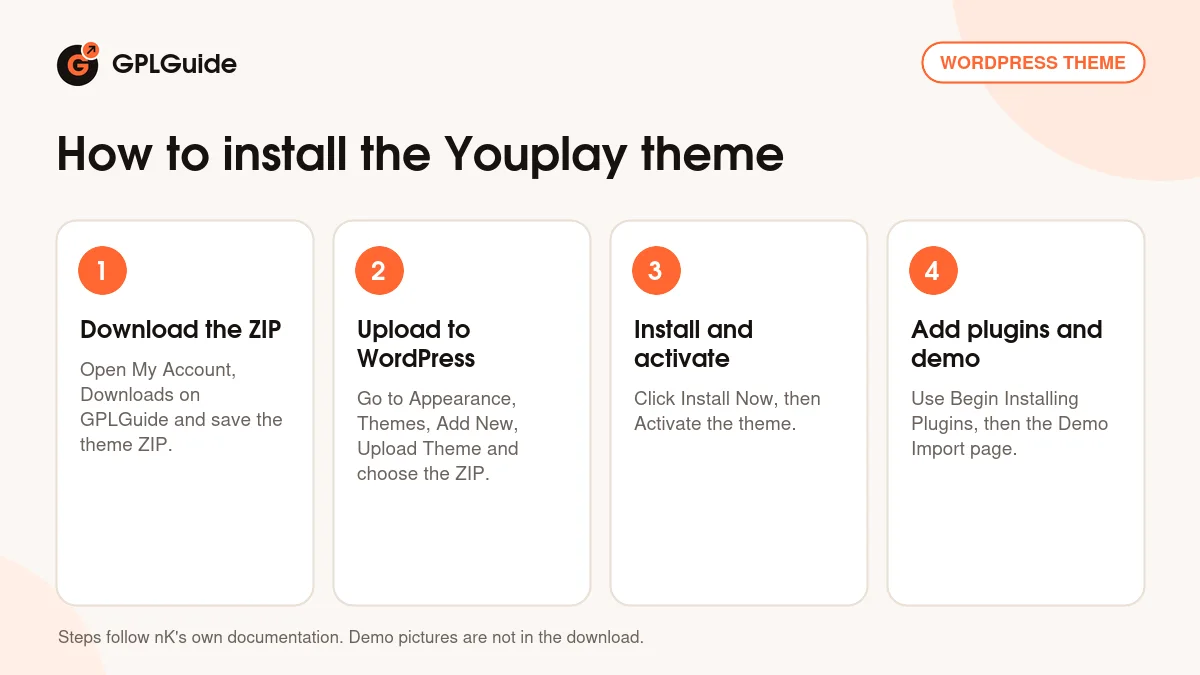
For a first setup, install WooCommerce, BuddyPress or bbPress only if you need them. Then add the nK Themes Helper plugin, open the theme's Demo Import page, read the Important Notes and import a demo on a fresh WordPress site. Run Regenerate Thumbnails afterwards, as nK advises, and set your menus under Appearance, Menus.
Keeping it up to date
Updates from GPLGuide are manual. When a new version of the Youplay theme is listed here, download it from your account and upload it under Appearance, Themes, Add New, Upload Theme. WordPress offers to replace the installed copy. Put your own code in a child theme so an update cannot overwrite it. Make a backup before you upload, and afterwards check your menus, your shop pages and your member pages. If you see a newer version that we haven't added, let us know on the Request Item/Update page.
Questions about the Youplay theme
Is the Youplay theme built on Bootstrap? Yes. The listing calls it Bootstrap-based and names Bootstrap 4.x in its compatibility list.
Can I add Twitch to member profiles? Yes, with nK's BP_Twitch_Tab code in a child theme and a profile field named Twitch Channel, as described above.
Which WooCommerce versions does it list? WooCommerce 7.x to 9.x, and nK has updated the templates to 7.x in version 3.8.2.
Why are my dropdown menu items not clickable? By default they only open the menu. nK's FAQ has a short jQuery snippet that makes them links on desktop.
Can blog posts use their featured image as the banner? Yes, with a small edit to single.php in a child theme, as nK's FAQ explains.
Does the Youplay theme have a mega menu? Yes. Tick the Mega Menu checkbox on a first-level menu item.
Do I get the demo pictures? No. The listing says the preview images are not included in the download.
Is a child theme included? nK's FAQ refers to a Child Youplay theme. Look for it in your download, or create your own simple child theme.
What changed in 3.8.6? nK's changelog says it fixed the OptionTree plugin installation. It is newer than the 3.8.5 file on this page.
Want a different look? Browse the WordPress themes on GPLGuide, or see what a GPLGuide membership includes if you run several sites. The member profiles in the Youplay theme come from the free BuddyPress plugin on WordPress.org.
Features & capabilities
- Bootstrap-based gaming design with parallax blocks and large banners
- WPBakery Page Builder support and Revolution Slider included
- Options panel under Youplay, Options, plus per-page meta boxes
- Unlimited layouts and colour schemes
- WooCommerce, BuddyPress and bbPress support
- Mega menu and menu item descriptions
- Twitch tab for BuddyPress profiles, documented by nK
- Demo importer through the nK Themes Helper plugin