Advanced iFrame Pro

100% Original fileUnmodified copy of the developer's release
DeveloperMichael Dempfle
Up to dateOriginal released Oct 10, 2026 · File last updated Oct 16, 2026
About this product
Advanced iFrame Pro is a WordPress plugin by Michael Dempfle that embeds other web pages in your posts and pages and then shapes them to fit: it can show only one area of a page, hide parts you don't want, resize the frame to its content and pass URL parameters through. It is the paid upgrade of the free Advanced iFrame plugin. This page is for Advanced iFrame Pro 2026.4, released on October 10, 2026. On GPLGuide you download the original plugin file to install on your own websites.
Good for: site owners who need to show a booking form, a dashboard, a price table or an old web app inside WordPress, and anyone who wants just one part of an external page without the clutter around it.
Requirements: WordPress 5.5 or newer and PHP 7.4 or newer. The developer lists version 2026.4 as tested with WordPress 7.1.3. No other plugin or theme is needed, but the page you embed must allow framing.
What Advanced iFrame Pro does
You place an iframe with the [advanced_iframe] shortcode or with the plugin's block in the block editor. The basic settings live under Settings, Advanced iFrame Pro, and anything you write in the shortcode overrides them. For safety, a shortcode only works with the security key from the plugin's settings.
From there Advanced iFrame Pro can change both sides of the frame. On your own page it can hide elements with hide_elements, restyle your content area with content_id and content_styles and hide the frame until it has loaded. Inside the iframe it can hide elements, show a single element and add CSS, as long as both pages are on the same domain.
The developer's comparison chart lists what Pro adds to the free plugin: showing only part of a page on any domain with a graphical area selector, zoom, lazy loading with a loading icon, fullscreen layers, changing link targets, browser dependent iframes, widgets, a shortcode generator and a standalone version for plain PHP pages. Pro also has no view limit.
The three setups Advanced iFrame Pro works with
Before you build anything, answer three questions. Can the page be embedded at all? Is it on the same domain as your site? Can you edit it? The developer's free iframe checker answers the first one, and the answers decide which settings will work.
The page can't be embedded. Some sites forbid framing, for example with the X-Frame-Options header. No plugin can get around that, so check this first.
Same domain. When the parent page and the iframe page share a domain, every function works: auto height with onload_resize, resizing after AJAX calls or clicks with resize_on_ajax and resize_on_click, hiding elements inside the frame with iframe_hide_elements and restyling them with iframe_content_id and iframe_content_styles. Note that www.example.com and shop.example.com count as different domains.
Different domain, page you can edit. Here the browser blocks direct changes, so Advanced iFrame Pro uses what the developer calls the external workaround. You add one script line to the remote page, set things up on the External workaround tab, and the remote page then resizes and restyles itself. Pro adds hiding elements, changing link targets and responsive iframes in this setup, plus postMessage options that can mix HTTP and HTTPS content.
Showing only part of a page in Advanced iFrame Pro
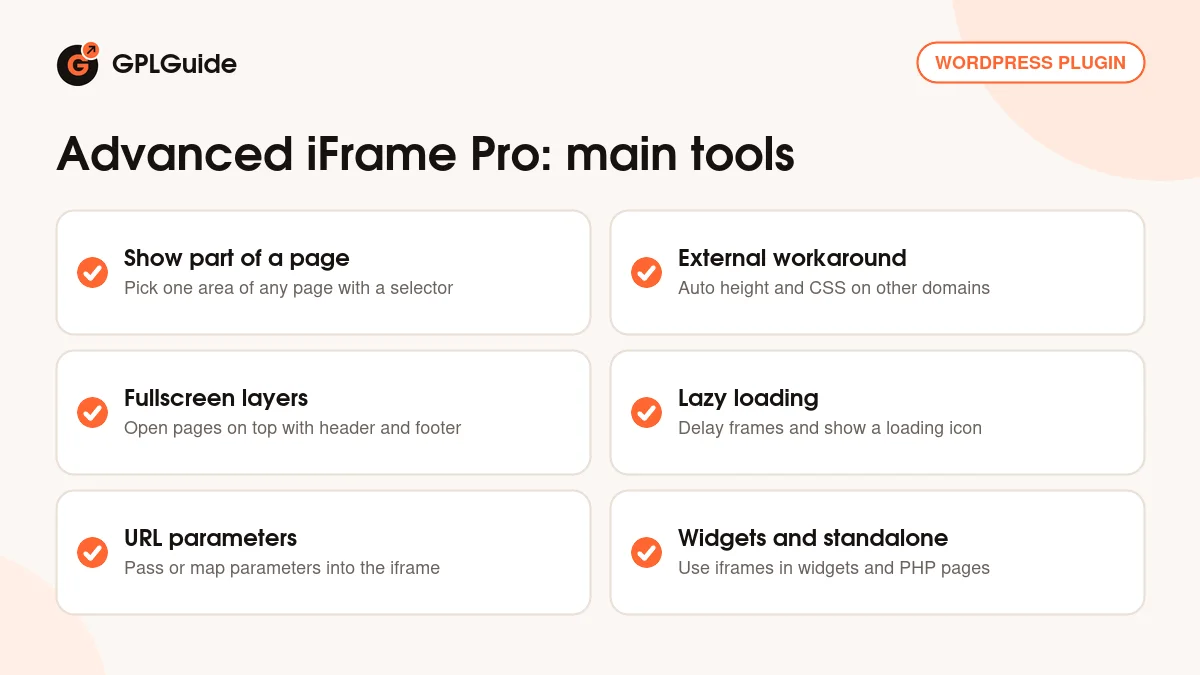
This Pro tool works even when the other page is on another domain and you can't touch it. You find it on the Advanced tab under "Show only a part of the iframe". Switch on show_part_of_iframe, then set the window you want with show_part_of_iframe_x, show_part_of_iframe_y, show_part_of_iframe_width and show_part_of_iframe_height. Instead of guessing pixels, open the graphical area selector and drag a box over the part you want.
A few extra settings make it work on real sites. show_part_of_iframe_zoom shrinks a window that is wider than the visitor's screen. show_part_of_iframe_media_query sets a different window for each screen width. show_part_of_iframe_next_viewports moves the window to a new area after the visitor moves on inside the frame, and show_part_of_iframe_next_viewports_loop starts again from the first one.
The developer is open about the limits. The iframe needs a fixed size, and your page can't see what happens inside the frame, so moving windows only follow the steps you expect. Scrollbars take up width, so select an area slightly larger than you need. The plugin also has the reverse tool, hide a part of the iframe, for covering a banner or menu.
Layers, zoom, lazy loading and links
Advanced iFrame Pro can open an external page as a fullscreen layer, much like a lightbox, with its own header and footer area. That suits a "Book now" link that should open a booking page on top of your site. It can also zoom the whole iframe, which helps when a wide page has to fit a narrow column.
For pages with several iframes, lazy loading delays loading the frames, and show_iframe_loader shows a loading icon in the meantime. The developer's examples tune this with enable_lazy_load_threshold and enable_lazy_load_fadetime.
Advanced iFrame Pro can also change link targets on your page and inside the iframe, so links open where you want them. It can add the iframe's current URL to the parent page address, and it can pass URL parameters from your page into the iframe or map parameter values to different URLs.
Setups you can copy with Advanced iFrame Pro
These ideas use only settings that the developer documents. Start each one with the free iframe checker to make sure the page allows framing.
- A chart or price table from another site: turn on show_part_of_iframe, draw the box with the area selector, and add show_part_of_iframe_zoom so it still fits on phones.
- A booking system on your own subdomain: add the external workaround script line to the booking pages, switch on auto height and hide the booking site's header so it looks like part of your page.
- A web app on the same domain: hide its menu with iframe_hide_elements, restyle it with iframe_content_styles, and use resize_on_click so the frame grows when panels open.
- Product pages with an ID in the URL: use url_forward_parameter to pass the ID from your page address into the iframe.
- A long page of demos or maps: switch on lazy loading and the loading icon so the page opens quickly.
- A form that should open on top: show the external page as a fullscreen layer with your own header and footer.
Not sure which attributes you need? The developer's AI Assistant gives you prompts for an AI chat tool that reads his docs. Treat its answer as a starting point.
What's new in Advanced iFrame Pro 2026.4
Version 2026.4 came out on October 10, 2026. It adds a template for including Google Analytics in the iframe, for the Pro version, documented inside the template itself. It was tested with WordPress 7.1.3 and updates the bundled Freemius library to 2.13.5, which the developer says includes security patches.
Version 2026.3 (September 19, 2026) added the AI Assistant and a first Google Analytics tracking template, and the settings now remember the active tab after a reload. Version 2026.2 (May 28, 2026) closed a security hole where contributors could still use additional_js in the block (CVE-2026-6742). Version 2026.1 (April 3, 2026) was a compatibility update for WordPress 6.9.4.
The bigger change came in 2026.0 (March 5, 2026), which the developer urged everyone to install. It fixed several security issues, raised the minimum to PHP 7.4 and WordPress 5.5, and brought two breaking changes. The hash and hashrewrite setting must now be set in both the settings and the shortcode, and postMessage from the iframe is only handled when that function is switched on.
Good to know before you buy
Advanced iFrame Pro can't break the rules of the page you embed. If a site forbids framing, it stays out. A secure HTTPS page can't show a plain HTTP page in most browsers. On another domain, auto height and style changes need that one script line on the remote page, so without access you are limited to showing part of the page, hiding part of it, zoom and responsive videos.
The block editor block can't use a few risky options since version 2025.7: onload, custom, include_html, additional_js and additional_js_file_iframe. Use the shortcode in a Shortcode block for those. If you update from a 2025 version, check the two breaking changes in 2026.0 above.
Moving from the free plugin or an older CodeCanyon copy? Advanced iFrame Pro installs in its own plugin folder, so external workaround pages must point their script line to the Pro folder. The AI Assistant runs in the AI tool you choose, not inside the plugin. The plugin bundles the Freemius library, which the developer uses for licenses and checkout.
Advanced iFrame Pro from GPLGuide vs the official subscription
From GPLGuide you get the original Advanced iFrame Pro 2026.4 plugin file, released under the GPL, to use on your own websites. Everything in the file works the same way: the area selector, the external workaround, layers, lazy loading, widgets and the standalone version. The file from GPLGuide comes with the license key already activated, so there is no key to enter.
A license bought from the developer through Freemius adds what we can't pass on: support from Michael Dempfle while the license is valid, one-click updates from him inside WordPress, a 30-day trial and the option to move the license to another site. He says licenses start at 0.99 EUR per month, with monthly, yearly and lifetime plans for 1, 5 or 50 sites. If you rely on his help, buy Advanced iFrame Pro from him.
How to install Advanced iFrame Pro
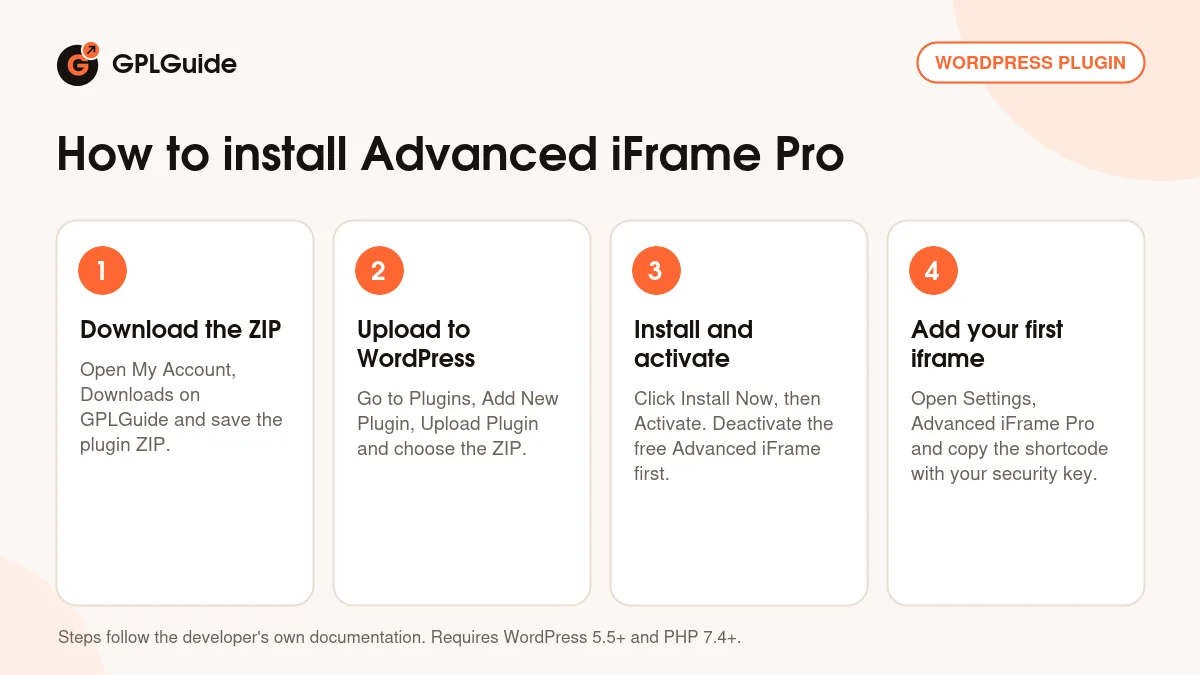
- Sign in to GPLGuide, open My Account, Downloads and save the Advanced iFrame Pro ZIP.
- In WordPress go to Plugins, Add New Plugin, Upload Plugin and choose the ZIP.
- Click Install Now, then Activate. If the free Advanced iFrame or a CodeCanyon copy is active, deactivate it first, as the developer's migration guide says.
- Open Settings, Advanced iFrame Pro, set your defaults and copy the shortcode with your security key into a page.
A good first setup for Advanced iFrame Pro is a page on your own domain, because every option works there. Embed it, switch on auto height so the inner scrollbar disappears, then hide its header with iframe_hide_elements. Once that works, try the area selector on an outside page.
Keeping it up to date
Updates from GPLGuide are manual. When a new version of Advanced iFrame Pro is listed here, download it from your account and upload it under Plugins, Add New Plugin, Upload Plugin. WordPress offers to replace the installed copy, and your settings stay in your database. Read the developer's changelog first, since some releases change how settings work. If you see a newer version that we haven't added, tell us on the Request Item/Update page.
Questions about Advanced iFrame Pro
Can it embed any website? No. If a site forbids framing, no plugin can show it. Test the address with the developer's free iframe checker first.
Do I need access to the other site? Not for showing or hiding part of a page, zoom or responsive videos. For auto height and style changes on a different domain, you add one script line to the remote page.
Does it work in the block editor? Yes, there is a block. A few options are blocked there for security, and you can use the shortcode in a Shortcode block for those.
Do I have to enter a license key? No. Your copy of Advanced iFrame Pro comes with the license key already activated, so all Pro tools are ready after activation.
Is there a view limit? No. The developer's comparison chart lists no view limit for Pro.
Can I use it outside WordPress? Yes. Pro includes a standalone version for any PHP page.
Where does the AI Assistant run? In an AI chat tool you choose. You paste the developer's prompt and the tool reads his docs. He recommends Claude.
Can I show different areas on phones? Yes. show_part_of_iframe_media_query sets a different area for each screen width.
Looking for more tools for your site? Browse our WordPress plugins on GPLGuide, or see what a GPLGuide membership includes if you use several premium plugins. To try the basics first, the free Advanced iFrame on WordPress.org is the base that Pro builds on.
Features & capabilities
- Show only part of any page, with a drag and drop area selector
- Hide parts of a page, zoom the iframe and keep videos responsive
- External workaround for auto height and CSS on other domains
- Fullscreen layers with header and footer for external pages
- Lazy loading with a loading icon for pages with many iframes
- Change link targets and pass or map URL parameters
- Block, shortcode, widgets and a standalone version for PHP pages
- Google Analytics template for the iframe, new in 2026.4