FacetWP – Advanced Filtering for WordPress
100% Original fileUnmodified copy of the developer's release
DeveloperFacetWP
Up to dateOriginal released Mar 23, 2026 · File last updated Oct 16, 2026
About this product
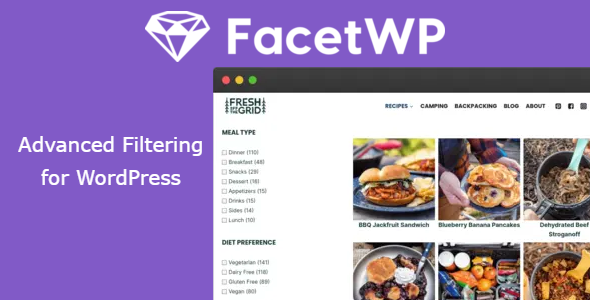
FacetWP is a filtering plugin for WordPress that adds facets, such as checkboxes, dropdowns, sliders, a search box and a map, so visitors can narrow down a list of posts or products without reloading the page. It is made by FacetWP, LLC and works with your existing archive pages, a custom query or its own Listing Builder. This page is for FacetWP 4.5, released on March 23, 2026. On GPLGuide you download the original plugin file to install on your own WordPress sites.
Good for: WooCommerce shops with large catalogs, directories, recipe sites, store locators and any blog or library where visitors sort through many items by category, custom field, price, date or location.
Requirements: A self-hosted WordPress site (it does not run on WordPress.com) with WordPress 5.0 or newer and PHP 7.0 or newer. The developer lists it as compatible with WordPress 7.1.3. The Map and Proximity facets also need a Google Maps API key linked to a Google Cloud billing account. Listings built with Elementor, Bricks, Beaver Builder or WordPress blocks need the matching add-on.
What FacetWP does
A facet is a filter that knows about the content it filters. When a visitor picks a choice in one facet, the other facets update to show only the choices that still return results, which avoids the dead end of a "No results found" page. Each change goes to the server with AJAX, and the new results are swapped in without a page reload. The selected choices also appear in the URL as query variables.
Facets can read almost any WordPress data: taxonomies such as categories and tags, custom fields, and post data like author, post date and post type. Built-in support covers WooCommerce (including attributes and variable products), Advanced Custom Fields (including relationship and repeater fields), SearchWP, WP Job Manager and WP-CLI, with no extra add-on needed.
How FacetWP works: listings and the index
Two things must be in place before a single filter appears. The first is a listing, the list of results that the facets act on. Without a filterable listing on the page, the facets do not show up at all. Only one such listing is supported per page, although other, static listings can sit beside it.
The listing can be a normal archive page such as your blog or shop, a custom WP_Query with the argument "facetwp" => true added, or a listing made with the built-in Listing Builder. If your loop is not detected, wrap it in an element with the facetwp-template class and keep the facets outside it. A setting called Advanced query detection, on by default, stops the plugin from picking the wrong query on archive pages.
The second is the index. Facet values are stored in a separate database table, which keeps filtering quick. After you add a facet or change its settings, you press Re-index. From then on the automatic indexer updates a post whenever you save it. You still need a full re-index after bulk imports with tools like WP All Import, after changing a term's hierarchy or after adding indexing hooks.
The built-in facet types
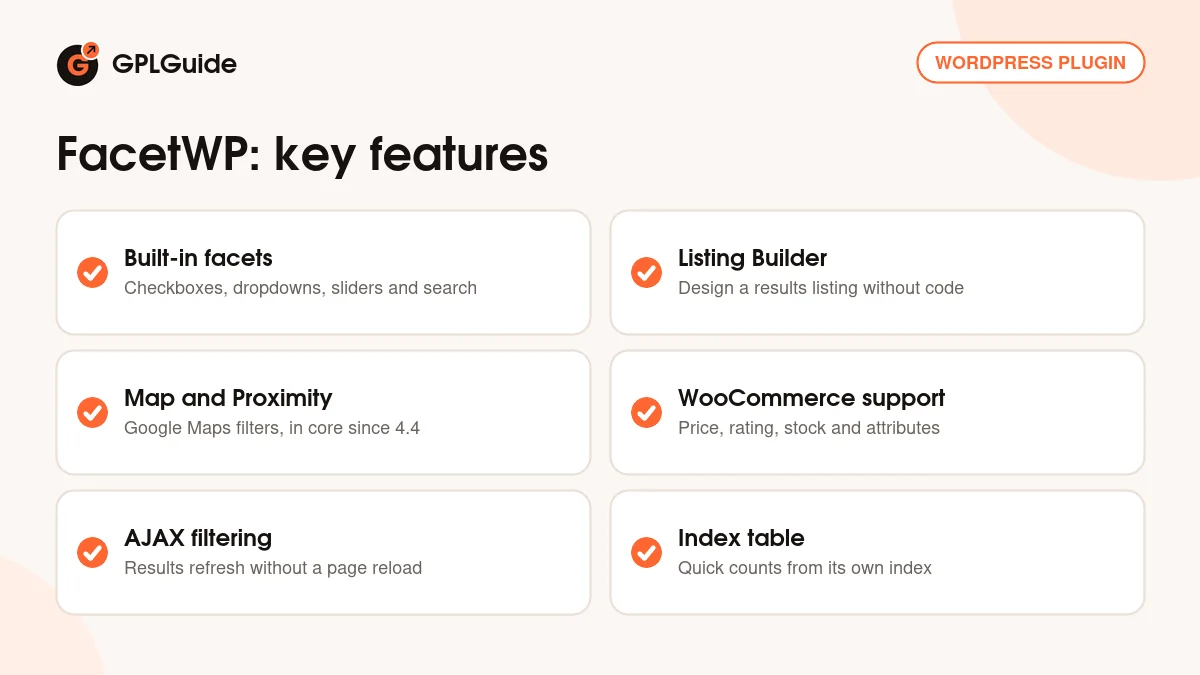
The core FacetWP 4.5 plugin includes 17 facet types: Checkboxes, Dropdown, Radio, fSelect, Hierarchy, Slider, Search, Autocomplete, Date Range, Number Range, Rating, Proximity, Map, Pager, Sort, Reset and User Selections. Each facet has a Label for visitors and a unique Name, and you place it with a shortcode such as [facetwp facet="product_color"].
Choice facets like Checkboxes share a familiar set of options. Data source picks the taxonomy, custom field or post value. Value modifiers include or exclude chosen labels. Facet logic switches between AND (match all) and OR (match any). Show ghosts keeps empty choices visible but dimmed, and a soft limit adds a "See more" link to long lists.
Utility facets handle the rest of the page. Pager has four modes: Page numbers, Result counts, Load more and Per page. Sort lets visitors reorder results, Reset clears their selections, and User Selections lists the active filters so each can be removed.
Map and Proximity moved into the core plugin in version 4.4. Proximity lets visitors type a place or press "Locate me", then choose a radius, shown in miles or kilometers as you prefer. The Map facet shows results as Google Maps markers, with options such as Marker clustering, Marker limit, a Map ID for cloud styling and Info window content. The old Map add-on stopped at version 1.2.
The Listing Builder and other ways to show results
If your theme has no suitable archive, the Listing Builder creates one for you. On the Display tab you stack items such as Post Title, Featured image, Post Excerpt, Post Author, Post Date, Button, HTML or any custom field, and set the Number of grid columns. The Query tab sets post types, posts per page, sorting and filter rules.
Each tab has a Dev mode checkbox for writing the output or query in PHP, and Convert to query args turns your visual query into PHP. When the listing is ready, press Copy shortcode and paste [facetwp template="your_listing"] into a page. Add the static attribute for a listing that should ignore facets.
Page builder users need the matching add-on. The Elementor add-on adds a switch to listing widgets such as Loop Grid and Posts (those widgets come from Elementor Pro), and there are separate add-ons for Bricks, Beaver Builder and block listings.
FacetWP setups you can copy
These use built-in facet types unless noted, so they work with the core plugin.
- WooCommerce shop: on the normal shop archive, add Checkboxes on product categories, a Slider on Price, a Rating facet on Average Rating and a Pager in Load more mode. If you filter by size or color attributes, turn on Support product variations and re-index.
- Blog or resource library: a Search facet above the posts, a Dropdown on categories, a Date Range on post date, a Sort facet for newest and oldest, and User Selections.
- Store or office locator: save latitude and longitude in a custom field, add a Proximity facet with the default radius options "10, 25, 50, 100, 250" and place a Map facet next to the listing.
- Directory built with ACF: Checkboxes on an ACF field, a Hierarchy facet on a nested region taxonomy and a Reset facet.
- Home page product finder: facets on the home page that send visitors to a results page with their choices applied. This one needs the separate Submit Button add-on.
Keep posts per page at around 15 to 20 and use a few well-chosen facets. The developer notes that every facet adds database queries and that filtering can only be as fast as your uncached site.
What's new in FacetWP 4.5
FacetWP 4.5 was released on March 23, 2026, the next release after 4.4.1. Many changes make the admin safer. New facets, listings and Sort options get a numbered suffix if the name already exists, deleting a facet or listing now asks for confirmation, and a reminder to press Save changes appears after edits. Facets from a deactivated add-on move to the bottom of the list and are marked as disabled.
Version 4.5 also supports a strict Content Security Policy with nonces and fixes a conflict with the output buffer added in WordPress 6.9 that broke facets on refresh. Indexing got several fixes: the cron event now exists only while indexing runs, cancelling clears the temporary table, and a false "index table is empty" message is gone. The Map, Proximity, fSelect, Reset and Sort facets also got bug fixes.
Before that, 4.4.1 (April 24, 2025) fixed an upgrade error with the Google Maps API key setting, 4.4 (April 23, 2025) brought the new built-in Map and Proximity facets, 4.3.6 (January 31, 2025) added escaping to the API key field, and 4.3.5 (December 16, 2024) added a hook that lets roles such as Editors manage facets.
Good to know before you buy
This item is the core FacetWP plugin. The add-ons are separate plugins that the developer offers to license holders: the extra facet types Hierarchy Select, Range List, Time Since, A-Z Listing, Color and Exclude; integrations for Blocks, Bricks, Elementor, Beaver Builder, Relevanssi, Multilingual (WPML and Polylang), Recipes, Meta Box and Flatsome; and tools such as Caching, Conditional Logic, Mobile Flyout, User Post Type, Submit Button and Schedule Indexer. They are not inside this ZIP.
This is not a drop-in widget. You need a working listing on the page and a re-index after facet changes, so some comfort with shortcodes or theme templates helps. For WooCommerce, only parent products appear in results, each variation needs explicit attribute values, and a Sort facet cannot sort by price when variable products are in the query.
Map and Proximity rely on Google, so you need your own API key with billing set up in Google Cloud. Filtering also runs through uncached AJAX requests, so a page caching plugin does not speed it up and a slow host means slow filtering.
FacetWP from GPLGuide vs the official subscription
From GPLGuide you get the original FacetWP 4.5 plugin file, released under the GPL 2.0, to use on your own websites. The code is the same, so the facet types, the Listing Builder, the index, the WooCommerce and ACF support and the built-in Map and Proximity facets work the same way.
An official subscription from FacetWP, LLC costs $99 per year on the Basic plan for 1 to 3 websites, or $249 per year on Professional for 20 websites, with Agency (100 sites, $349) and Enterprise (500 sites, $499) above that. Basic and Professional include update notices through your license key, a year of the developer's support and all official add-ons. The developer does not offer refunds and points buyers to a limited free trial instead. GPLGuide does not provide the developer's support.
How to install FacetWP
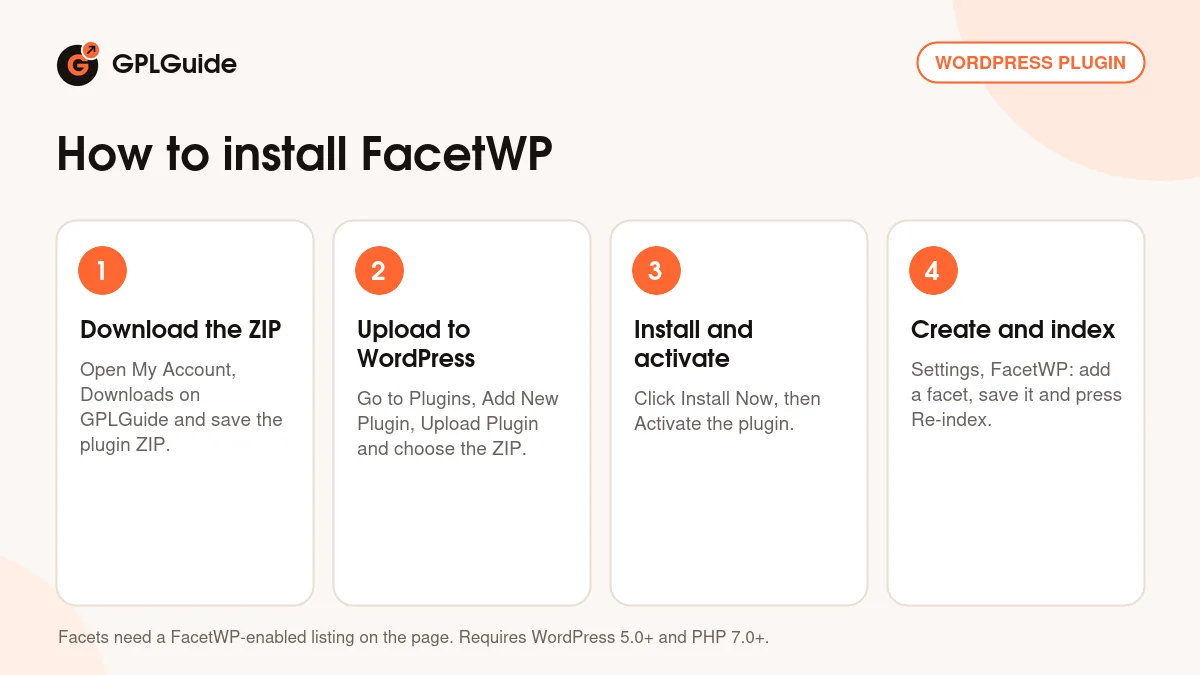
- Sign in to GPLGuide, open My Account, Downloads and save the FacetWP ZIP.
- In WordPress go to Plugins, Add New Plugin, Upload Plugin and choose the ZIP.
- Click Install Now, then Activate.
- Go to Settings, FacetWP, create your first facet, save it and press Re-index.
A simple first setup is a Checkboxes facet on post categories, placed in a sidebar with its shortcode, with your normal blog archive as the listing. Save, re-index, then open the blog page and tick a category. If no facet appears, the listing was not detected, and the template class mentioned above is the usual fix. Once that works, add a Pager and a Reset facet, then try the Listing Builder.
Keeping it up to date
Updates from GPLGuide are manual. The file from GPLGuide comes with the license key already activated, so there is no key to enter. When a new FacetWP version is listed here, download it from your account and upload it under Plugins, Add New Plugin, Upload Plugin. WordPress offers to replace the installed copy. If you see a newer version that we haven't added, let us know on the Request Item/Update page.
Questions about FacetWP
Will FacetWP work with my theme? The developer's own answer is "probably". It filters standard archive pages, custom WP_Query loops and Listing Builder listings, so most themes are fine.
Can it filter WooCommerce products? Yes, with no add-on. Data sources include Price, Average Rating, Stock Status, On Sale, product categories, tags and attributes. Variations need the Support product variations setting and a re-index.
Do I have to re-index after every new post? No. The automatic indexer updates a post when you save it. A full re-index is needed after changing facets and after bulk imports.
Is the Map facet included? Yes. Since version 4.4 the Map and Proximity facets are part of the core plugin. They need your own Google Maps API key.
Can I filter two listings on one page? No. Only one listing per page is filterable. Others can stay as static listings that ignore the facets.
Can facets on one page send visitors to results on another? Yes, with the separate Submit Button add-on and its [facetwp submit="/listings/" label="Submit"] shortcode.
Does FacetWP work on multisite? Yes, but it filters content within each sub-site, not across sites.
Looking for more tools for your site? Browse more premium WordPress plugins, or see what a GPLGuide membership includes if you need several premium plugins. If you plan to filter a shop, WooCommerce itself is free on WordPress.org.
Features & capabilities
- 17 built-in facet types, from Checkboxes and Slider to Search and Date Range
- AJAX filtering with facets that only show choices that still have results
- Fast results from its own index table, kept current as you save posts
- Listing Builder with visual and Dev mode Display and Query tabs
- Works with archive pages, custom WP_Query loops and the Listing Builder
- Built-in WooCommerce, ACF, SearchWP, WP Job Manager and WP-CLI support
- Map and Proximity facets in the core plugin, powered by Google Maps
- Pager, Sort, Reset and User Selections facets to finish the results page