Blog Designer PRO for WordPress
100% Original fileUnmodified copy of the developer's release
DeveloperSolwin Infotech
Up to dateOriginal released Sep 3, 2025 · File last updated Oct 16, 2026
About this product
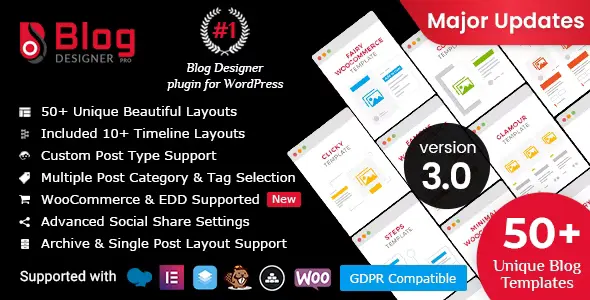
Blog Designer PRO is a WordPress plugin by Solwin Infotech that gives your blog a designed layout instead of your theme's default post list, picked from more than 50 ready templates such as grids, timelines, masonry, magazine styles and sliders. It also styles your category, tag, author, date and search archives and your single posts. This page is for Blog Designer PRO 3.4.9, released on September 3, 2025. On GPLGuide you download the original plugin file to install on your own WordPress sites.
Good for: bloggers, news and magazine sites, agencies that build client sites, and WooCommerce or Easy Digital Downloads shops that want a styled listing of posts or products without writing theme templates. It also suits anyone who already uses the free Blog Designer and now wants archive layouts, single post layouts and custom post types.
Requirements: the developer lists Blog Designer PRO as compatible with WordPress 5.4 up to 6.8, and version 3.4.9 was updated for WordPress 6.8.2 and PHP 8.4. Solwin Infotech does not publish a minimum PHP version for the Pro (the free version asks for PHP 7.0 or newer). No other plugin is required. WooCommerce, Easy Digital Downloads and page builders such as Elementor are optional.
What Blog Designer PRO does
Most themes show blog posts in one fixed style. Blog Designer PRO adds its own Blog Designer menu to the dashboard where you build layouts. You pick a template, adjust its options and assign it to a page, and that page becomes your blog. You can make as many layouts as you like, so a recipe section, a news section and a list of custom posts can each look different.
Blog Designer PRO works with three kinds of layout. Blog layouts show a list of posts on a page you choose. Archive layouts style the pages WordPress builds by itself for categories, tags, authors, dates and search results. Single layouts style the post page itself, with related posts, an author box, share buttons and links to the next and previous post.
Every layout is set through option panels with a live preview, so you see a change before you save it. A finished layout can be duplicated with one click, or exported and imported on another site. That helps when you build several sites with the same look.
Choosing a template in Blog Designer PRO
The developer groups the templates into families. Timeline templates such as Timeline, Story, Easy, Cool Horizontal and Schedule place posts along a line, which works well for company news or a travel diary. Masonry templates like Boxy, Boxy Clean and Glossary stack cards of different heights. Grid templates include Brit Co, Media Grid, Hoverbic, Famous and Minimal. Magazine templates include Deport, Navia, News and Masonry Timeline.
Slider templates turn posts into a moving strip: Crayon, Sallet, Sunshiny, Blog Carousel, 3D Flipbook, 3D Carousel and Leest, the newest one, added in version 3.4.8. The Full Width family is the largest, with Classical, Evolution, Light Breeze, Spektrum and Nicy, plus special formats like Accordion, Tabbed and Ticker.
Templates come with colour presets, and the developer counts more than 200 option combinations. Choose the family that fits your content, then compare two or three templates in the live preview with your own posts and featured images.
Archive pages, single posts and custom post types
Archive layouts are where Blog Designer PRO goes well beyond the free plugin. The developer lists more than 40 archive designs for category, tag, author, date and search pages, and you can give one category or tag its own layout. A food blog could show its Recipes category as a grid while the News category stays a simple list.
Single post layouts work the same way, with more than 40 designs that you can assign by category or tag. The options cover post navigation, a link on the post title, share text, related posts in two to six columns chosen by category or tag, and an author biography box. For developers who want full control of the markup, Blog Designer PRO supports a single template override.
Custom post types are a Pro only option. When you add a layout you set Select Post Type, so a layout can list WooCommerce products, Easy Digital Downloads items or any other post type your site registers. The developer's demo shows WooCommerce shop layouts in grid, list, magazine, masonry, slider and timeline styles, and the plugin supports WooCommerce archive and single pages.
Filters, pagination and sharing options
The query options in Blog Designer PRO decide which posts appear. You can include or exclude categories and tags, choose authors, filter by post status, set a date range and sort by published date, modified date, title, ID or at random. For visitors, an Isotope filter lets them narrow the posts on the page by category or tag.
Pagination has four modes: no pagination, numbered pages, a Load More button and loading on scroll. You get several pagination designs, three Load More button styles and more than 25 loader icons. Content options let you show an excerpt or the full post, set the Post Content Length, change the Read More text and its link behaviour, show or hide the post meta, and use the post like and post views options.
Sharing is built in, with 10 button styles, share counts in several positions and networks such as Pinterest (with the featured image), WhatsApp, Telegram, Pocket and Reddit, plus sharing by email. Typography covers more than 800 Google Fonts, over 600 Font Awesome icons, and size and colour controls for titles and content. A Media Settings panel sets image sizes.
Blog Designer PRO setups you can copy
These Blog Designer PRO setups use only options the developer documents, and each one can be exported for reuse.
- News or magazine site: a Magazine template such as News or Deport for the main blog page, a simple Full Width layout for search results, and Load More pagination so readers keep going.
- Personal or travel blog: a Timeline or Story template for the blog page, plus related posts in three columns on single posts, matched by category.
- Food or recipe blog: a Grid template for the Recipes category archive, a list layout for the other categories, and Pinterest sharing with the featured image turned on.
- WooCommerce shop: a layout with Select Post Type set to products and a masonry or slider template on a page for new arrivals.
- Multi-author blog: author archives with their own layout, an author biography design on single posts and Co-Authors Plus support for shared bylines.
- Agency builds: design one set of layouts, export it, import it on each new client site, then change the colour preset and Google Fonts to match the brand.
Whatever you build, start each layout on a blank page. Select Page for Blog replaces the content of the page you pick, so never point it at a page you still need.
What's new in Blog Designer PRO 3.4.9
Version 3.4.9 came out on September 3, 2025. It is a maintenance release. It updates Blog Designer PRO for WordPress 6.8.2 and PHP 8.4, fixes security issues and a minor bug, and fixes design issues. It is the newest version in the developer's changelog on the day we checked.
Version 3.4.8 (August 12, 2024) added the Leest template in the Slider family and updated compatibility with WordPress 6.6.1, WooCommerce 9.1 and PHP 8.3, with more security and design fixes. Version 3.4.7 brought a new admin interface and support for Font Awesome 6. Version 3.4.6 (December 13, 2023) was a compatibility update for WordPress 6.4.2.
Good to know before you buy
Blog Designer PRO updates are not frequent. Version 3.4.9 is from September 2025, and the developer lists compatibility up to WordPress 6.8. If your site runs a newer WordPress release, test the plugin on a staging copy first and check your blog and archive pages after each WordPress update.
Select Page for Blog replaces the content of the page you choose, so back it up or use a blank page. Also check Settings, Reading: the developer's FAQ on WordPress.org says the design may not show if the same page is set as your Posts page there. Some themes need small style changes to match, and the developer's knowledgebase has an article on applying a theme patch file.
The demo images on the developer's preview site are not part of the download, so your layouts will show your own featured images. The Blog Designer Ads add-on is a separate product. The developer's pages describe no cloud library, AI credits or other online service for this plugin.
Blog Designer PRO from GPLGuide vs the official license
From GPLGuide you get the original Blog Designer PRO 3.4.9 plugin file, released under the GPL, to use on your own websites. The templates, archive and single layouts, filters, sharing options and fonts in the file all work the same way. This file comes with the license key already activated, so there is no key to enter.
The official purchase on CodeCanyon costs $59 for a Regular License and adds what only Solwin Infotech can give: six months of help from their support desk, updates through the developer's own channel, and refunds handled through that purchase. If you depend on the developer's help, buy it there. If you need the plugin itself, we offer the same file on its own or as part of a membership.
How to install Blog Designer PRO
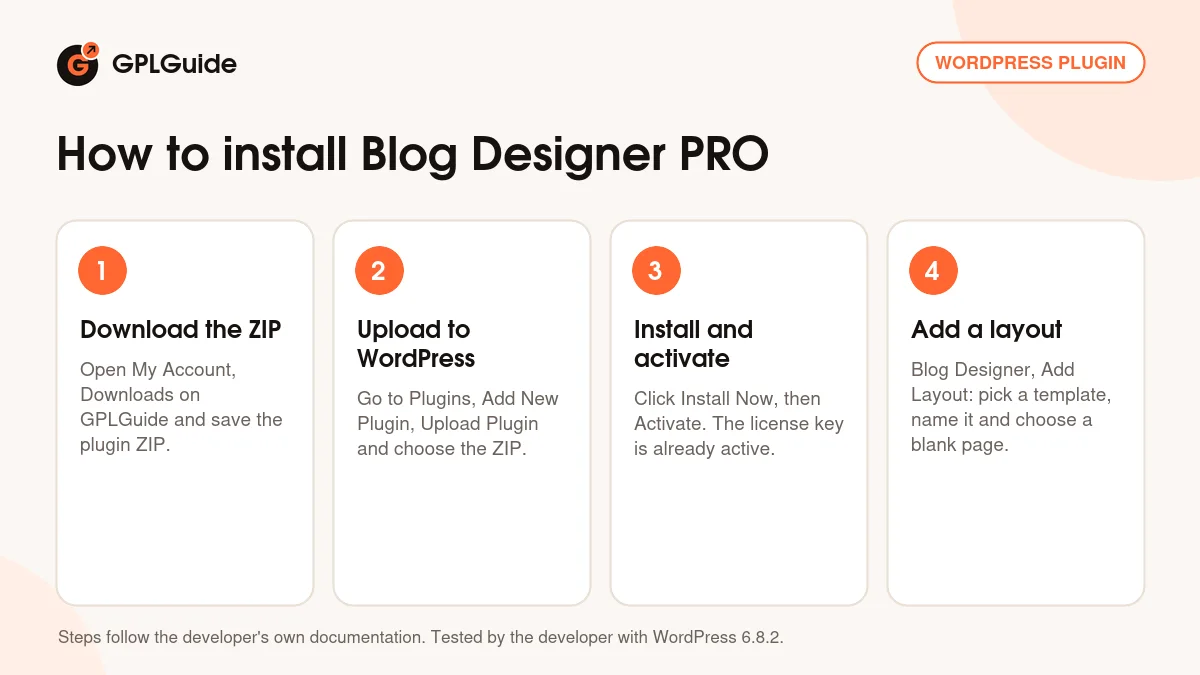
- Sign in to GPLGuide, open My Account, Downloads and save the Blog Designer PRO ZIP.
- In WordPress go to Plugins, Add New Plugin, Upload Plugin and choose the ZIP.
- Click Install Now, then Activate Plugin.
- Go to Blog Designer, Add Layout, pick a template, enter a Layout Name, choose the post type and pick a blank page under Select Page for Blog.
A good first setup is the developer's one-click sample layout. It creates a sample layout and a sample page linked to each other, and a View link opens it without touching your current blog page. Try a few templates there, set your fonts and pagination, and only switch Select Page for Blog to your real blog page once you are happy.
Keeping it up to date
Updates from GPLGuide are manual. When a new version of Blog Designer PRO is listed here, download it from your account and upload it under Plugins, Add New Plugin, Upload Plugin. WordPress offers to replace the installed copy. If you see a newer version that we haven't added yet, let us know on the Request Item/Update page.
Questions about Blog Designer PRO
Do I need the free Blog Designer as well? No. Blog Designer PRO installs as its own plugin, and the developer's knowledgebase has a guide for upgrading from the free version.
Can Blog Designer PRO style category and tag pages? Yes. Archive layouts cover category, tag, author, date and search pages, and one category or tag can have its own design.
Does Blog Designer PRO work with my page builder? The developer lists support for Elementor, WPBakery (Visual Composer), Divi, Beaver Builder, SiteOrigin, Cornerstone and others.
Can I show WooCommerce products with it? Yes. Set Select Post Type to products, or use the WooCommerce archive and single page support. Easy Digital Downloads is supported too.
Can I move my layouts to another site? Yes. Layouts can be exported and imported, and duplicated with one click on the same site.
Is it translation and RTL ready? Yes. It ships with a translation template, works with Loco Translate, supports right-to-left languages, and the developer lists WPML compatibility.
Why does my blog page not show the new design? Check Settings, Reading in WordPress. The developer's FAQ says not to use the same page as your Posts page and your Blog Designer page.
Does it include a sidebar widget? Yes, a Recent Posts sidebar widget, plus a scroll widget with several designs.
Do I have to enter a license key? No. The Blog Designer PRO file from GPLGuide comes with the license key already activated, so you can start building layouts straight away.
Browse other WordPress plugins on GPLGuide, or see what a GPLGuide membership includes if you use several premium plugins. If you only need the basic templates, the free Blog Designer on WordPress.org is a good place to start.
Features & capabilities
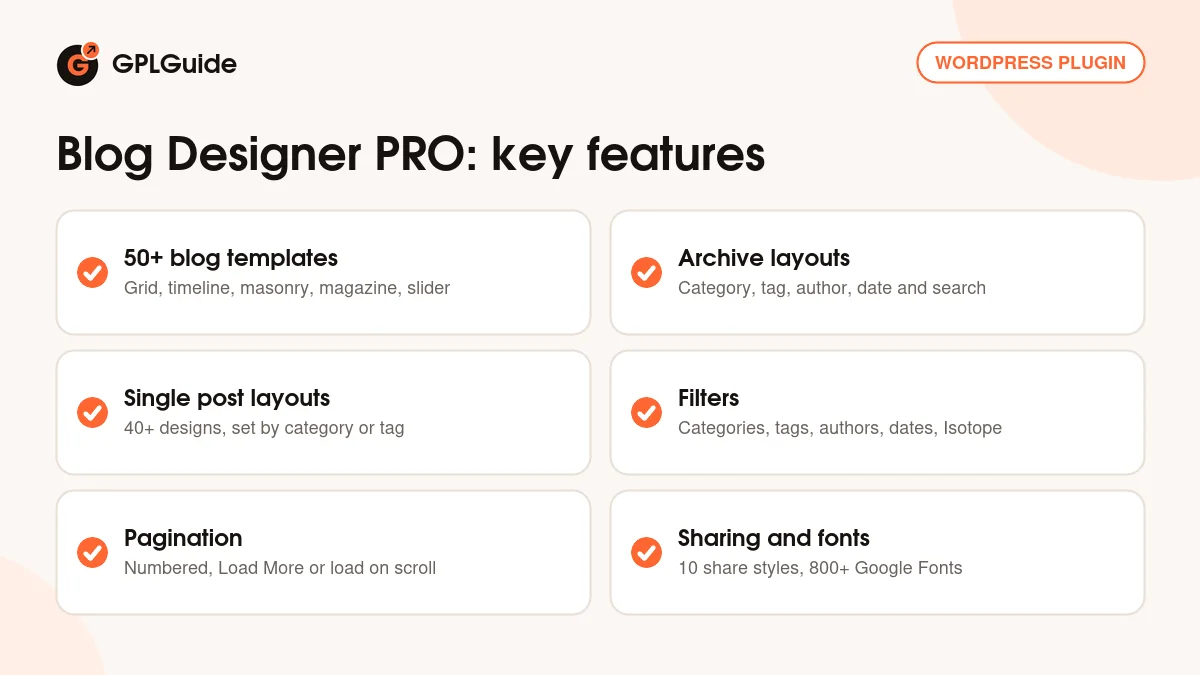
- More than 50 blog templates in grid, timeline, masonry, magazine, slider and full width styles
- 40+ archive layouts for category, tag, author, date and search pages
- 40+ single post layouts with related posts, author box and post navigation
- Custom post type support, including WooCommerce and Easy Digital Downloads
- Category, tag, author, date range and post status filters, plus an Isotope filter
- Four pagination modes, including Load More and loading on scroll
- Social sharing with 10 button styles, share counts and email sharing
- 800+ Google Fonts, live preview, and layout import and export