Directories Pro + All Addons for WordPress
100% Original fileUnmodified copy of the developer's release
DeveloperSabaiApps
Up to dateOriginal released Oct 14, 2026 · File last updated Oct 16, 2026
About this product
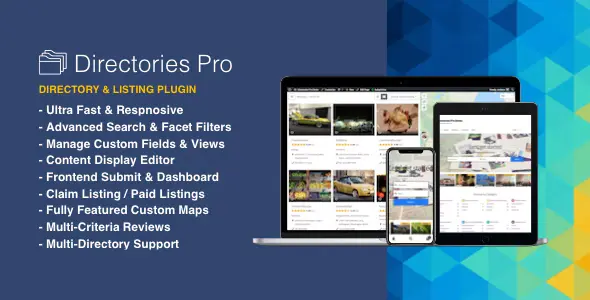
Directories Pro is a WordPress plugin by SabaiApps for building directories of almost any kind: local businesses, properties, websites, members or even your WooCommerce products. Listings, custom fields, search with filters, maps, reviews, claims and paid listing plans all come in one plugin. This page is for Directories Pro 2.1.6, released on October 14, 2026. On GPLGuide you download the original plugin file to install on your own websites, and it comes with the license key already activated, so there is no key to enter.
Good for: anyone building a local business, property, website or member directory. It suits owners who want visitors to submit and pay for listings, businesses that should be able to claim their entry, and agencies that need several directories on one install.
Requirements: WordPress 6.7 or newer (version 2.1.6 raised the minimum), PHP 7.4 or newer and MySQL 5.7.8 or MariaDB 10.3 or newer, from the developer's installation guide. No particular theme or other plugin is required. WooCommerce is optional and only needed for the Product Directory or WooCommerce payments.
What Directories Pro does
You create a directory from Directories, All Directories, Add Directory. Each one gets its own admin menu, its own listings and its own switches for categories, tags, locations, reviews, claims, payments, comparison and booking. There is no limit on the number of directories, and you can export a directory's settings and content to copy it to another site.
There are three directory types. A normal Directory holds posts such as businesses or properties. A User Directory turns each WordPress user into a listing. A Product Directory, added in version 2.1.2, is built from your existing WooCommerce products, so nothing needs importing.
Since version 2.0.0 (March 26, 2026) the developer ships Directories Pro as one plugin. What used to be six separate plugins, the core Directories plugin plus the Frontend, Payments, Reviews and Faker (dummy content) add-ons, is now built in, so the CodeCanyon package holds a single plugin to install. Frontend submission, the user dashboard, payments, reviews, claims, bookings, notifications and mass email are all part of it.
Fields, displays and layouts in Directories Pro
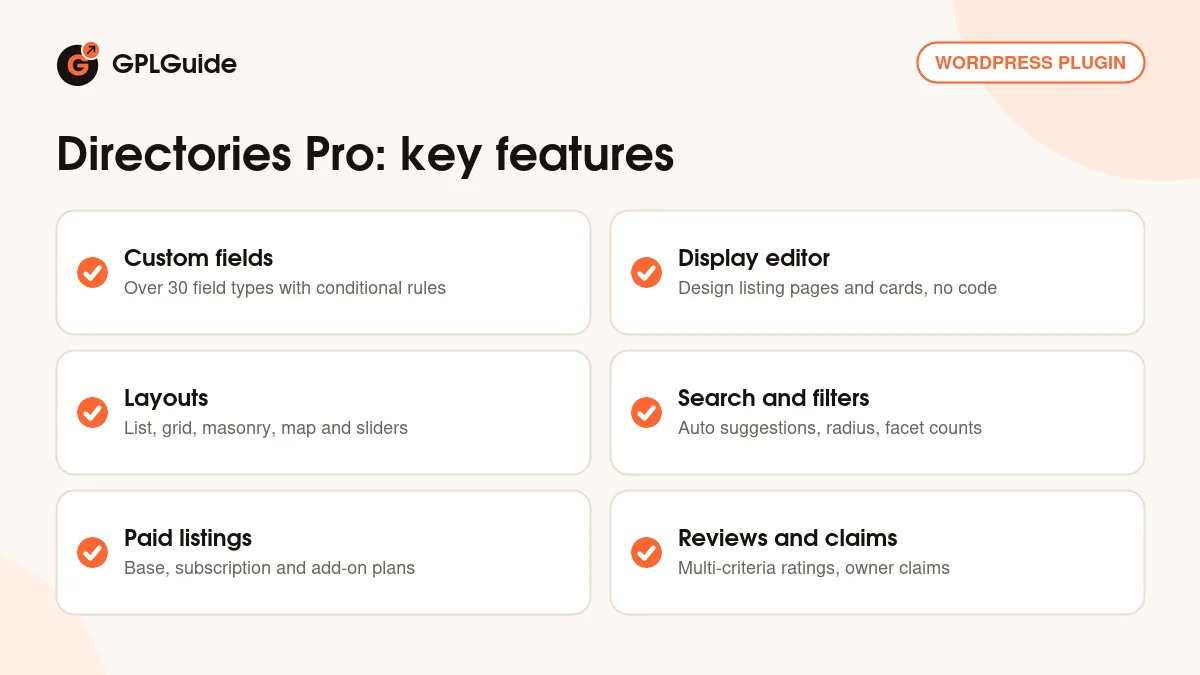
Fields. On your directory's Content Types tab, choose Manage Fields in the Listing row to open a drag-and-drop form editor. Click Add Element, pick a field type such as Choice, Date, File, Location, Number, Phone Number, Reference, URL or Video, and set its label and options. The developer counts over 30 field types. The Conditions tab, with "Add conditional rules", shows or hides a field based on other answers. Version 2.0.0 added fieldsets for repeating groups of fields.
Displays. Manage Displays controls what visitors see. The Detailed display is the single listing page, the Summary display is each card in a list or grid, and Dashboard Row is a listing's row in the frontend dashboard. You build them from Field, Content and Utility elements such as Button, Contact Form, Review Ratings, Columns and Tabs. Each element can carry conditional rules, and a Custom CSS box travels with your settings export.
Layouts. Manage Layouts decides which listings are queried, sorted and shown. The modes are List (with an optional grid view), Masonry, Map, Photo Slider and Carousel Slider. "Show map" places a map next to the items and "Enable sticky map" keeps it in view. Put any layout on a page with [drts-directory-layout directory="your_directory"], and add cache="3600" to cache it for an hour.
Search, filters and maps in Directories Pro
The search form shortcode, [drts-directory-search directory="your_directory"], offers a keyword box, a location box and dropdowns for locations and categories. With "Enable auto suggestions" the keyword box suggests listings, categories, tags and locations as people type. The location box searches within a "Default search radius", best left on Auto. "Enable search by user's current location" adds a My current location option on HTTPS sites.
Filters live under Manage Filters inside Manage Layouts. Drag fields into the filter form and set each one to "Match any or all". Facet counts are on by default, so each option shows how many listings match and empty options are greyed out. Directories Pro also supports several filter groups, conditional filters and a standalone filter form, [drts-directory-layout-filter]. Since version 2.1.3 the Product Directory's filters work on the WooCommerce Shop page too.
Map settings sit under Directories, Settings, Map. Choose Google Maps or OpenStreetMap for the map, and Google, OpenStreetMap Nominatim or Mapbox for geocoding. Options include marker clusters, custom marker colors and icons, kilometres or miles, and "Require user consent before loading map".
Submissions, payments, reviews and claims
Set "Enable frontend submit" to Yes and pick an Add Listing page under Directories, Settings, Pages. Users with the "Publish Listings" permission go live straight away, while everyone else waits as Pending until an admin approves. The frontend dashboard, placed with [drts-dashboard], lets users manage their listings, reviews and claims. Directories Pro also handles social login, two-factor login through WP 2FA, reCAPTCHA, hCaptcha, Cloudflare Turnstile and guest posting.
For payments, the "Payment component" setting offers Default, the built-in system with Stripe and PayPal, or WooCommerce with any WooCommerce gateway. You can sell Base plans, Subscription plans billed weekly, monthly or yearly, and Add-on plans such as "Display as featured". Each plan sets a "Duration in days" and what a listing gets, for example allowed fields, the number of photos, reviews and a contact form. Prorated discounts and payment discounts are included.
"Enable reviews" adds a Write a Review button with a rating, text and optional photos, and "Rating criteria" such as Service and Value give multi-criteria ratings. With "Enable claims", listings without an author show a Claim Listing button. Once an admin sets the "Claim Status" to Approved, the claimant becomes the listing's author and gets an email. With payments on, claims can be paid.
Directory setups you can copy with Directories Pro
- Local business directory: a normal Directory with Categories, Locations, reviews and claims on. Add Opening Hours and Phone Number fields, and publish listings without an author so owners can claim them.
- Paid listings: the Default payment component with Stripe. Offer a basic Base plan with a few photos, a fuller plan with more photos and a contact form, and an Add-on plan set to "Display as featured".
- Member directory: a User Directory with membership plans. Wrap members-only content in [drts-membership-restrict].
- Appointments: "Enable bookings" plus a Calendar Slot field on the Detailed display. Owners approve requests under Bookings Received.
- Product finder: a Product Directory built from your WooCommerce catalogue, with facet counts on the Shop page.
- Test drive: use the dummy content generator under All Listings, Generate to fill a new directory with sample listings and photos before real content arrives.
What's new in Directories Pro 2.1.6
Directories Pro 2.1.6 came out on October 14, 2026. It is a security and clean-up release. It addresses Plugin Check findings, raises the minimum to WordPress 6.7, limits admin pages and system routes to authorized users and validates custom colors before writing them into CSS. The Uppy uploader and the marker clustering library are now bundled instead of loaded from a CDN, SweetAlert2 was updated and eval() was removed.
Version 2.1.5 (October 11, 2026) fixed a fatal error on the author card when no user directory exists and added view filters for fields inside fieldsets. Version 2.1.4 (October 7, 2026) kept WooCommerce products out of the frontend dashboard and fixed child term filtering and WooCommerce price display. Version 2.1.3 (September 28, 2026) fixed Product Directory facets and let its filters work on the Shop page.
Good to know before you buy
Google Maps needs your own API keys, a Browser Key and a Server Key, and Google requires billing on the project. OpenStreetMap with Nominatim costs nothing, though the developer calls Nominatim less reliable, and Mapbox geocoding is free up to 50,000 requests a month. These services run on Google's or Mapbox's servers, not inside Directories Pro.
Some doc pages predate version 2.0.0 and still name separate plugins such as "Directories - Frontend" or "Directories - Payments"; in 2.x those parts are built in. A directory's machine name is capped at 12 characters and can't be changed later, and you get one Product Directory per site. Subscriptions through the WooCommerce payment component need WooCommerce Subscriptions, and membership-based submission limits need WooCommerce Memberships. Both are paid plugins.
The 2.1.2 changelog lists Gemini and OpenAI text and photo generators, but the docs don't describe them yet, and they depend on Google's and OpenAI's own services. The developer's one-click online update is tied to a CodeCanyon purchase code.
Directories Pro from GPLGuide vs the official subscription
Directories Pro is sold by SabaiApps on CodeCanyon. The Regular licence costs $39, which includes the item price and a buyer fee, and the Extended licence costs $195. Buying there adds future updates through the marketplace and 6 months of item support from the author, which you can extend to 12 months. The item page calls it limited support through an email contact form, with replies in up to 2 business days, covering questions and bugs but not installation or customization. The author currently supports the item.
From GPLGuide you get the same original Directories Pro 2.1.6 plugin file, with every part described on this page. The file from GPLGuide comes with the license key already activated, so there is no key to enter. What we can't pass on is the author's support and the developer's online updates, and any refund for a CodeCanyon purchase goes through the developer and the marketplace. Under Envato's licence for this item, its PHP code is licensed under the GPL.
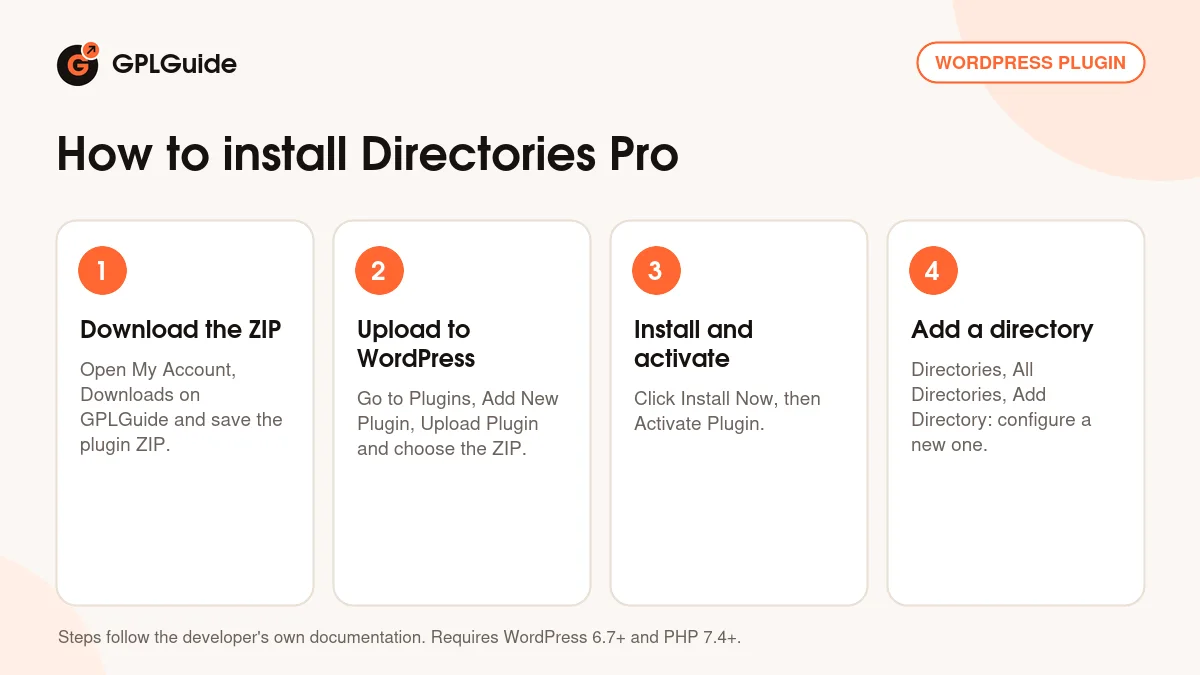
How to install Directories Pro
- Sign in to GPLGuide, open My Account, Downloads and save the Directories Pro ZIP.
- In WordPress go to Plugins, Add New Plugin, Upload Plugin and choose the ZIP.
- Click Install Now, then Activate Plugin.
- Click Directories in the sidebar, then Add Directory on the All Directories tab, choose "Configure a new directory" and fill in the label, name and the parts you want.
A good first setup starts with the map. Go to Directories, Settings, Map and choose a map provider and a geocoding service, because location search depends on them. Then create one directory with Categories and Locations on and set its pages under Directories, Settings, Pages. Fill it with test listings from All Listings, Generate, shape the Summary and Detailed displays until they look right, and then replace the samples with real listings.
Keeping it up to date
Updates from GPLGuide are manual. When a new Directories Pro version appears in your account, download it and upload it under Plugins, Add New Plugin, Upload Plugin. WordPress offers to replace the installed copy. The developer recommends a full backup first, and after each update you go to Directories, System, Tools and click "Reload components". SabaiApps released version 2.1.7 on October 16, 2026, after this one. If a newer version isn't in your account yet, tell us on the Request Item/Update page.
Questions about Directories Pro
Does it include the add-ons? According to the developer, since version 2.0.0 the former Frontend, Payments, Reviews and Faker add-ons are built into one plugin, so there is nothing extra to install.
Does Directories Pro need WooCommerce? No. The built-in payment system works with Stripe and PayPal. WooCommerce is only needed for the Product Directory or WooCommerce gateways.
Can I use free maps? Yes. OpenStreetMap and Nominatim need no account. Google Maps needs API keys and billing on your Google project.
Can I run more than one directory? Yes, as many as you like. Only the Product Directory is limited to one per site.
Does Directories Pro work with Elementor? The developer lists Elementor and Elementor Pro as compatible, including Elementor Pro dynamic tags. You can design the single listing page in Elementor, Divi or Oxygen with the [drts-entity] shortcode.
Can visitors submit listings without an account? Yes. Guest posting is supported, and submission limits can be set per user role, including Guest.
Can I build a multilingual directory? Yes, with WPML or Polylang. Translations for French, German, Italian, Polish, Portuguese, Spanish and Turkish are listed, and RTL languages are supported.
Do I need to enter a license key? No. The Directories Pro file comes with the license key already activated.
Looking for more? Browse other WordPress plugins on GPLGuide, or see what a GPLGuide membership includes if you use several premium plugins. WooCommerce, which Directories Pro only needs for the Product Directory or WooCommerce payments, is free on WordPress.org.
Features & capabilities
- Unlimited directories, plus User Directory and Product Directory types
- Drag-and-drop fields with over 30 field types and conditional rules
- Display editor for the single listing page, cards and dashboard rows
- List, grid, masonry, map and slider layouts with sorting and pagination
- Search with auto suggestions, radius search and filters with facet counts
- Google Maps or free OpenStreetMap, with marker clusters
- Paid listings with base, subscription and add-on plans via Stripe, PayPal or WooCommerce
- Frontend submission, user dashboard, multi-criteria reviews, claims and bookings