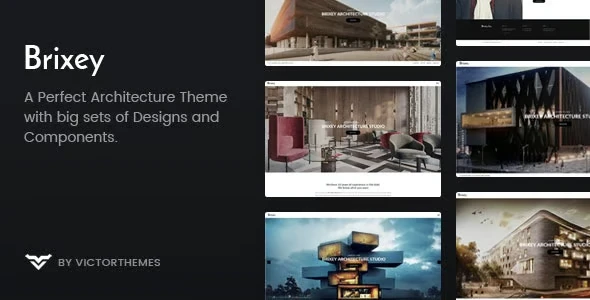
Brixey – Responsive Architecture WordPress Theme
100% Original fileUnmodified copy of the developer's release
DeveloperVictorThemes
Up to dateOriginal released Jan 23, 2025 · File last updated Oct 17, 2026
About this product
The Brixey theme is a WordPress theme by VictorThemes for architects, interior designers and building studios who want to show their projects in large, clean layouts. It offers four intro types, six project grids, twelve single project layouts and four header menus, and it is built around the WPBakery page builder. This page is for Brixey 1.9.4, the newest version on its ThemeForest page, which shows a last update of January 23, 2025. On GPLGuide you download the original theme file to install on your own websites.
Good for: architecture firms, interior and landscape designers, construction companies, photographers and any studio whose work is best shown as a gallery of projects with a short description of each.
Requirements: WordPress 6.7 is the newest version the developer lists as tested. The item page gives no minimum PHP version, but the changelog mentions PHP 7.3 and PHP 8 support. The docs list the Brixey Core plugin, WPBakery, Contact Form 7, One Click Demo Import, Zilla Likes and WP-PageNavi to be installed before the demo import. The docs do not state WordPress or PHP minimums.
What the Brixey theme does
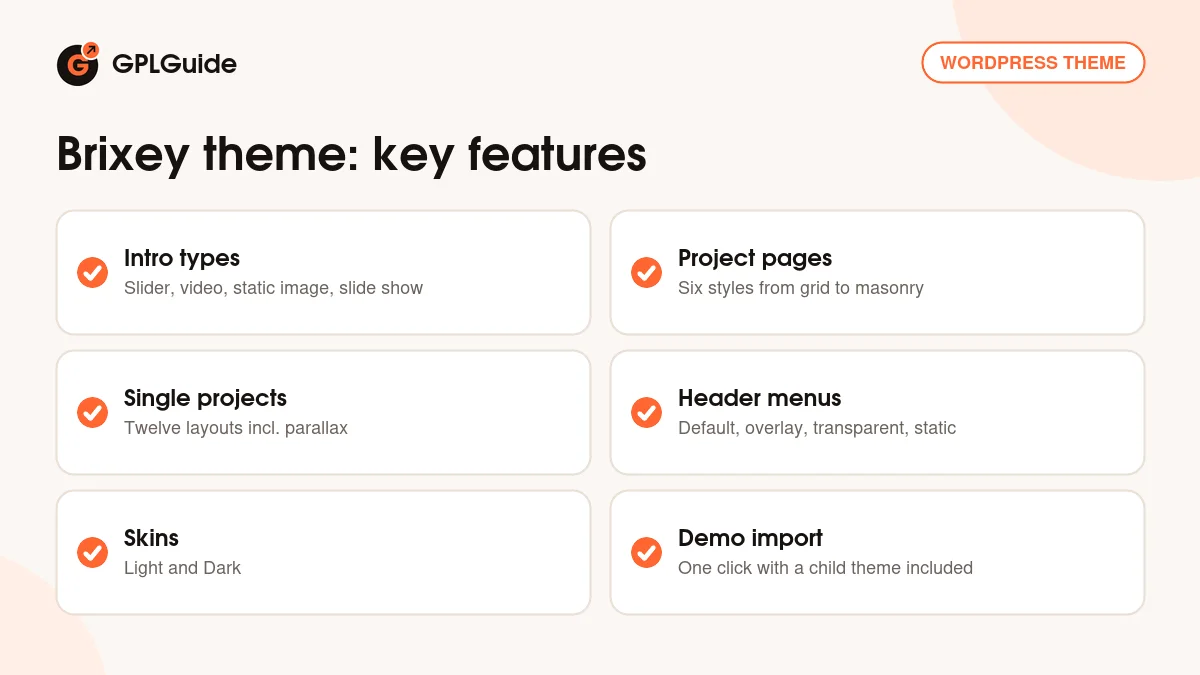
VictorThemes built the Brixey theme around the portfolio. The item page lists two home page versions called Intro and Full, a Light and a Dark skin, and four intro types: Image Slider, Video, Static Image and Slide Show. Six project page styles and twelve single project layouts decide how your work is presented, and four header menu styles cover the navigation.
The theme is responsive and retina ready. The options panel, named Brixey Options in the WordPress sidebar, holds the docs' main areas of Logo, Favicon, Layout Options, Header and Footer. Colours can be changed with a live preview in the Customizer, fonts come from over 790 Google Fonts or your own uploads, and Google Maps can be styled. Font Awesome and Line Icons are built in.
The developer's package has two theme ZIP files. The docs say to upload the main theme ZIP and use the child theme for code edits, because editing the parent theme means an update will overwrite your changes.
Other options come from later versions. The changelog mentions a sticky header added in 1.4, staff and team columns in 1.7.1, a project category listing in 1.7, a portfolio video format in 1.8 and a Google Fonts library in 1.8. The item page also lists SEO-optimized markup, advanced typography settings and many shortcodes. Together they give a studio plenty of room to adjust the look of the Brixey theme without writing code.
Home pages and project grids in the Brixey theme
A Brixey home page starts with its Hero Area Style. The docs list Slideshow, Slider, Static Video, Static Image, Shortcodes and Hide. Page Layout is either Window Fit Page, where the page fits the screen without scrolling, or Normal Page, which scrolls as usual. That choice matters for a studio site, because a fit-to-window page works well as a quiet front door.
Projects are shown with the Project shortcode. Its settings include Portfolio Style (Grid, Masonry or Normal), Project Layout and spacing, Columns from 1 to 5, and a Filter Style of Navigation, Filter Button or Hide. You also pick a Caption Style, whether to show the Project Title, and Listing Options for Limit, Order, Order By, Categories and Pagination. The item page names six project page types: Grid, Grid with Caption, Wide, Wide with Gutter, Masonry and Masonry with Caption.
Each project then has its own page. The docs list single project layouts such as Contained Gallery, Carousel Fullscreen, Fullscreen Slider, Fullscreen Stack, Video, Grid With Sidebar, Parallax, Slider With Info, Single Carousel, Vertical Stack, Custom, Masonry Featured Image and Featured Image. Images go in under Project Images and the facts about the job go under Project Info.
On a short portfolio with only a few projects there is little to sort, so Hide keeps the filter out of the way. Switch a filter on once you have enough projects in several categories. The Listing Options also let you limit how many projects appear and set their order, which is useful for a front page that shows only your latest work.
Team, testimonials and posts in the Brixey theme
Around the portfolio sit the pages a studio needs. Team members are added with a name, a featured image, a profession and social icons with links. Testimonials are added under Company, Testimonials, with about three lines of content and the client's name, profession and optional links. Both are shown with WPBakery shortcodes that appear under a filter called VictorThemes once the Brixey Core plugin is active. The docs also name a Gallery shortcode.
Blog posts are built with WPBakery as well. Post Options cover Content Spacings, Menus, Featured Image and Footer, and the post formats are Standard, Image Gallery, Audio and Video. To show posts on a page, set a static page as the Posts Page under Settings, Reading.
For forms, the docs show a Contact Form 7 template for the Contact page and another for a Get A Quote page. For the sidebar, Brixey Core adds custom widgets next to the default WordPress ones.
Ways to set up the Brixey theme
- Architecture portfolio: use the Intro home page with a Static Image or Slideshow hero, then a Masonry project page with a Filter Button so visitors can sort by category.
- Interior design studio: choose the Grid with Caption style and a Carousel Fullscreen single project layout for room-by-room photos.
- Video showreel: pick the Static Video hero area and the Video single project layout.
- Quote requests: build the Get A Quote form with Contact Form 7 using the docs sample.
- Latest work on the home page: place a Project shortcode with a low Limit and the Order settings of your choice to show a small selection of recent projects, then link to the full portfolio.
- Long project pages: a sticky header was added in version 1.4, which keeps the menu in reach as visitors scroll.
- Dark or light mood: switch between the Light and Dark skins to match the photography.
- Studio page: add your people with the Team shortcode and a few client quotes with the Testimonial shortcode.
The Brixey theme works best with large, well-cropped images, so prepare your photos before you upload. Add a handful of projects first, test the filter and the single project layouts, and only then fill in the rest of the site.
What's new in the Brixey theme 1.9.4
The Brixey theme 1.9.4 is the newest version on the ThemeForest page. The developer's changelog says it fixed PHP warnings and fixed the masonry layout. The changelog has no dates, so the only date on the page is the item's last update, January 23, 2025.
Earlier versions show a steady line of small fixes. Version 1.9.2 made PHP improvements and updated translations. Version 1.9.1 fixed a Safari issue with Isotope, updated Isotope itself and fixed a filter problem. Version 1.9 added PHP 8 support, and version 1.8.3 fixed portfolio filters. These filter and masonry fixes matter most if your site relies on a filterable project grid.
Good to know before you buy
The Brixey theme needs the Brixey Core plugin for its shortcodes and custom post types. The docs also ask for WPBakery, Contact Form 7, One Click Demo Import, Zilla Likes and WP-PageNavi before the import. The developer's package contains premium plugins in a Plugins folder, and some, such as WPBakery, are commercial plugins we do not sell. If the theme cannot install one for you, it has to come from you.
The theme is version 1.9.4 and the core plugin on the item page is 1.9.5, so the numbers do not match. That is how the developer lists them. Demo pictures and the splash page are not in the package, and the docs do not say whether the import adds images. The item page marks the theme as not Gutenberg optimized.
Support from the developer covers installation, bugs in the theme and small fixes of a line or two of code. Bigger custom work is not included, so plan on a freelancer or your own skills if you want major changes to a layout.
The Envato Account section in Brixey Options is the developer's own update route. Updates from GPLGuide are manual, as explained below.
Brixey from GPLGuide vs the official subscription
The Brixey theme is sold by VictorThemes on ThemeForest. The Regular licence costs $49 there and includes future updates through the marketplace and six months of item support from the developer, which can be extended to 12 months. Under Envato's licence for this item, its PHP code is licensed under the GPL.
From GPLGuide you get the original Brixey theme file. The file from GPLGuide comes with the license key already activated, so there is no key to enter. The project layouts, header menus, skins and shortcodes work as in the developer's package.
What only the developer provides is the support desk, refunds under Envato's rules and updates through your own Envato account. If you need VictorThemes to help with a setup problem, buy the licence on ThemeForest.
How to install the Brixey theme
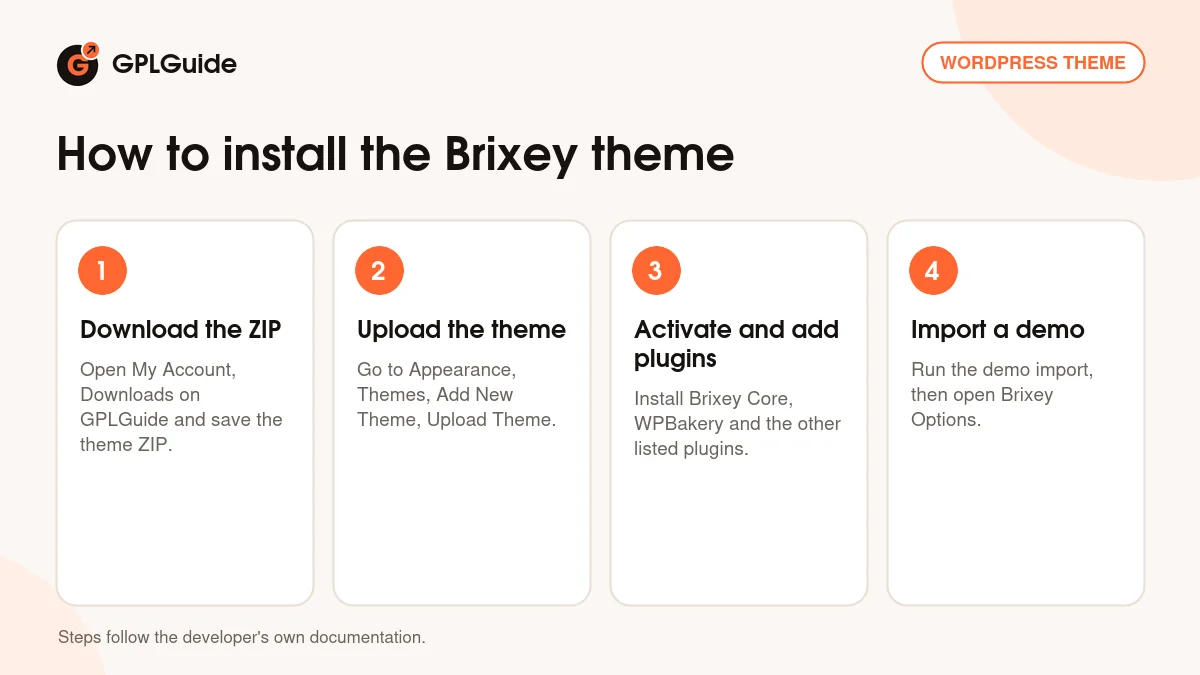
- Sign in to GPLGuide, open My Account, Downloads and save the Brixey theme ZIP.
- In WordPress go to Appearance, Themes, Add New Theme, Upload Theme and choose the ZIP, then click Install Now.
- Activate the theme and install the Brixey Core plugin, WPBakery, Contact Form 7, One Click Demo Import, Zilla Likes and WP-PageNavi when prompted.
- Run the demo import, or open Brixey Options and set the logo, layout, header and footer.
If WordPress says the stylesheet is missing, the file you picked is not the theme ZIP itself, which the developer's docs name as the usual cause. For a good first setup, import the demo on a test site, look at how one project page is built, then replace the images and texts with your own work.
Keeping it up to date
Updates from GPLGuide are manual. When a new version of the Brixey theme is listed here, download it from your account and upload it under Appearance, Themes, Add New Theme, Upload Theme. WordPress offers to replace the installed copy, and your pages and projects stay in the database. Keep code edits in the child theme so an update never overwrites them. If you see a newer version that we have not added, tell us on the Request Item/Update page.
Questions about the Brixey theme
Which page builder does the Brixey theme use? WPBakery Page Builder. The item page lists version 8.1.x, and the docs build pages and posts with it.
Does the Brixey theme have a demo import? Yes. The docs describe a one-click import through the One Click Demo Import plugin, using the demo content, theme options and widgets files.
Can I show video on the home page? Yes. Static Video is one of the Hero Area Style choices, and Video is one of the intro types.
How many project layouts are there? The item page says six project page types and twelve single project layouts.
Is there a child theme? Yes, the developer's package includes one, and the docs recommend it for code edits.
Do I need to enter a purchase code? No. The license key is already activated in the file.
Does the Brixey theme work with PHP 8? The changelog says PHP 8 support was added in version 1.9. The item page gives no minimum PHP version.
Can I change the colours without code? Yes. Colours are changed in the Customizer with a live preview, and fonts come from the Google Fonts list or your own upload.
Are the demo images included? No. The item page says demo images are not included in the package.
Looking for more themes? Browse the WordPress themes in our shop, or see what a GPLGuide membership includes. The theme's forms use the free Contact Form 7 plugin on WordPress.org.
Features & capabilities
- Four intro types: Image Slider, Video, Static Image and Slide Show
- Six project page styles and twelve single project layouts
- Four header menus: Default, Overlay, Transparent and Static
- Light and Dark skins with Intro and Full home page versions
- Project shortcode with Grid, Masonry and Normal styles, 1 to 5 columns and filters
- Team, Testimonial and Gallery shortcodes from the Brixey Core plugin
- Brixey Options panel with live Customizer colours and over 790 Google Fonts
- One-click demo import and a child theme in the developer's package