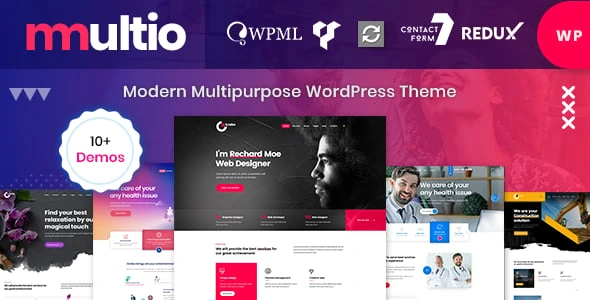
Multio – Corporate Business WordPress Theme
100% Original fileUnmodified copy of the developer's release
DeveloperCase-Themes
Up to dateFile last updated Oct 17, 2026
About this product
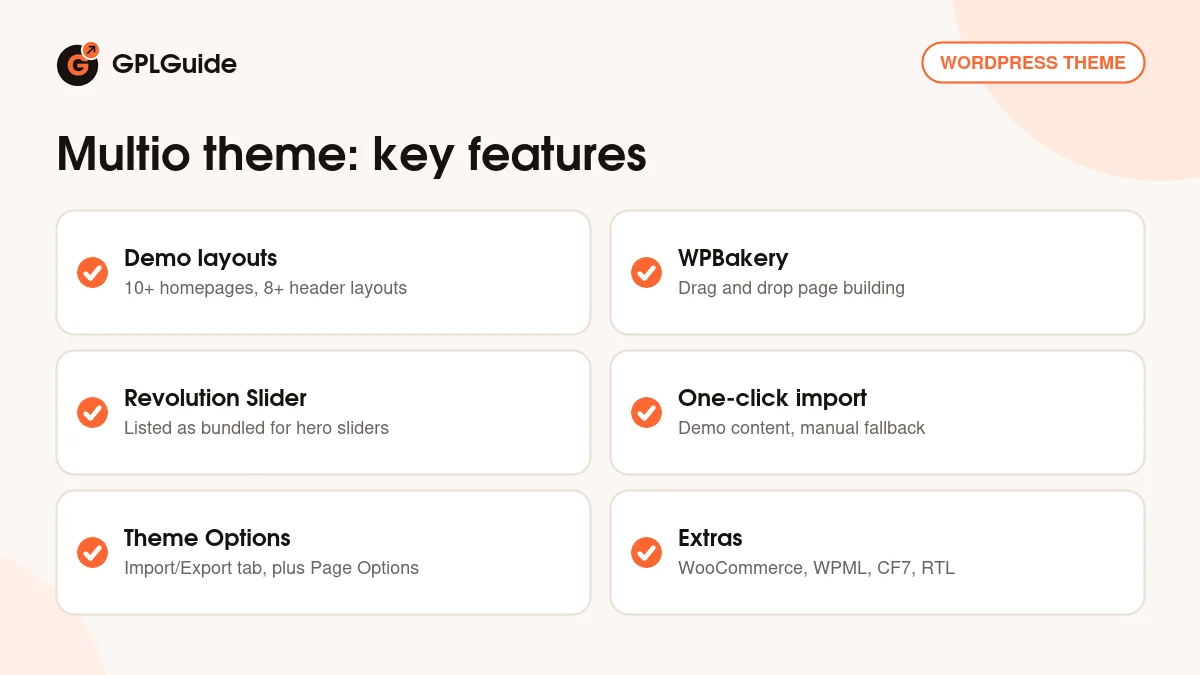
The Multio theme is a WordPress theme for corporate and business websites, made by Case-Themes and sold on ThemeForest. It is built around the WPBakery page builder and comes with more than ten homepage layouts and more than eight header layouts, so you can start from a demo that is close to your idea and change it from there. This page is for Multio version 1.1.3. The developer does not publish a dated changelog for each version, so we do not give a release date. On GPLGuide you download the original theme file to install on your own websites.
Good for: small and mid-sized companies, agencies, freelancers and studios that want a ready-made business site they can shape with drag and drop. The listing also tags it for creative and design agencies, portfolios, photography, listings, one-page sites and online shops, so it suits anyone who wants one flexible theme instead of a narrow niche template.
Requirements: WordPress 4.9 up to 7.0, which is the compatibility range on the item page. The developer's documentation asks for PHP 7 or newer for WordPress and PHP 5.6 or newer for the theme, so pick PHP 7 or newer. It also lists MySQL 5.6 (or MariaDB 10.0), memory_limit of 256 MB, upload and post size limits of 64 MB, max_execution_time of 900 seconds and max_input_vars of at least 4000. WPBakery Page Builder and Revolution Slider are listed as bundled.
What the Multio theme does
Multio is a multipurpose theme, which means it gives you a full starter website rather than a blank page. The listing names carousels, CSS3 animations, a sticky header and menu, parallax effects and section video backgrounds. You also get unlimited color options, Google Fonts, Font Awesome icons and a Customizer that shows your changes live before you save them.
Pages are built in WPBakery Page Builder, a drag and drop editor where you stack rows and columns and fill them with elements. The item page marks the theme as not optimised for Gutenberg, so plan on WPBakery for layouts rather than the block editor. That is a fair trade if you like a classic builder, and a reason to look elsewhere if you want a block-first theme.
The header is one of the first choices you make. The Multio theme ships with more than eight header layouts and a sticky header and menu that stays visible while visitors scroll. Pick the header that matches your logo and menu length, and keep the same one across the site so pages feel consistent.
Around the core, the Multio theme supports WooCommerce, WPML for multilingual sites, right-to-left languages, Google Maps and Contact Form 7. None of these are forced on you. You add the ones your project needs and leave the rest out.
Importing a demo into the Multio theme
The quickest start is the one-click importer. Run it and the theme brings in demo content, so your site starts out looking like the preview, apart from the pictures. The developer's terms say the downloadable package uses placeholder images instead of the original demo images, so you will swap in your own photos either way.
If the one-click route fails on your server, the documentation describes a manual import in five steps. First, go to Tools, Import and upload attachment-data.xml and content-data.xml from the demo-data content folder of the theme package. Second, open Multio, Theme Options, Import/Export and paste in the contents of options.json. Third, repeat that with settings.json.
Fourth, install the Widget Importer and Exporter plugin and upload widgets.wie from the Tools menu. Fifth, open Slider Revolution and import each slider from the demo-slider.zip file. This is more work, but it gives you control over each part, and it is useful when a host cuts off long imports.
Theme Options, Page Options, menus and widgets
Once a demo is in, most of your site design lives in the Theme Options item in the left admin menu. The documentation calls it the home of the theme's configuration and says options with an unclear purpose come with a short description. It does not list the option groups by name, so expect to explore the panel. An Import/Export tab lets you move settings between sites, which helps when you build a site for a client.
Page Options give you per-page settings, so one page can differ from the rest. Menus follow normal WordPress rules: create one under Appearance, Menus, add pages, drag an item to the right to nest it under a parent for a multi-level menu, then assign it to a location such as the Primary menu. Sidebar widgets are managed under Appearance, Widgets.
Translating, selling and ranking with the Multio theme
For translation, the developer points to Loco Translate or Poedit. The advice is to copy the theme's languages folder into a child theme, so your files survive an update, and to name them with the language code, for example de_DE.po with its compiled .mo file. Then set the site language under Settings, General. If you run several languages at once, WPML is the supported route.
For a shop, install WooCommerce and check its own server requirements first. The documentation says the theme officially supports it. For search visibility, the theme outputs H1 to H6 headings and clean HTML5, and the documentation still suggests a separate SEO plugin such as Yoast SEO and an image compressor such as Smush.
Setups you can copy with the Multio theme
- Accounting or consulting firm: a corporate homepage, a services page built from WPBakery rows, a team page and a contact page with Contact Form 7 and a Google Map.
- Photographer or small studio: a portfolio-style homepage with a full-width Revolution Slider and a gallery page, plus a short contact form for bookings.
- App landing page: the item description mentions app landing pages and app showcases, so a one-page layout with a video background section and a download button fits well.
- Two-language company site: English and a second language through WPML, with a translated child theme languages folder.
- Small online shop: keep the business pages and add WooCommerce for a handful of products.
Whichever you choose, import the closest demo first and delete what you do not need. Removing pages is faster than building them from scratch. With the Multio theme, a good habit is to change the global look first, meaning colors, fonts and the header, and only then edit page content in WPBakery. That order saves you from redoing each page when you change your mind about a color.
What's new in the Multio theme 1.1.3
This download is Multio version 1.1.3. Case-Themes does not publish a version-by-version changelog on its ThemeForest page, and the documentation only refers to a Change_Log.txt file inside the full package and to the sale page. We could not read dated entries in either place, so we cannot tell you what changed in 1.1.3 or when it came out.
What the item page does show is a last update on September 7, 2026, a Recently Updated badge, and compatibility with WordPress up to 7.0 and WooCommerce up to 9. We have not confirmed whether a newer version than 1.1.3 exists, so check the Request Item/Update page below if you need to know. If you already run an older Multio version, back up first and read the Change_Log.txt file from the developer's full package, which is where the developer says the history is kept.
Good to know before you buy
The documentation is old. It carries a 2019 copyright, calls the page builder Visual Composer, and a few file paths mention another theme's name. The steps still match how WordPress themes work, but some screens may look different.
WPBakery Page Builder and Revolution Slider are paid plugins that the developer lists as bundled. We do not sell them separately. If a bundled plugin is missing from your copy, you need to add it yourself before the demo looks complete. Case-Themes states that plugin updates arrive when the theme itself is updated, not through the plugin makers.
The Multio theme is not optimised for Gutenberg. Demo photos are not included, only placeholders. Support, including help with your own setup problems, comes only from the developer.
Multio theme from GPLGuide vs the official subscription
Case-Themes states that its WordPress themes are licensed under the GNU GPL. The Multio theme is sold by Case-Themes on ThemeForest, where a Regular license costs $49. That price includes six months of item support, and you can extend support to twelve months for $13.88. Buying there also gives you new versions through your marketplace download page.
From GPLGuide you get the same original theme file, with the same layouts, headers, options and demo importer. The file from GPLGuide comes with the license key already activated, so there is no key to enter. What you do not get is the developer's own item support or any refund from Case-Themes. Those come only from the developer. Choose this copy if you mainly need the theme itself, on its own or as part of a membership.
How to install the Multio theme
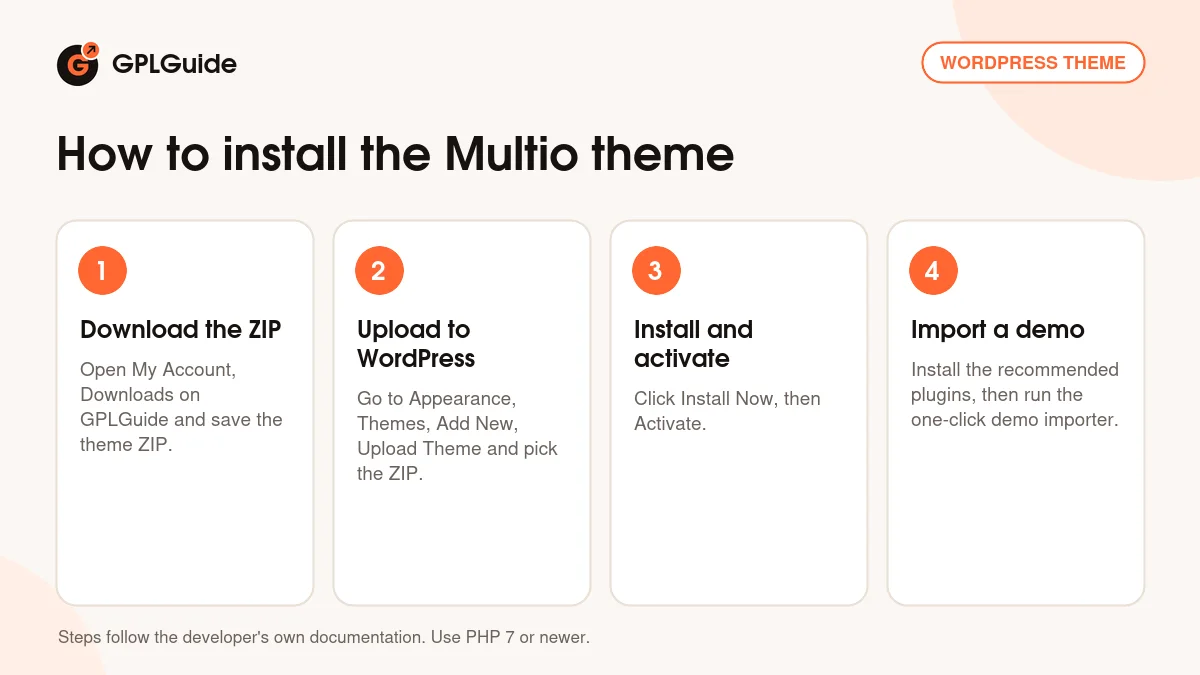
- Sign in to GPLGuide, open My Account, Downloads and save the Multio ZIP.
- In WordPress go to Appearance, Themes, Add New, Upload Theme and choose the ZIP.
- Click Install Now, then Activate.
- Install the plugins the documentation recommends, such as WPBakery, Revolution Slider and Contact Form 7, then run the one-click demo importer.
Before you import, raise your PHP limits to the values in the requirements line, because a demo import can time out on a small hosting plan. After the import, open Settings, Permalinks and click Save once. Then replace the logo, set your colors in the Customizer and edit the homepage in WPBakery. When the Multio theme feels right on the homepage, move on to the inner pages and the contact form.
Keeping it up to date
Updates from GPLGuide are manual. When a new version of the Multio theme is listed here, download it from your account and upload it under Appearance, Themes, Add New, Upload Theme. WordPress offers to replace the installed copy. The developer's documentation says to back up your data before any theme update, and that is good advice. If you see a newer version that we have not added, tell us on the Request Item/Update page.
Questions about the Multio theme
Does the Multio theme use Elementor? No. The item page and the documentation point to WPBakery Page Builder, and Elementor is not listed.
Can I use it for a shop? Yes. WooCommerce is listed as supported, and the documentation says the theme officially supports it.
Can I translate it? Yes, with Loco Translate or Poedit and a child theme, or with WPML for a multilingual site.
Does it support right-to-left languages? Yes, RTL support is on the feature list.
Which plugin do I need to import widgets by hand? Widget Importer and Exporter, which is the plugin the documentation names for importing the widgets file.
Will my demo import include the original photos? No. The developer's terms say placeholder images replace the original demo images.
What does max_input_vars have to do with it? The documentation asks for at least 4000, and 6000 is recommended. A low value can stop long option screens and menus from saving.
Is the Multio theme good for a one-page site? The listing tags it for one-page sites and app landing pages, and the carousels, parallax and video background sections suit a single long page.
Is there a child theme? The documentation tells you to use one for translations. We could not confirm one in the item listing, so check your download.
Looking for more designs? Browse the WordPress themes on GPLGuide, or see what a GPLGuide membership includes. For contact forms, the free Contact Form 7 plugin is on WordPress.org.
Features & capabilities
- More than ten homepage layouts and more than eight header layouts
- WPBakery Page Builder for drag and drop page layouts
- Revolution Slider listed as bundled for hero sliders
- One-click demo content import with a manual fallback
- Theme Options panel with Import/Export, plus Page Options
- Live Customizer, unlimited colors, Google Fonts and Font Awesome icons
- Sticky header, parallax and section video backgrounds
- Support for WooCommerce, WPML, Contact Form 7, Google Maps and RTL