Busico – Multipurpose Business & Technology Theme

100% Original fileUnmodified copy of the developer's release
DeveloperRRdevs
Up to dateOriginal released Jul 15, 2026 · File last updated Oct 17, 2026
About this product
The Busico theme is a multipurpose business and technology WordPress theme by RRdevs, built for Elementor. Its ThemeForest preview address still calls it a construction company theme, while RRdevs now sells it for consulting, technology and logistics style businesses too, with RTL support and a WooCommerce shop. This page is for Busico 1.0.8, released on July 15, 2026. On GPLGuide you download the original theme file to install on your own websites.
Good for: construction and building firms, logistics and freight companies, consultancies, IT service providers and other local businesses that want an Elementor site with their own header and footer designs, quote forms and an optional shop.
Requirements: the developer's docs ask for WordPress 4.8 or newer, PHP 5.6 or newer (WordPress suggests 7.4) and MySQL 5.6 or newer. The item page lists WordPress up to 7.0.x and Elementor 4.1.5. You need the free Elementor plugin and Contact Form 7 for the forms. WooCommerce is only needed if you want the shop.
What the Busico theme does
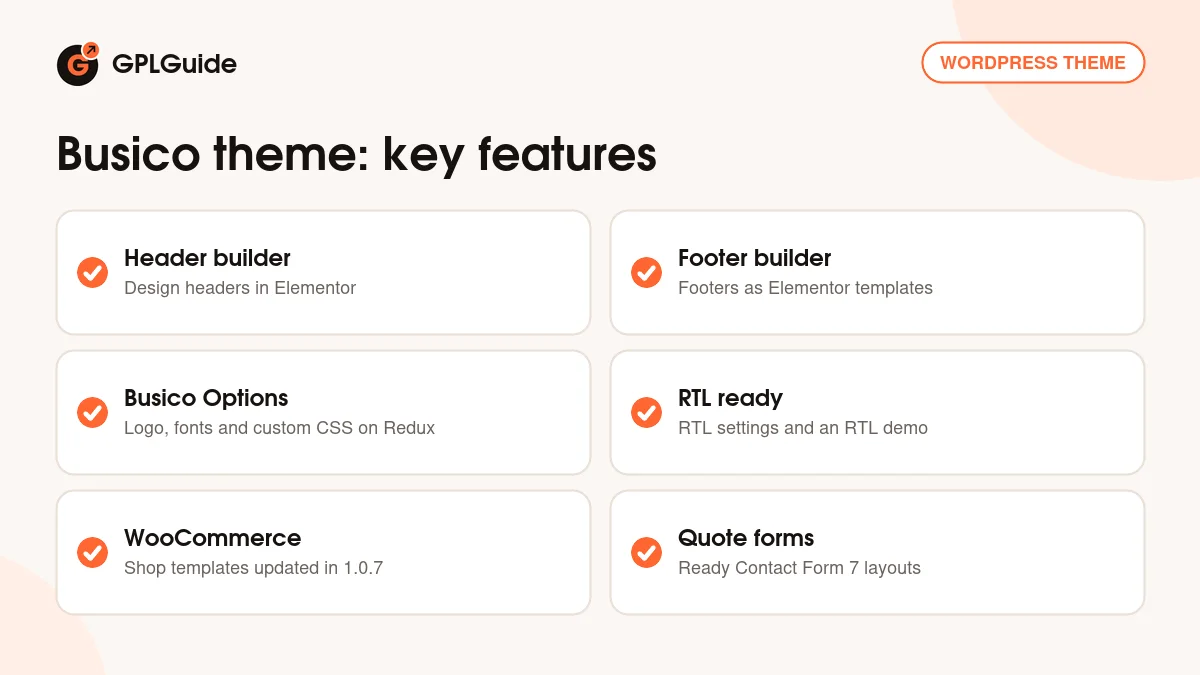
The Busico theme gives a company a full Elementor website: home pages, service pages, an about page, a blog and contact forms, plus a shop if you add WooCommerce. The changelog shows how it grew. A sixth home page arrived in version 1.0.3, RTL settings came in 1.0.2, an RTL demo and WooCommerce support followed in 1.0.4, and the shop templates were refreshed in 1.0.7.
Site-wide settings live in a panel called Busico Options, built on the Redux framework. The docs show the logo upload there, and the item page lists advanced typography with more than 600 Google Fonts, colour settings, social links and custom CSS. Pages also get their own custom page options, and you can create as many sidebars as you need.
Headers and footers work differently from most themes. Instead of picking from a fixed list, you design them in Elementor, like any other page. That gives you full control over the top and bottom of the site without touching code.
Under the hood the Busico theme is based on Underscores and Bootstrap 5. The item page lists it as compatible with The Events Calendar, Events Calendar Pro, Easy Digital Downloads and Gravity Forms, and it adds Retina optimisation, social links, unlimited sidebars and .pot translation files.
Headers and footers you design in Elementor
The docs call this the Elementor Header System and the Elementor Footer System. In the dashboard you get a menu called Header & Footer, with two lists: All Headers and All Footers. Each entry is an Elementor template. Open one, change the logo position, menu, buttons or contact details, and save.
This is handy for businesses that need more than a menu in the header. A building firm can add an emergency phone number and a Get a Quote button. A freight company can put its opening hours and tracking link at the top. In the footer you can lay out office addresses, service links and a newsletter box in the columns you need.
The logo is set separately under Busico Options, Logo. Upload the normal logo and a Retina version at twice the size. The docs give the example of a 100 by 50 pixel logo with a 200 by 100 pixel Retina file, so it stays sharp on high resolution screens.
Elementor settings the Busico theme docs recommend
RRdevs adds a short list of Elementor settings that help the Busico theme look and load as intended. They take a few minutes and are worth doing straight after setup.
Disable Default Colors and Fonts. Under Elementor, Settings, General, tick Disable Default Colors and Disable Default Fonts, then save. Your colours and fonts from Busico Options then win over Elementor's own defaults.
Inline Font Icons. Under Elementor, Settings, Features, set Inline Font Icons to Inactive and save. Clear your caching plugin and your browser cache afterwards so the change shows.
Lightbox. The Busico theme has its own lightbox script. Elementor loads a second one when it finds lightbox links, so the docs tell you to open any page with Edit with Elementor, go to Site Settings, Lightbox, switch it off and click Update. That stops two lightbox libraries loading on the same page.
Contact and quote forms in the Busico theme
The docs include ready form layouts in Contact Form 7 code, so you can paste them into a new form instead of designing one from scratch. They are called Contact Form 1, Footer Subscribe, Main Form, Newsletter and Shipping Form.
The Shipping Form shows how far the Busico theme goes for transport businesses. It asks for name, email and phone, then the freight type, departure and delivery cities, Incoterms, weight, height and length. Radio buttons cover Fragile, Express Delivery, Insurance and Packaging, and the button reads Request A Quote. The docs' copy has two fields labelled Weight, so check the labels when you paste it.
Ways to set up the Busico theme
- Construction company: import the demo, keep the service sections and add an emergency phone number and quote button to your header under Header & Footer, All Headers.
- Freight and logistics firm: use the Shipping Form from the docs on a Request a Quote page and link to it from every service page.
- Arabic or Hebrew business site: the RTL settings and RTL demo let you run the site right to left.
- Consultancy with a small shop: add WooCommerce and sell reports or starter packs next to your services.
- Events or downloads: the item page lists The Events Calendar and Easy Digital Downloads as compatible, for workshops or paid guides.
- Newsletter growth: place the Footer Subscribe form in every footer you design.
Whatever you build, design the header and footer first. Once those templates look right, every page you create in the Busico theme picks them up, and you only have to fill in the middle.
What's new in the Busico theme 1.0.8
Busico 1.0.8 was released on July 15, 2026. The changelog lists two updates: compatibility with WordPress 7.0.1 and with Elementor 4.1.5. It is a maintenance release that keeps the theme working with the current versions of both.
Before that, version 1.0.7 (November 22, 2024) updated an outdated WooCommerce template, fixed a CSS issue on the shop details page and updated WordPress compatibility. Version 1.0.6 (August 6, 2024) updated WordPress and plugin compatibility, refreshed the demo data and fixed demo issues. Version 1.0.4 (December 8, 2023) added the RTL demo, WooCommerce support and WordPress 6.3 compatibility. Version 1.0.5 refreshed the demo link and demo data; its date on the page reads May 8, 2023, which is out of order.
Good to know before you buy
The docs explain each step briefly and some pages rely on screenshots. They do not name the plugins that the install notice offers, so read the list on the Install Required Plugins screen. Elementor and Contact Form 7 are the two the docs refer to. The docs were last updated on July 9, 2024, so they predate the three most recent releases.
The developer's pages do not say that the demo photos are part of the download, so plan to add your own pictures. The demo import can stop if your PHP limits are low. The docs link white screens, failed imports and empty pages to this, and recommend values such as max_input_vars 3000 and memory_limit 128M.
The item page marks the Busico theme as not Gutenberg optimized, so build pages in Elementor. Elementor Pro and Gravity Forms are listed as compatible, but they are separate paid plugins from their own makers and are not needed for the demo.
Busico from GPLGuide vs the official subscription
The Busico theme is sold by RRdevs on ThemeForest. The Regular licence costs $49 there. It includes future updates through the marketplace and six months of item support from RRdevs, which you can extend to 12 months. Under Envato's licence for this item, its PHP code is licensed under the GPL.
From GPLGuide you get the original Busico theme file, version 1.0.8. This file comes with the license key already activated, so there is no key to enter. The header and footer system, Busico Options, the RTL settings and the WooCommerce templates are the ones in the developer's package.
Only the developer gives you their ticket support at support.rrdevs.net, refunds under Envato's rules and updates through your own Envato account. If you want the developer's help with your setup, buy the licence on ThemeForest.
How to install the Busico theme
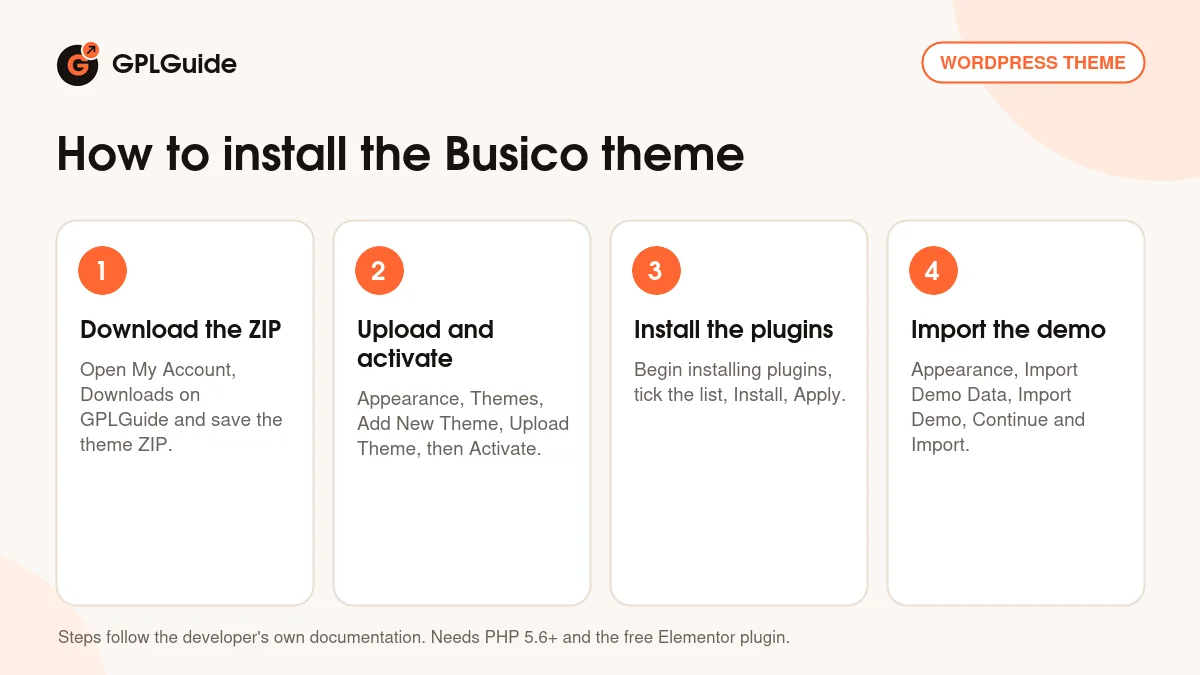
- Sign in to GPLGuide, open My Account, Downloads and save the Busico ZIP.
- In WordPress go to Appearance, Themes, Add New Theme, Upload Theme, choose the ZIP, click Install Now and then Activate.
- Click Begin installing plugins, tick the plugins on the Install Required Plugins page, choose Install, click Apply and activate them.
- Go to Appearance, Import Demo Data, Import Demo and click Continue & Import. Do not refresh the page while it runs.
For a good first setup, run the import on a fresh site, then apply the three Elementor settings above. Upload your logo in Busico Options, open your main header under Header & Footer, All Headers and replace the demo phone number and button link. After that, set your static front page under Settings, Reading and start on the service pages.
Keeping it up to date
Updates from GPLGuide are manual. When a new version of the Busico theme is listed here, download it from your account and upload it under Appearance, Themes, Add New Theme, Upload Theme. WordPress offers to replace the installed copy. Your pages, headers, footers and Busico Options settings stay in the database. Keep code changes in the child theme so updates do not overwrite them. If a newer version is out and missing here, tell us on the Request Item/Update page.
Questions about the Busico theme
Is the Busico theme only for construction companies? No. The preview address calls it a construction company theme, but it is sold as a multipurpose business and technology theme and suits consultants, logistics firms and IT companies too.
How do I change the header? Go to Header & Footer, All Headers and edit the header template in Elementor. Footers work the same way under All Footers.
Does the Busico theme support right to left languages? Yes. RTL settings were added in version 1.0.2 and an RTL demo in version 1.0.4.
Can I run a shop with it? Yes. WooCommerce support was added in 1.0.4, and 1.0.7 updated the shop templates and fixed the product details page styling.
Do I need Elementor Pro? No. Elementor Pro is listed as compatible, not as required. The free Elementor plugin is what the docs use.
Is there a child theme? Yes. The item page says a child theme is included in the developer's package.
Why does my demo import stop halfway? Usually because of low PHP limits. Raise max_execution_time, memory_limit and max_input_vars to the values in the docs, or ask your host to.
Which version of WordPress does the Busico theme support? The item page lists 4.9.x up to 7.0.x, and version 1.0.8 is tested with WordPress 7.0.1.
Can the Busico theme use my own fonts and colours instead of Elementor's? Yes. Tick Disable Default Colors and Disable Default Fonts under Elementor, Settings, General, so the theme's typography and colour settings apply. The item page lists more than 600 Google Fonts.
Building a business site? Browse more WordPress themes on GPLGuide, or see what a GPLGuide membership includes if you look after several client sites. The Busico theme's pages, headers and footers are built with the free Elementor plugin on WordPress.org.
Features & capabilities
- Elementor Header System and Footer System under Header & Footer
- Busico Options panel on Redux with logo, typography and custom CSS
- More than 600 Google Fonts and Retina logo support
- RTL settings and an RTL demo for right to left languages
- WooCommerce support with updated shop templates
- Ready Contact Form 7 layouts, including a shipping quote form
- One-click demo import with refreshed demo data
- Child theme, unlimited sidebars and .pot translation files