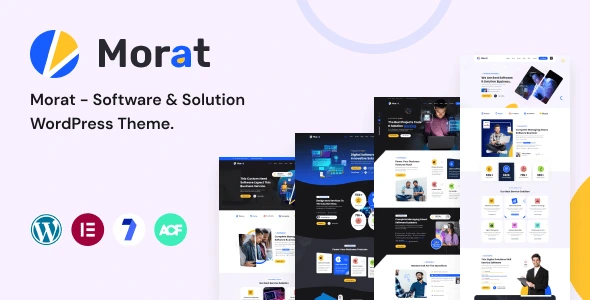
Morat – Software & Solution WordPress Theme
100% Original fileUnmodified copy of the developer's release
DeveloperRRdevs
Up to dateOriginal released Jul 16, 2026 · File last updated Oct 17, 2026
About this product
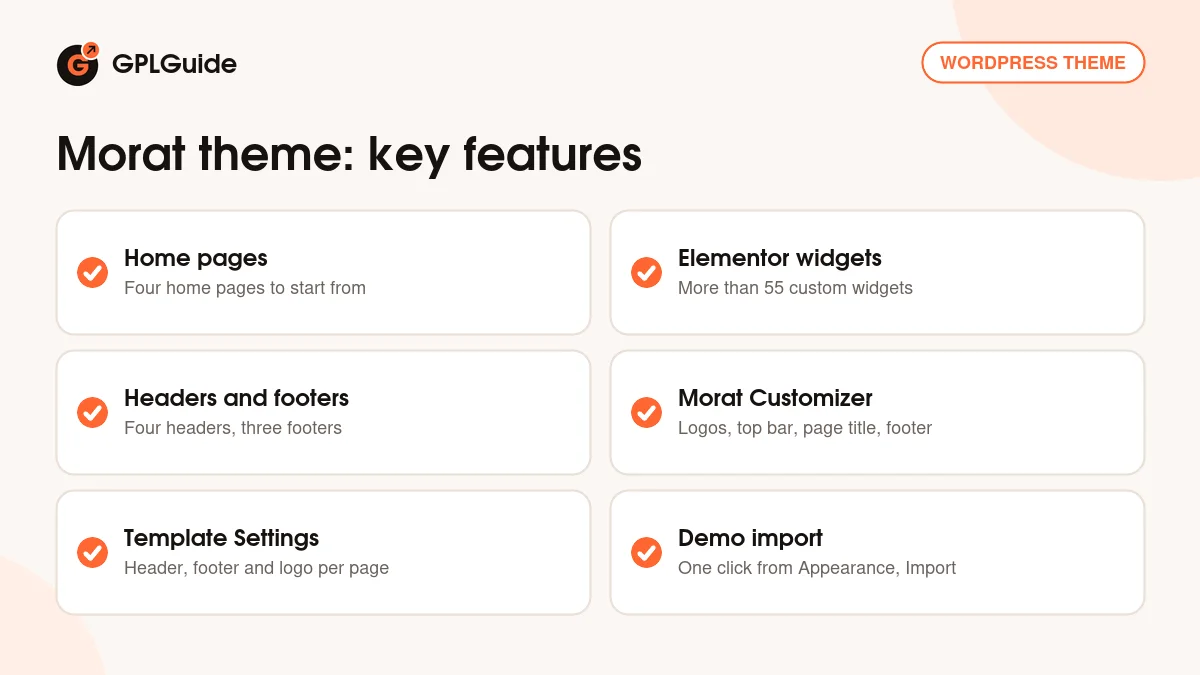
The Morat theme is a WordPress theme by RRdevs for software companies, IT service firms and tech solution providers. It is built on Elementor and Bootstrap 5, and it ships with four home pages, four header variations, three footer variations and more than 55 custom Elementor widgets. This page is for Morat 1.0.3, released on July 16, 2026. On GPLGuide you download the original theme file to install on your own websites.
Good for: software startups, SaaS products, IT support and consulting companies, and small tech agencies that want a clean company site with services, team and about sections they can edit visually in Elementor.
Requirements: the developer's docs ask for WordPress 4.8 or newer, PHP 5.6 or newer (WordPress itself suggests 7.4) and MySQL 5.6 or newer. The item page lists WordPress up to 7.0.x and says the theme works with Elementor 4.1.5. You need the free Elementor plugin to build pages and Contact Form 7 for forms. Elementor Pro is listed as compatible but is not required.
What the Morat theme does
RRdevs describes Morat as a software and solution theme. In practice that means a business site for a company that sells a product or a technical service: a hero area, service blocks, an about section, a team grid, a call to action and a subscribe form. The four home pages show different ways to arrange those parts, and you can mix sections from one into another because they are all Elementor widgets.
The Morat theme keeps global settings in the WordPress Customizer, using the Kirki framework. That is where you set logos, the top bar, the page title background and the footer. Per-page choices, such as which header style a page uses, sit in a box below the editor. The typography uses Google Fonts, and the demo is set in Urbanist.
The Morat theme is translation ready with a .pot file, it is child theme compatible, and the item page lists Gravity Forms and WPForms as compatible form plugins alongside Contact Form 7. The item page also marks it as not Gutenberg optimized, so plan to build pages in Elementor rather than the block editor.
How the Morat theme builds pages with Elementor
Every page in the Morat theme demo is an Elementor layout made from the theme's own widgets. The item page counts more than 55 of them. The docs walk through four in detail, About, Features, Services and Team, each opened with the Edit With Elementor button and changed in the panel on the left. The docs' contents list also names Slider, CTA and Subscribe widgets, although those sections have no written guide yet.
Below the editor of each page you find the Template Settings box. Here you pick the header style for that page, switch the footer on or off and choose which logo setting to use. This is useful when your home page has a transparent header over a dark hero image while inner pages need a solid header with a dark logo.
The standard Page Attributes box is still there too, with Parent and Template. Use Parent to build a tidy structure such as Services, then one child page per service. That keeps your URLs and breadcrumbs clear for visitors and search engines.
The Morat Customizer: logos, top bar and footer
Global options live under Appearance, Customise, Morat Customizer. The docs split them into three groups. Header Settings holds the logo uploads for the different places a logo appears, with matching fields for Retina logos. A Retina logo should be twice the size of the normal one, so a 160 by 40 pixel logo gets a 320 by 80 pixel Retina version. The same group sets the page title background, either one image for the whole site or one taken from each page.
In the Morat theme, Header Topbar Settings has a single switch that shows or hides the thin bar above the header. Turn it off for a cleaner look, or keep it for a phone number and social links. The Footer group covers the copyright text, social links, a footer logo and a switch to turn the footer off.
Menus are built the normal way under Appearance, Menus and assigned to the Main Menu location. Widgets go into sidebars under Appearance, Widgets, and the docs show the footer sidebar as the example. Blog posts can use an Embed Code field for video or audio posts, a featured image for standard posts, and options for the page title and sidebar.
Site plans you can copy with the Morat theme
These setups use parts that the developer documents, so you can follow them without custom code.
- SaaS product site: start from the home page closest to your product, keep the hero, Services and CTA widgets, and swap the Team section for a Subscribe block that collects trial sign-ups.
- IT support company: switch on the top bar in Header Topbar Settings for your phone number, then build one child page per service under a Services parent page.
- Software agency: use the Team widget for your developers and the About widget for your story, and give the home page a different header style in Template Settings.
- Quote requests: build a multi-column Contact Form 7 form like the sample in the docs and place it on a Contact page.
- Product video blog: publish demo videos as posts with the Embed Code field, so each tutorial plays inside the post.
- Campaign landing page: hide the footer for that one page in Template Settings so visitors see only your offer and the form.
Build one full page before copying the pattern to the rest of the site. With the Morat theme the header style, footer and logo can change per page, so a landing page can look quite different from your blog without touching the global settings.
What's new in the Morat theme 1.0.3
Morat 1.0.3 came out on July 16, 2026. The developer's changelog lists two changes: compatibility with WordPress 7.0 and with Elementor 4.x. It is a maintenance release, so expect the same layouts and widgets as before, tested against the newer WordPress and Elementor versions.
The releases before it were also small. Version 1.0.2 (January 8, 2025) updated compatibility with the WordPress release of the time. Version 1.0.1 (October 20, 2024) updated the One Click Demo Import settings and WordPress compatibility. The first release, 1.0.0, came out on March 28, 2024.
Good to know before you buy
The Morat theme docs were written for version 1.0 and still carry that number. They explain the main steps clearly, but some sections are short, and they do not list the names of the plugins that the theme's install notice offers. The docs do refer to Elementor and Contact Form 7, so expect at least those two.
The developer's pages do not say that the demo photos come with the theme. Plan to replace the pictures with your own after the import. WooCommerce is not mentioned on the item page, so the Morat theme is a company site theme, not a shop theme. The item page also says IE9 and later in one place, while its browser list names only current browsers.
Elementor Pro is optional. If you want its extra widgets or theme builder, it is a separate paid plugin from its own maker. The developer lists it as compatible, not as required.
Morat from GPLGuide vs the official subscription
The Morat theme is sold by RRdevs on ThemeForest. The Regular licence costs $19 there. It includes future updates through the marketplace and six months of item support from RRdevs, which you can extend to 12 months for a small fee. Under Envato's licence for this item, its PHP code is licensed under the GPL.
From GPLGuide you get the original Morat theme file, the same version 1.0.3 that RRdevs lists. This file comes with the license key already activated, so there is no key to enter. The home pages, Elementor widgets, Customizer options and demo import are the ones in the developer's package.
What only the developer gives you is their ticket support at support.rrdevs.net, refunds under Envato's rules and updates delivered through your own Envato account. If you want RRdevs to help with setup problems, buy the licence on ThemeForest. Developer support is not part of the file.
How to install the Morat theme
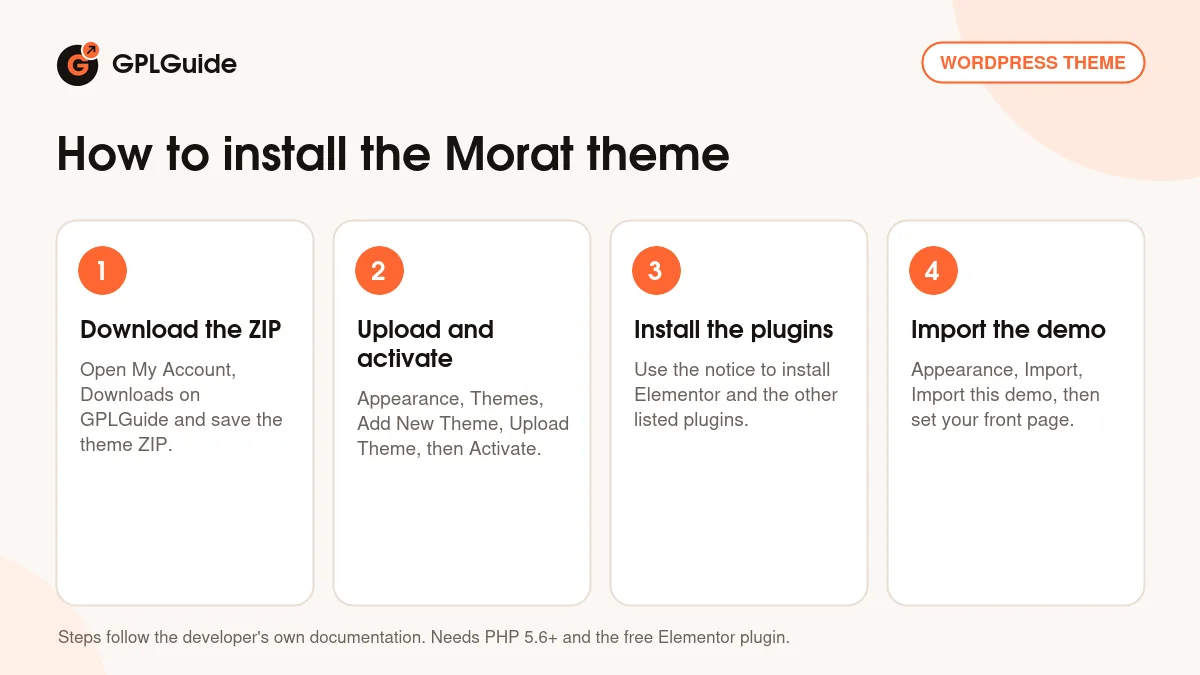
- Sign in to GPLGuide, open My Account, Downloads and save the Morat ZIP.
- In WordPress go to Appearance, Themes, Add New Theme, Upload Theme, choose the ZIP, click Install Now and then Activate.
- Click Begin installing plugins in the notice, tick the required plugins on the Install Required Plugins page, choose Install and click Apply.
- Go to Appearance, Import and click Import this demo, then set your front page under Settings, Reading.
Before the import, check your PHP limits. The docs recommend a max_input_vars of 3000, a memory_limit of 128M and a max_execution_time of 180, because low limits are a common reason for half-finished imports. For a good first setup, import the demo on a fresh site, upload your logo and Retina logo in the Morat Customizer, then edit one home page section by section in Elementor.
Keeping it up to date
Updates from GPLGuide are manual. When a new version of the Morat theme is listed here, download it from your account and upload it under Appearance, Themes, Add New Theme, Upload Theme. WordPress offers to replace the installed copy, and your pages and Customizer settings stay in the database. Put code edits in a child theme so an update does not overwrite them. If you spot a newer version we have not added, tell us on the Request Item/Update page.
Questions about the Morat theme
Which page builder does the Morat theme use? Elementor. All demo pages are Elementor layouts made from the theme's own widgets, and version 1.0.3 is tested with Elementor 4.x.
Do I need Elementor Pro? No. Elementor Pro is listed as compatible, but the theme's widgets and demo work with the free Elementor plugin.
How many home pages does the Morat theme have? The item page lists four home pages, four header variations and three footer variations.
Is there a one-click demo import? Yes. Go to Appearance, Import and click Import this demo. Version 1.0.1 updated these import settings.
Can I use a different header on one page? Yes. The Template Settings box below the editor sets the header style, footer visibility and logo for each page.
Does the Morat theme work with WordPress 7.0? Yes. The 1.0.3 changelog lists WordPress 7.0 compatibility, and the item page lists versions up to 7.0.x.
Can I build an online shop with the Morat theme? The item page does not mention WooCommerce, so the developer does not present it as a shop theme. For a store, pick a theme that lists WooCommerce support.
Is the Morat theme good for a single product? Yes. You can keep one home page, drop the sections you do not need and point every call to action at your trial or demo form. The Subscribe widget suits a waiting list before launch.
Where do I get help with the Morat theme? RRdevs gives item support through its ticket system to buyers of a ThemeForest licence. Without that licence, the docs are the first stop for help with your own setup.
Looking for more designs? Browse the WordPress themes on GPLGuide, or see what a GPLGuide membership includes if you build sites often. The Morat theme's pages are built with the free Elementor plugin on WordPress.org.
Features & capabilities
- Four home pages, four header variations and three footer variations
- More than 55 custom Elementor widgets, including About, Services, Team and CTA
- Morat Customizer with logo, Retina logo, top bar and footer options
- Template Settings box for header style, footer and logo on each page
- One-click demo import from Appearance, Import
- Bootstrap 5 based, responsive layout with Google Fonts
- Works with Contact Form 7, Gravity Forms and WPForms
- Translation ready with a .pot file and child theme compatible