AGS: Divi Ghoster
100% Original fileUnmodified copy of the developer's release
DeveloperWP Zone
Up to dateOriginal released Oct 13, 2025 · File last updated Oct 16, 2026
About this product
Divi Ghoster is a white label plugin for the Divi and Extra themes, made by WP Zone, an Aspen Grove Studios company. It puts your own name and logo in place of Divi in the dashboard and builder, hides Divi menus and plugins from clients, and gives your sites a branded login page. This page is for Divi Ghoster 5.0.58, released on October 13, 2025. On GPLGuide you download the original plugin file to install on the websites you build.
Good for: Web designers, freelancers and agencies who build client sites with Divi or Extra and want the dashboard to show their own brand. It also suits sites where clients should not touch theme settings.
Requirements: A self-hosted WordPress site with the Divi theme or Extra theme by Elegant Themes (a child theme is fine), PHP 7.2 or newer, MySQL 5.6 or newer or MariaDB 10.0 or newer, HTTPS, and Apache with mod_rewrite or Nginx. Permalinks must not be set to Plain. The developer lists Divi Ghoster as compatible with Divi 4, with Divi 5 support marked as coming soon. It does not work on WordPress Multisite.
What Divi Ghoster does
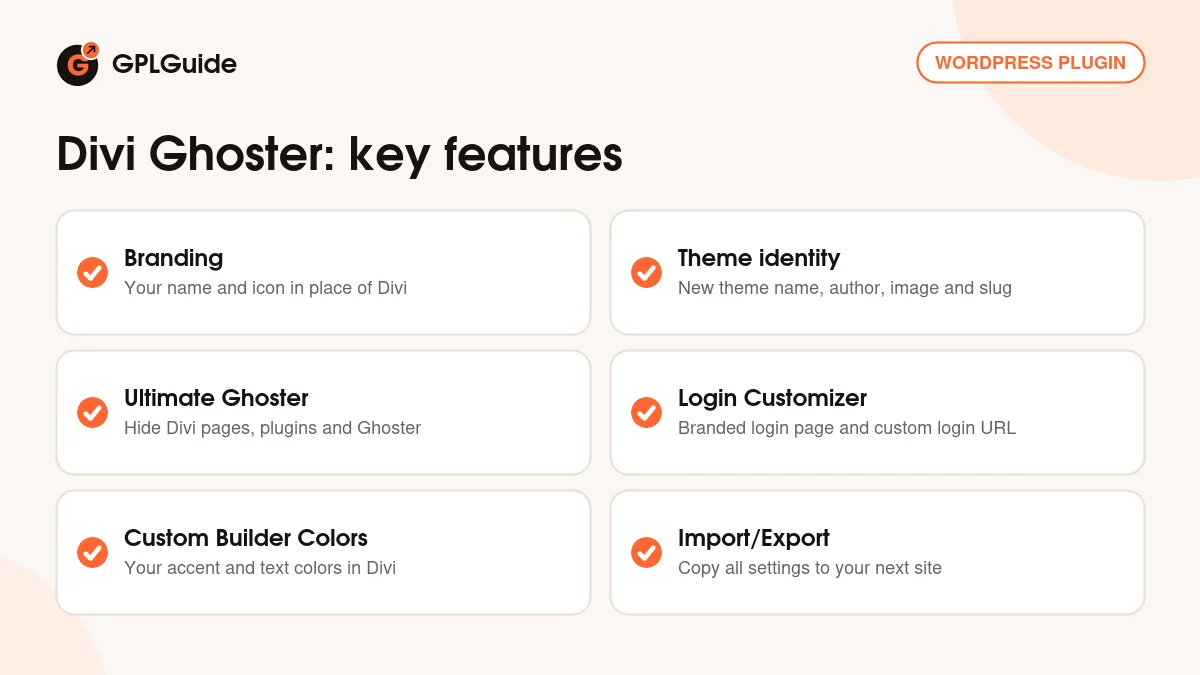
Divi Ghoster takes the Divi name out of the places your clients look. You type a Branding Name and upload a Branding Image, and the plugin shows them in the dashboard menu and the page builder instead of Divi and its gear icon. It can also rename the theme itself, change its author and thumbnail, and change the slug that appears in admin addresses and page source.
The second job is hiding things. With Ultimate Ghoster switched on, the plugin removes its own menu link, hides Divi related plugins from the plugin list, takes away the Role Editor and lets you choose which Divi pages disappear from the dashboard. You keep access through direct links or a keyboard shortcut, so you can still make changes later.
The Branding tab: putting your name on Divi
Everything starts in the Branding tab under the Divi Ghoster menu. Branding Name is the word that replaces "Divi" across the dashboard and page builder, including the builder button in the classic and block editors. Branding Image is the small icon next to it. The docs ask for at least 50 by 50 pixels and advise against large files, since the image is shown at icon size.
Theme Name and Author Name change what people see under Appearance, Themes, and Custom Theme Image replaces the theme screenshot there. The developer recommends 1200 by 900 pixels in JPG or PNG. Theme URL Slug changes the address of the theme options page. The plugin adds the prefix et_ to it, so a slug of ghost_divi gives page=et_ghost_divi in the admin address.
The same tab holds two login settings. Login Url slug moves the login page, so with "mylogin" your login address becomes your-site.com/mylogin instead of wp-login.php. Apache needs nothing extra. On Nginx, add the rewrite rule from the developer's docs and restart Nginx before you switch it on. Enable Login Page Customizer adds a button that opens the customizer on your login screen.
Ultimate Ghoster: hiding Divi from clients and detectors
Ultimate Ghoster is the setting that gives the plugin its name. Once it is on, the Divi Ghoster link leaves the dashboard menu, Divi related plugins drop out of the plugin list, and the plugin also hides itself from the Site Health plugin list. The product page names Divi Switch, Divi Bars and Divi Booster among the plugins it can hide. In page source and theme detectors, your Branding Name replaces Divi.
You choose what goes. Hide Divi Pages lets you remove Theme Options, Theme Builder, Theme Customizer, the Role Editor, the Divi Library and the Support Center from the menu, and there are sub-options for Premade Layouts, the Product Tour and theme update information. Hide Traces of Divi Ghoster goes further and replaces the word divi in your page source.
Because the settings vanish from the menu, the docs tell you to save the direct links first. The settings page lives at admin.php?page=divi_ghoster and the Role Editor at admin.php?page=et_divi_role_editor. Enable Ultimate Ghoster Shortcut adds a quicker route: press F7 anywhere in the admin and the settings open. Anyone who can reach your dashboard can press F7 too, so treat it as a convenience, not a lock.
Login page, dashboard and builder colors
The Login Customizer opens a live preview of your login screen in the WordPress customizer. You can set a background image and tint, background color, form alignment and form background, your logo, link color and submit button color.
The Customization tab covers the rest of WordPress. Hide WordPress Tabs can remove Appearance, Settings, Tools, Projects, Plugins and Updates from the menu, with a list of direct links at the bottom of the screen. Hide WordPress Icon, Hide WordPress Footer and Hide WordPress Default Widgets clear away the WordPress logo, the footer credit and the standard dashboard boxes.
Custom Dashboard Layout replaces the welcome panel with a page you build, with or without the Divi Builder. Set the page to the Blank template, publish it privately and pick it from the dropdown. In Custom Builder Colors, tick Enable Custom Colors and set the Primary, Secondary, 3rd to 6th accent colors and the Text color for the backend builder and the Visual Builder.
Setups you can copy for client sites
Decide up front how much the client should see. These setups use only the settings above.
- Agency brand only: set Branding Name to your studio name, upload your logo as the Branding Image and leave Ultimate Ghoster off. Clients see your name but can still reach every Divi page.
- Content editor handover: turn on Ultimate Ghoster and hide Theme Options, Theme Builder, Theme Customizer and the Role Editor, so the client can edit pages but not the site design.
- Branded sign-in: set a Login Url slug such as "client-login", then open the Login Customizer and add the client's logo, colors and a background image.
- Welcome panel with help links: build a private page with your support email, a short video and links to the pages the client edits most, then choose it as the Custom Dashboard Layout.
- Same setup on every site: finish one site, export the settings from Import/Export, import them on each new build, then change only the logo and login slug.
Before you switch on Ultimate Ghoster, copy the direct links from the Customization and Ultimate Divi Ghoster tabs into your project notes.
What's new in Divi Ghoster 5.0.58
Version 5.0.58 came out on October 13, 2025. It is a small release with one change: it hides the help icon in the backend visual builder, so one more Elegant Themes element stays out of sight. As of October 2026 it is still the newest version in the developer's changelog.
The releases before it were maintenance work too. Version 5.0.57 (June 7, 2024) fixed the Divi Cloud sidebar box in the Insert Module dialog, which still showed in the backend builder and theme builder. Version 5.0.56 (February 22, 2024) stopped theme updates from failing when the custom theme image could not be set, and added more text ghosting and logging messages.
Version 5.0.55 (December 27, 2023) hid Divi Ghoster from the active plugins list in Site Health, and 5.0.54 (November 30, 2023) fixed the custom image options on sites with a custom uploads folder path.
Good to know before you buy
The most important point is Divi 5. The developer lists Divi Ghoster as compatible with Divi 4 and marks Divi 5 support as coming soon. Elegant Themes now offers Divi 5, and nothing in the 5.0.58 changelog mentions it. If your sites run Divi 5, test on a staging copy first and expect that some parts may not work yet.
Hiding is not complete. The docs say Hide Traces of Divi Ghoster does not remove every reference: classes such as et_pb_module stay in the page source, some changes can be undone by JavaScript after the page loads, and other plugins may still mention Divi. It makes Divi harder to spot, not impossible to find.
The plugin is not compatible with WordPress Multisite, and enabling it across a network can break the dashboard. Turn Ultimate Ghoster off before you deactivate or delete the plugin. Deactivating brings back the normal Divi branding, and uninstalling removes all of your settings, so export them first. The developer does not describe any cloud service for this plugin.
Divi Ghoster from GPLGuide vs the official subscription
From GPLGuide you get the original Divi Ghoster 5.0.58 plugin file, released under the GPL, to install on your own sites. The file from GPLGuide comes with the license key already activated, so there is no key to enter. Every setting in the file works the same way: branding, Ultimate Ghoster, the Login Customizer, the custom dashboard, builder colors and import and export.
WP Zone sells the plugin as a yearly license: $29 per year for a Single Site, $39 for 3 Sites and $49 for Unlimited Sites, or within their Annual Membership at $149. That subscription adds help from the WP Zone support team, updates through their own system and a 14-day money-back guarantee. If you rely on developer support, buy from them. If you need the plugin itself, we offer the same file.
How to install Divi Ghoster
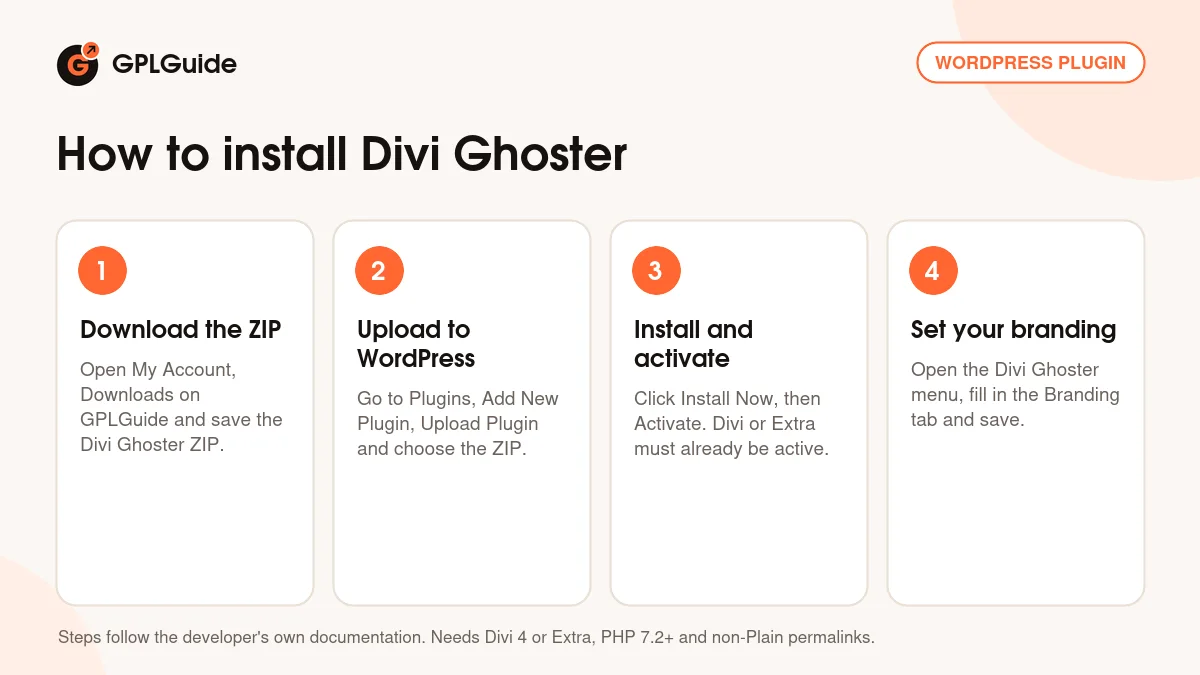
- Sign in to GPLGuide, open My Account, Downloads and save the Divi Ghoster ZIP.
- In WordPress go to Plugins, Add New Plugin, Upload Plugin and choose the ZIP.
- Click Install Now, then Activate. The Divi or Extra theme must already be active, and permalinks must not be set to Plain.
- Open the new Divi Ghoster menu, fill in the Branding tab and click Save Changes.
For a good first setup, back up the site and fill in only the Branding tab: Branding Name, Branding Image, Theme Name and Author Name. Save, then open the Divi Builder to check the new name and icon. Leave Ultimate Ghoster until last, after you have copied the direct links.
Keeping it up to date
Updates from GPLGuide are manual. When a new version of Divi Ghoster is listed here, download it from your account and upload it under Plugins, Add New Plugin, Upload Plugin. WordPress offers to replace the installed copy. If you have hidden the Plugins menu, use the direct link at the bottom of the Customization tab. Spotted a newer version that we have not added? Tell us on the Request Item/Update page.
Questions about Divi Ghoster
Does Divi Ghoster work with Divi 5? The developer lists it for Divi 4 and says Divi 5 support is coming soon. Version 5.0.58 does not mention Divi 5, so test carefully before you use it on a Divi 5 site.
Does it work with the Extra theme? Yes. The docs list the Divi theme or the Extra theme by Elegant Themes as the requirement, and the developer says it works with Divi and Extra child themes too.
What if I lose the settings after enabling Ultimate Ghoster? Open admin.php?page=divi_ghoster on your site, or press F7 if you turned on the shortcut. The Role Editor is at admin.php?page=et_divi_role_editor.
Can I use it on a multisite network? No. The developer says it is not compatible with Multisite and that enabling it on a network can break the dashboard.
Will Divi Ghoster hide Divi from every detector? Not completely. It replaces Divi with your Branding Name in page source and theme detectors, but classes such as et_pb_module stay, and other plugins may still mention Divi.
Can I copy my settings to another site? Yes. Export a settings file from the Import/Export tab, import it on any other Divi Ghoster install, then click Save Changes.
Is the license key already activated? Yes. The file you download comes with the license key already activated, so there is nothing to enter before you start.
What happens when I deactivate the plugin? The normal Divi branding comes back. Turn off Ultimate Ghoster first, and export your settings before you uninstall, because uninstalling deletes them.
Browse more WordPress plugins on GPLGuide, or see what a GPLGuide membership includes if you use several premium plugins. Divi Ghoster needs the Divi or Extra theme, which you buy from Elegant Themes.
Features & capabilities
- Branding Name and Branding Image replace the Divi name and icon in the dashboard and builder
- New theme name, author, screenshot and theme URL slug
- Ultimate Ghoster hides Divi pages, Divi related plugins and the plugin itself
- Hide Traces of Divi Ghoster replaces divi in your page source
- Custom login address and a live Login Customizer
- Custom dashboard welcome panel built from your own page
- Seven custom colors for the backend builder and the Visual Builder
- Settings import and export, plus an F7 shortcut to the settings