Dustar – Cleaning Services WordPress Theme
100% Original fileUnmodified copy of the developer's release
Developerthemexshaper
Up to dateOriginal released Jan 17, 2026 · File last updated Oct 17, 2026
About this product
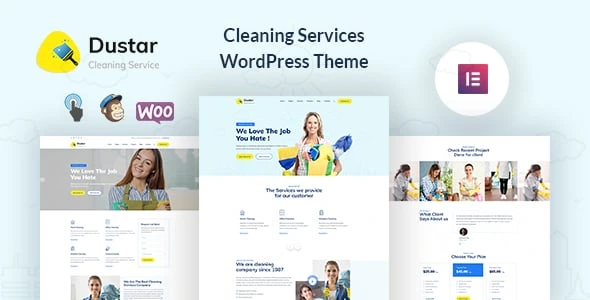
The Dustar theme is a WordPress theme by themexshaper for cleaning companies and other home service businesses. It gives you service pages, a projects area, testimonials, a blog and contact forms, with three home page layouts built in the Elementor page builder. This page is for Dustar 1.0.8, released on January 17, 2026. On GPLGuide you download the original theme file to install on your own websites.
Good for: house and office cleaning firms, carpet and window cleaners, end-of-tenancy teams and similar trades such as handymen, carpenters and electricians, which the developer also tags. It suits a local business that wants to explain its services, show finished jobs and collect enquiries.
Requirements: The item page lists WordPress 5.9 up to 7.0, WooCommerce 9, and Elementor or Elementor Pro. It gives no minimum PHP version; the changelog added PHP 8.1 support in 1.0.5 and PHP 8.2 support in 1.0.6. The theme is built with Elementor, One Click Demo Import, the Codestar Framework and Contact Form 7, and nearly every release updates a core plugin that the item page does not name.
What the Dustar theme does
People looking for a cleaner want three answers fast: what you do, whether you are any good and how to get a price. The Dustar theme is laid out around those questions. Service pages explain each job you offer, the projects area shows finished work, testimonials add proof from real customers, and contact forms turn a visit into an enquiry.
You start from one of three home page layouts and edit every page in Elementor. The design is clean and minimal on a Bootstrap 3 grid, with a sticky header so the menu and your call to action stay in reach. The demo uses the Muli font with Themify Icons and Flaticon, and the feature list also names Font Awesome, which covers icons for brushes, sprays, homes and offices.
The Dustar theme also lists full WooCommerce compatibility, with WooCommerce 9 in the compatible software row, so a cleaning company can sell gift vouchers, cleaning products or fixed-price packages from the same site.
Service pages, projects and testimonials
The developer describes services, single service pages, projects, testimonials and blog layouts. In practice that gives each service a page of its own, such as regular home cleaning, deep cleaning, office contracts or oven cleaning, where you can say what is included, how long it takes and who it is for. Separate pages also help people who search for one specific job.
Projects in the Dustar theme work as a portfolio of finished jobs. A short description with before and after photos of a kitchen, a stairwell or a shop floor says more than a paragraph of promises. The changelog shows the developer fixed a custom post category select issue in 1.0.3 and a post type select error in 1.0.5, which suggests the theme uses its own content types, although the item page does not list their names.
Testimonials in the Dustar theme sit alongside these. Ask happy clients for one or two sentences and their first name or company, and place them near the contact form where the decision gets made.
Elementor widgets, theme options and maintenance mode
The Dustar theme is built for Elementor, and the item page lists both Elementor and Elementor Pro as compatible without saying Pro is required. The theme adds custom Elementor widgets for its own sections. The changelog shows the widgets were improved in 1.0.3 and the Elementor icons in 1.0.2.
Global settings for the Dustar theme sit in the theme options panel, built with the Codestar Framework. The item page lists unlimited colours and advanced typography among them, and the changelog shows the options UI was improved in 1.0.1 and again with the framework in 1.0.4. Version 1.0.2 fixed the maintenance mode options, which tells you the theme has a maintenance mode you can switch on while you build the site. It also fixed a metabox colour issue, a hint that some settings sit on individual pages as well.
We found no public online documentation and the item page does not list the option names, so we don't name settings we couldn't check. Google Maps with multiple locations is confirmed, which is useful if you cover several towns or have more than one depot.
Demo import and forms
The Dustar theme has a one-click demo import based on the One Click Demo Import plugin, so you can start from a finished layout. Import issues were fixed in 1.0.2 and 1.0.4, and the demo content was refreshed in 1.0.1. Contact forms run on Contact Form 7, which the theme integrates.
Import on a fresh install if you can, so the demo pages don't mix with your own. The item page does not say whether the demo photos are included, so plan to use pictures of your own team, vans and finished jobs. Real photos also build more trust than stock images.
Setups a cleaning business can copy
These setups use the service pages, projects, maps and Contact Form 7. Pick the one closest to your business.
- Domestic cleaner: One service page each for weekly cleans, deep cleans and moving-out cleans, with a short list of what is included and a button to the quote form.
- Commercial contracts: Lead with office and retail cleaning on the home page, list the sectors you serve and add project pages for two or three long-term clients who agree to be named.
- Quote request form: A Contact Form 7 form that asks for postcode, property type, number of rooms, how often and a preferred start date gives you enough to price a job.
- Several service areas: Put each town or depot on one Google Map and mention the areas you cover on every service page.
- Handyman or electrician: Swap the cleaning services for repair jobs and use projects for before and after photos of finished work.
- Small shop: Use WooCommerce for gift vouchers or a fixed-price spring clean that customers can pay for upfront.
A service page in the Dustar theme works well with a simple outline: one line on who the service is for, a short list of what is included, how long a typical visit takes, two photos and a quote button. Repeat the same outline on every service so visitors can compare.
Whatever setup you choose, put your phone number and the quote button in the header. Many visitors will be on a phone, and the sticky header keeps both visible as they scroll.
What's new in Dustar 1.0.8
Version 1.0.8 came out on January 17, 2026. It adds WordPress 6.9 compatibility, updates the core plugin, fixes PHP deprecation issues, resolves a comment issue and updates WooCommerce compatibility. The item page was last updated on January 24, 2026, and 1.0.8 is still the newest version it lists.
Before that, version 1.0.7 (April 25, 2025) added WordPress 6.8 compatibility and a core plugin update. Version 1.0.6 (January 15, 2025) added PHP 8.2 and WordPress 6.7 compatibility. Version 1.0.5 (May 27, 2024) added PHP 8.1 and WordPress 6.5 support and fixed WooCommerce deprecation issues and a post type select error.
Going further back, version 1.0.4 (August 20, 2023) brought PHP 8 and WooCommerce 8.0.1 compatibility, improved the theme options and framework and fixed the demo import. Version 1.0.3 (September 26, 2021) improved the Elementor widgets of the Dustar theme and fixed the custom post category select. The pattern is steady upkeep for new WordPress and PHP versions rather than big new sections.
Good to know before you buy
The Dustar theme presents your services and collects enquiries, but the item page does not mention an online booking system, an appointment calendar, a price calculator or pricing tables. If you want customers to book a slot or pay a deposit, plan for a separate booking plugin.
Item support for the Dustar theme comes from themexshaper for buyers on ThemeForest, for six months with the Regular licence. Updates from our shop are manual, as explained below.
The core plugin is not named on the item page, there is no public online documentation, and the names of the content types and options are not published, so those details are not confirmed here. The theme uses Bootstrap 3, an older version of the framework. We found no services on the developer's servers; the parts listed run on your own site.
Dustar from GPLGuide vs the official subscription
The Dustar theme is sold by themexshaper on ThemeForest. The Regular licence costs $49 there and includes future updates through the marketplace and six months of item support from the developer, with the option to extend support to 12 months. Under Envato's licence for this item, its PHP code is licensed under the GPL.
From GPLGuide you get the original Dustar theme file, with the home layouts, service and project sections, Elementor widgets, theme options and demo import that are in the file. The file from GPLGuide comes with the license key already activated, so there is no key to enter.
Item support, refunds under Envato's rules and updates through an Envato account come only from the developer. If you want themexshaper to help set up your site, buy the licence on ThemeForest.
How to install the Dustar theme
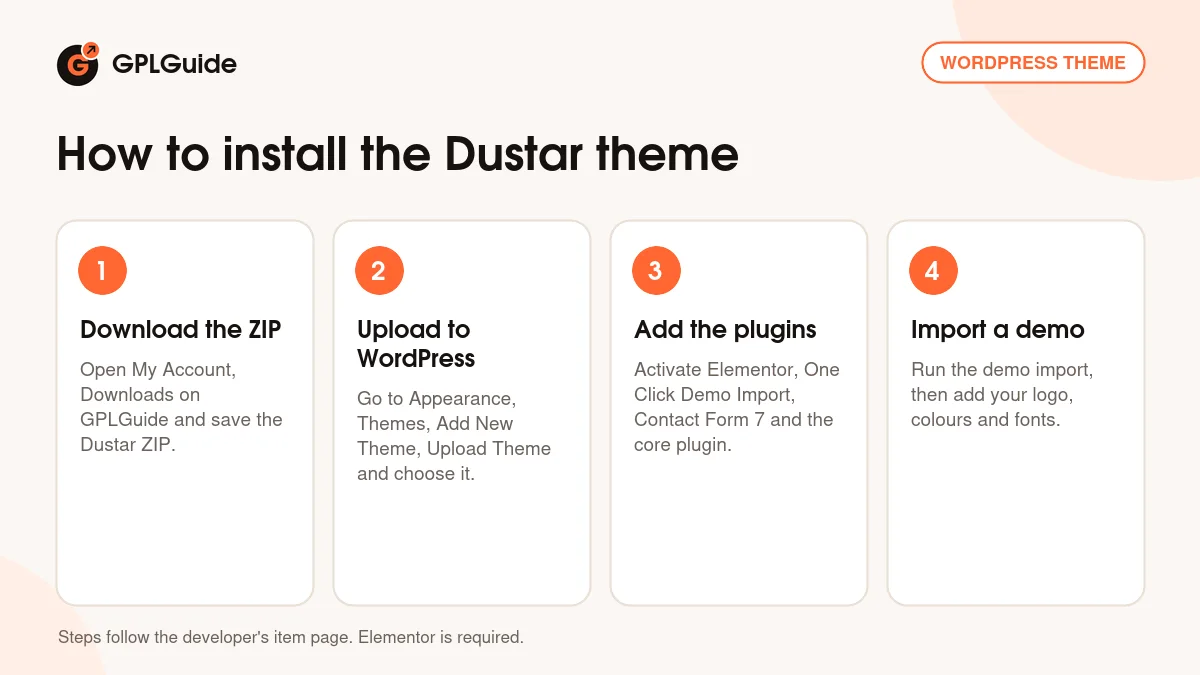
- Sign in to GPLGuide, open My Account, Downloads and save the Dustar ZIP.
- In WordPress go to Appearance, Themes, Add New Theme, Upload Theme, choose the ZIP and click Install Now.
- Activate the theme, then install and activate Elementor, One Click Demo Import, Contact Form 7 and the theme's core plugin.
- Run the one-click demo import, then add your logo, colours and fonts in the theme options.
For a good first setup, switch on maintenance mode while you work, import the demo and choose the home layout you like best. Rewrite your three most requested services first, add one project with real photos and build the quote form. Then switch maintenance mode off and send the link to a regular customer to try the form from a phone.
Keeping it up to date
Updates from GPLGuide are manual. When a new version of the Dustar theme is listed here, download it from your account and upload it under Appearance, Themes, Add New Theme, Upload Theme. WordPress offers to replace the installed copy, and your services, projects and settings stay in the database. Update the core plugin from the same release as well. If you see a newer version that we haven't added, tell us on the Request Item/Update page.
Questions about the Dustar theme
Can customers book a cleaning slot online? The item page names no booking or appointment feature. Use a Contact Form 7 quote form, or add a booking plugin of your choice.
Does the Dustar theme have separate pages for each service? Yes. The developer lists services and single service pages.
Can I show before and after photos? Yes. The projects area is the natural place for photos of finished jobs.
Is it only for cleaners? It is designed for cleaning companies, but the developer also tags it for handymen, carpenters and electricians.
Can I hide the site while I build it? Yes. The theme has maintenance mode options, which were fixed in version 1.0.2.
Is it ready for WordPress 7.0? The item page lists WordPress 7.0 among the tested versions, back to 5.9.
Does it run on PHP 8.2? Yes. PHP 8.2 compatibility was added in version 1.0.6.
Can I sell cleaning products with the Dustar theme? Yes. The item page lists WooCommerce 9 as compatible, so you can add a shop for products or vouchers.
How many home page layouts are there? Three, which you can see in the live preview on the item page.
Running a service business? Browse more WordPress themes in our shop, or see what a GPLGuide membership includes. The Dustar theme forms use the free Contact Form 7 plugin on WordPress.org.
Features & capabilities
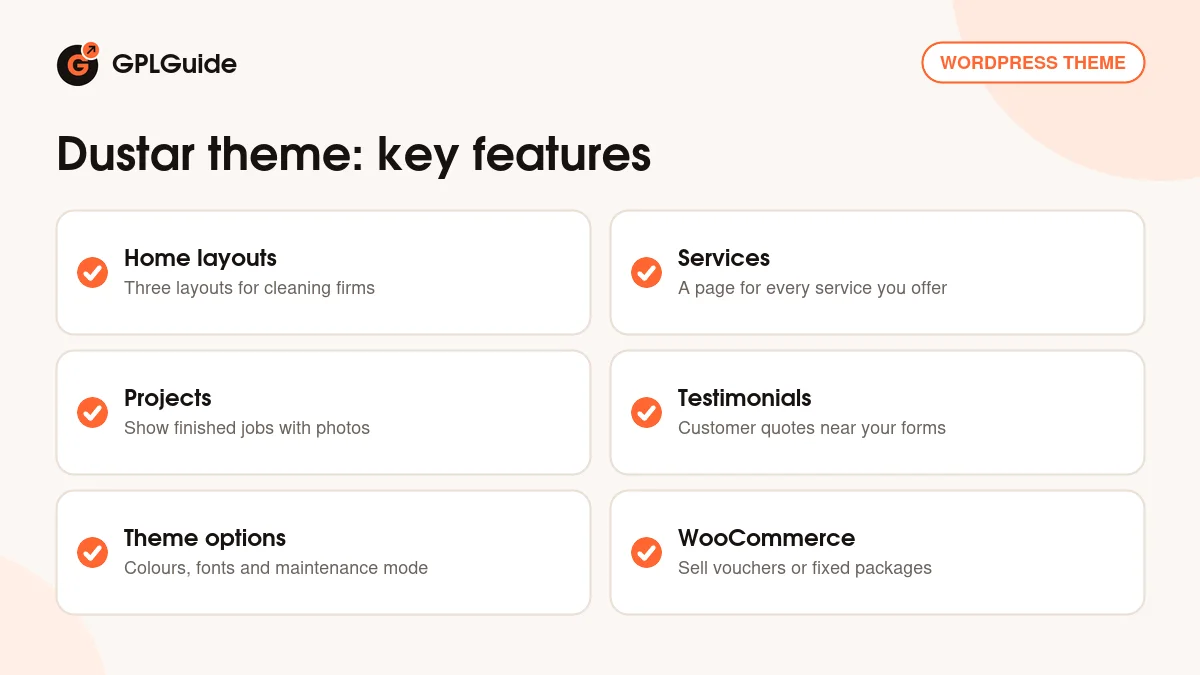
- Three home page layouts for cleaning and home service companies
- Services, single service pages, projects and testimonials
- Elementor page builder with the theme's own custom widgets
- Theme options on the Codestar Framework with unlimited colours
- Maintenance mode options for building the site out of view
- One-click demo import and Contact Form 7 integration
- WooCommerce 9 compatibility for vouchers or products
- Google Maps with multiple locations and a sticky header