EventON – WordPress Virtual Event Calendar Plugin

100% Original fileUnmodified copy of the developer's release
DeveloperEventON
Up to dateOriginal released Oct 7, 2026 · File last updated Oct 23, 2026
About this product
EventON is a WordPress event calendar plugin that lists your events in a clean month view, where each row opens into a card with the details, a map and links. It suits anyone who runs events from their own site: venues, clubs, schools, churches, meetup organizers and teams that host online sessions on Zoom. This page is for EventON 5.1.1, released on October 7, 2026. On GPLGuide you download the original plugin file to install on your own WordPress websites.
Good for: venues, community groups, schools, churches, theatres, fitness studios and businesses running webinars or online classes that want one calendar of single, multi-day, repeating and virtual events, with maps, organizers and filters.
Requirements: WordPress 6.0 or newer and PHP 8.0 or newer, with PHP 8.1 or higher recommended. The developer lists MySQL 5.7 or MariaDB 10.3 and up, a PHP memory limit of at least 128 MB (256 MB recommended), WP-Cron turned on and permalinks enabled. No other plugin is needed. Maps need your own Google Maps API key. The file from GPLGuide comes with the license key already activated.
What EventON does
Events get a post type of their own. You add them under Events, Add New, fill in the Start Date/Time and End Date/Time in the Event Details box, pick an event color and, if you like, a featured image. Each event can also have a location, an organizer and terms in two category groups, Event Type and Event Type 2. You can rename both on the Categories tab, for example to "Venue" and "Audience".
On the front end, a shortcode or block prints the calendar. Every event shows as a compact row called the EventTop. Click it and the EventCard slides open with the description, time, location map, organizer, buttons and anything else you switched on. Month navigation runs over AJAX, so visitors don't wait for a full page reload.
Beyond the month list, the core plugin has tile layouts, a schedule view, a live view of what's happening now, single event pages, a search box and a filter bar. The developer advertises more than 200 features. You won't touch most of them.
EventTop, EventCard and the EventON settings
Almost everything about the look lives under EventON, Settings, and the tabs deserve a slow first pass. Start with Time Settings: set your zone under General Time/Date Settings and tick Apply default timezone to all events. Do this before you add events. Fixing the times on fifty events later is no fun.
EventTop. The EventTop tab holds the EventTop Designer, where you decide what each row shows: the date block, time, location name, organizer, event type tags and so on. Version 5.1 added a per-event text color for the row and an option to show only Event Type 1 icons there, which keeps busy calendars readable.
EventCard. The EventCard Designer on the EventCard tab arranges the fields inside the open card. You switch boxes on or off and drag them into order. Recent releases added a highlights section (5.0.13), a vendors section with unlimited vendors per event (5.1), an FAQ section built on its own taxonomy (5.0) and a door open, or check-in, time (5.1).
Location and maps. On the Location tab you paste a Google Maps API key, set the Google starting zoom level and can turn on map generation from the address for every new event. Since 5.1 you can pick a spot on a map when you add a location, fetch place data from the Google Places API and show phone numbers as tap-to-call links.
Single Events. This tab sets the look of single event pages through Select eventTop Style and lets you pick share channels under Shareable Options. Custom CSS goes on the Styles tab.
Repeating and virtual events in EventON
Turn on Repeating Event in the event editor and pick a pattern. Hourly repeats within one day. Daily and yearly take a gap and a maximum count. Weekly works on a Single day or on chosen Days of the week. Monthly has two modes: Day of the month, or Day of the week for patterns such as the first Friday or the last Sunday. Custom lets you add each start and end date by hand.
Here's a handy trick from the docs. Build the series as weekly or monthly, save it, then switch it to custom. The plugin keeps the dates it made and lets you delete the odd one, like a holiday week. Three settings shape how a series looks to visitors: Show end time of repeating instances as well on event card, Allow repeat dates to be clickable and Show current instance relative to other repeats.
For online events you get virtual event locations, an event status for each event, a live progress bar while an event runs and a happening now view. Zoom is built in through your own Zoom API credentials, and 5.1 sets the event timezone for Zoom for you. The developer sells Virtual Plus separately if you need more online event tools.
EventON shortcodes and calendar layouts
You don't have to type shortcodes by hand. In the block editor, add the EventON Shortcode block and the generator opens. In the classic editor its button sits next to Add Media. Pick a Calendar Type, change the options and watch the preview at the bottom. For a sidebar, paste the result into the EventON Shortcode Executor widget under Appearance, Widgets.
The main shortcode is [add_eventon]. A few variables do most of the work. hide_past="yes" drops old events, event_count caps events per month, event_type filters by term IDs, and fixed_month with fixed_year locks the view. show_upcoming with number_of_months turns it into an upcoming list. tiles="yes" switches to tiles, show_et_ft_img="yes" adds thumbnails, ux_val sets what a click does (slide down, lightbox or single page) and cal_id keeps two calendars on one page apart.
Other core shortcodes embed a single event by id, show live and upcoming events ([add_eventon_now]), print the month as a schedule, list event types as boxes or add a search field. Weekly, daily, yearly, full grid and slider views come from add-ons.
Calendars you can copy
Each one uses only the options above. Swap in your own names.
- Venue listing: [add_eventon hide_past="yes" show_et_ft_img="yes"] on a page called Events, with location maps on and the EventCard showing door open time and the organizer.
- What's coming up: [add_eventon] with show_upcoming and number_of_months set to 3, on the home page for the next three months.
- Webinar series: a weekly repeat on Days of the week, Tuesday and Thursday, a virtual location with your Zoom details and the event status kept current.
- Monthly club night: a monthly repeat in Day of the week mode for the first Friday, switched to custom afterwards so you can drop the August date.
- Tile wall: [add_eventon tiles="yes" tile_count="3" only_ft="yes"] to show only featured events as image tiles.
- Two calendars on one page: one for Workshops and one for Talks, each with its own cal_id and event_type IDs.
- Live sidebar: the Shortcode Executor widget holding [add_eventon_now], so the sidebar shows what's on right now.
What's new in EventON 5.1.1
Version 5.1.1 came out on October 7, 2026, one week after 5.1. It's a fix release. The one new option lets repeating events appear in Yoast SEO sitemaps. The fixes cover location selection, multiple terms not showing in lists, the time picker in the classic editor, settings button styles, missing translations, the sort menu showing over the search field and the Schedule view loading animation. Handlebars.js moved to 4.7.10.
The big step was 5.1 on September 30, 2026. It brought map-based location picking, Google Places data, file uploads for custom fields, the vendors section, sorting by end time, new webhooks and a reworked settings screen with a translation progress bar. Before that, 5.0.13 (August 6, 2026) added highlights and directions, and 5.0.12 (July 2, 2026) fixed two search vulnerabilities. At the time of writing, 5.1.1 is the newest version in the developer's changelog.
Good to know before you buy
This is the core plugin only. The developer sells a long list of add-ons separately, and none of them are in this download. The ones buyers ask about most are Event Tickets (selling tickets through WooCommerce), RSVP Events, ActionUser for front-end event submission, Full Cal, Weekly View and Daily View for other layouts, Event Slider, Event Lists, Reminders, Subscriber and Speakers & Schedule.
Maps and place lookups run on Google's servers with your own API key, and Zoom runs on your own Zoom account. The 5.0 changelog lists AI suggestions for event types, tags, summaries and FAQs. The developer documents those tools together with a separate AI add-on, so don't count on AI drafting from this file alone.
Plan your hosting with growth in mind. The developer asks for 128 MB of PHP memory for the core plugin, 256 MB once add-ons come in, and 512 MB or more with Event Tickets and WooCommerce. WP-Cron has to run for scheduled tasks.
EventON from GPLGuide vs the official license
From GPLGuide you get the original EventON 5.1.1 plugin file to install on your own websites. Every calendar layout, designer and setting in the core file is there, and the license key is already activated, so there's nothing to paste under EventON, Addons & Licenses.
Buying from the developer gets you their help desk with one year of support, their refund terms and an account in their add-on store. The developer sells EventON Full for $60, billed one time for one website, with lifetime plugin updates and one year of support. Under Envato's licence for this item, its PHP code is licensed under the GPL.
How to install EventON
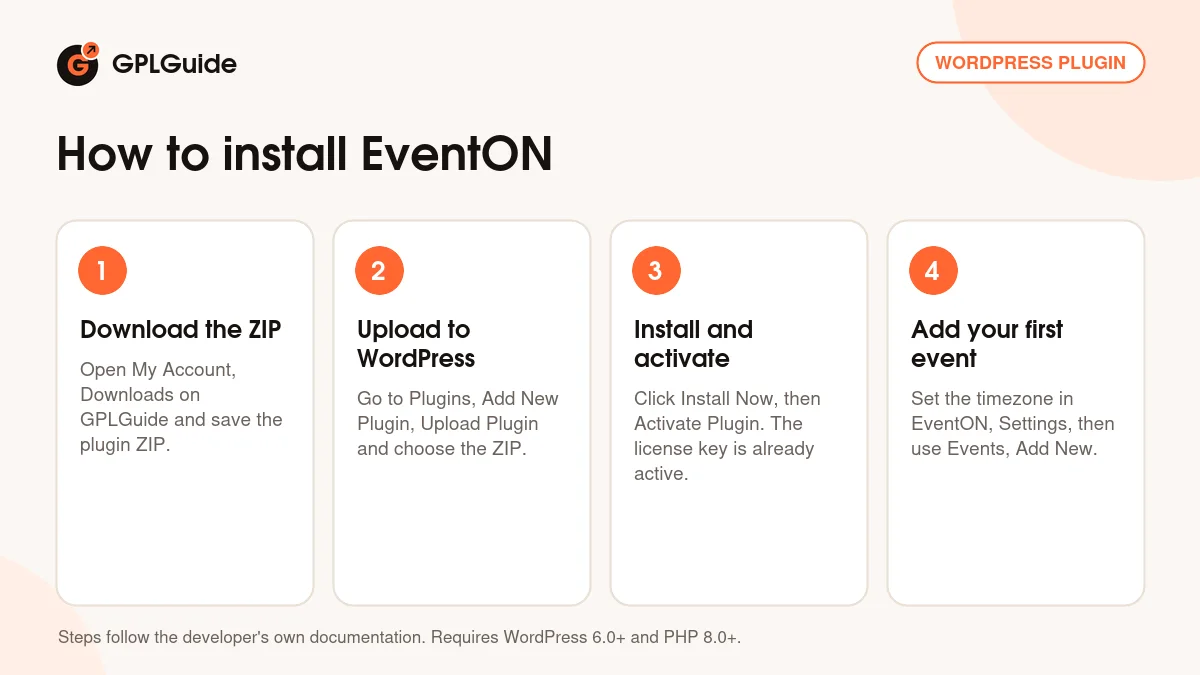
- Sign in to GPLGuide, open My Account, Downloads and save the EventON ZIP.
- In WordPress go to Plugins, Add New Plugin, Upload Plugin and choose the ZIP.
- Click Install Now, then Activate Plugin. The Events and EventON menus appear in your dashboard.
- Open EventON, Settings, set your timezone and Google Maps API key, then add your first event under Events, Add New.
For a good first setup, keep it small. Create two events with real start and end times, one of them with a location. Then add a page called Events Calendar with [add_eventon show_et_ft_img="yes" hide_past="yes"], the same shortcode the developer's quick start guide uses. Check the page on your phone. Once that looks right, open the EventTop Designer and EventCard Designer and trim what you don't need.
Keeping it up to date
Updates from GPLGuide are manual. When a newer version is listed here, download it from your account and upload it under Plugins, Add New Plugin, Upload Plugin. WordPress offers to replace the installed copy. Your events, locations and settings live in the database, so they stay put. Take a backup before a bigger jump such as 5.0 to 5.1. If you spot a version we haven't added, tell us on the Request Item/Update page.
Questions about EventON
Are any EventON add-ons included? No. This download is the core plugin only. Add-ons such as Event Tickets, RSVP Events or Full Cal are separate purchases from the developer.
Do I need to enter a license key? No. The file comes with the license key already activated, so you can build calendars right after you install it.
Can it handle online events? Yes. Events can have a virtual location, a status and a live progress bar, and Zoom works through your own Zoom API credentials.
Does it need WooCommerce? No. The core plugin runs on its own. WooCommerce only matters if you add the separate Event Tickets add-on.
Will it work with the block editor and Elementor? Yes for the block editor, which gets its own shortcode block. In Elementor, paste the generated shortcode into a Shortcode widget.
Can I show one category only? Yes. Add event_type with the term IDs to [add_eventon], or pick the type in the shortcode generator.
What PHP version do I need? PHP 8.0 or newer. The developer recommends 8.1 or higher for the core plugin and 8.2 or higher once you run add-ons.
Can visitors save events to their own calendar? Yes. Events offer ICS downloads, which 5.0.11 fixed for virtual event links.
Can it talk to other apps? Yes, through webhooks. They fire when an event is updated or changes status (both added in 5.1) and when it goes to the trash (5.0.11).
Building a full events site? Browse more WordPress plugins on GPLGuide, or see what a GPLGuide membership includes if you use several premium plugins.
Features & capabilities
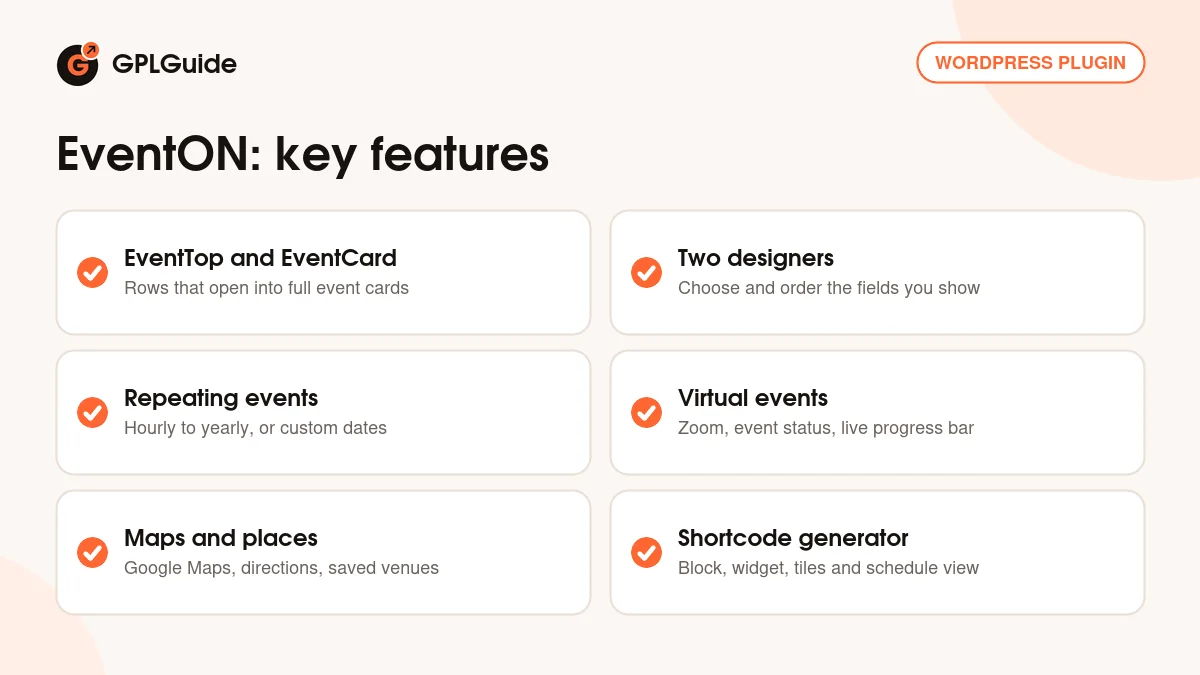
- Month calendar with EventTop rows that open into EventCards
- EventTop Designer and EventCard Designer for layout control
- Repeating events: hourly, daily, weekly, monthly, yearly, custom
- Virtual events with Zoom, event status and a live progress bar
- Locations and organizers with Google Maps and directions
- Tiles, schedule view, live now view and single event pages
- Shortcode generator, block and widget, plus search and filters
- Webhooks, ICS downloads, translations and schema markup