Fluent Community Pro WordPress Plugin
100% Original fileUnmodified copy of the developer's release
DeveloperWPManageNinja
Up to dateOriginal released Sep 18, 2026 · File last updated Oct 16, 2026
About this product
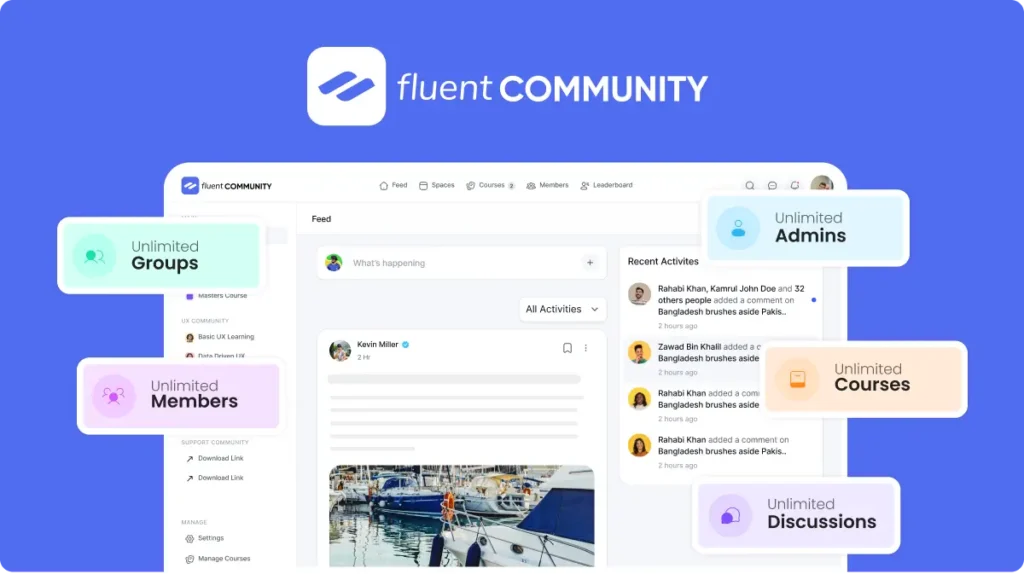
Fluent Community Pro is the paid add-on for FluentCommunity, the WordPress plugin from WPManageNinja that turns your site into a members' community with spaces, a social feed, chat and online courses. The developer writes the name as one word, FluentCommunity. Pro brings the parts that growing communities ask for: points and levels, badges, a document library, cloud storage, richer quizzes and an installable app version of your portal. This page is for Fluent Community Pro 2.11.0, released on September 18, 2026. On GPLGuide you download the original plugin file to install on your own websites.
Good for: course creators, coaches, membership site owners, product companies that want a customer forum, and anyone who would rather run a community on their own WordPress site than rent a hosted platform. It also suits sites leaving BuddyPress or BuddyBoss, since the free plugin includes a migration tool for both.
Requirements: the free FluentCommunity plugin, installed and activated first, because Pro is an add-on to it. WordPress 6.0 or newer (tested up to 7.1.3), PHP 7.4 or newer and MySQL 5.7 or MariaDB 10.3 or newer. For busy communities the developer recommends PHP 8.1, MySQL 8.0 or MariaDB 10.5, Nginx, Redis object caching and a VPS or cloud server rather than shared hosting.
What Fluent Community Pro does
FluentCommunity runs as its own front end, called the portal, at an address you pick during setup. Inside it members get a feed, a member directory, spaces, courses and a leaderboard. Spaces are groups with Public, Private or Secret privacy, each with its own posts, chat, members and settings. The free plugin covers the basics: spaces, the feed, profiles, posts, comments, reactions, notifications, moderation and a block editor course builder.
Fluent Community Pro unlocks the modules on the developer's Pro list, including Manager Role, Leaderboards, User Badges, Verification Sign, Webhooks, Media Gallery, SEO and XML Sitemap, Quiz Module, Sequential Lesson Lock, the secure Document Library, Cloud Storage and the Giphy and Emoji modules. The docs also mark direct messaging, group chat, Space Pages, the Progressive Web App, push notifications and the analytics dashboard as Pro.
Most modules are switched on in one place, Settings, Features & Addons, where each one has a Settings button that opens a drawer. Nothing changes for members until you enable a module, so you can roll out Fluent Community Pro one piece at a time.
Points, levels and badges in Fluent Community Pro
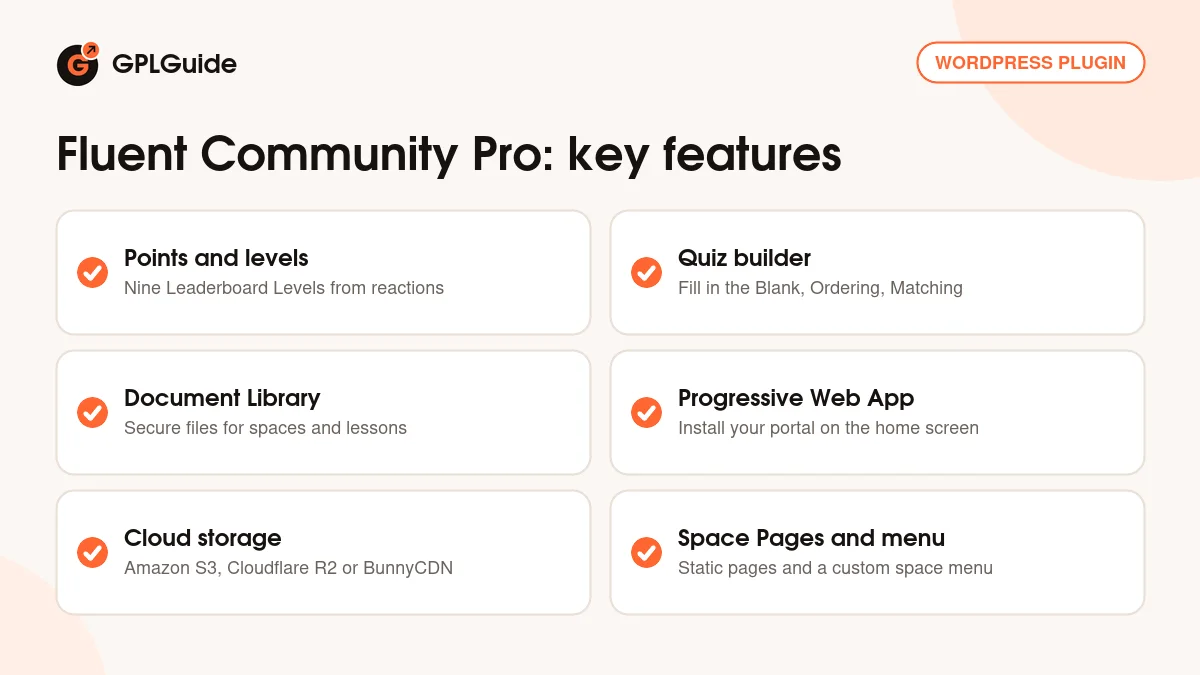
A member earns one point each time someone reacts to a post or comment they wrote. Writing a post earns nothing by itself, giving a reaction earns nothing, and removing a reaction takes the point away. Totals are recalculated about once an hour when a member opens the portal, with a daily refresh in the background. You cannot set your own point values per action, but you can change the levels.
Open Portal Settings, Features & Addons, Leaderboards Module, Settings to find nine Leaderboard Levels, each with a public Title and Description and a Minimum Points value. The defaults run from Space Initiate at 0 points up to Space Legend at 25,000. Keep level 1 at 0 so every new member starts on the ladder. If FluentCRM is active, a level change fires an event you can use to start an email automation.
User badges sit next to member names. Enable User Badge, click Add New and fill in a Title, an optional Emoji, a Label and a Background Color. Under Settings, Managers you can give trusted people one of four roles: Space Admin, Space Moderator, Course Admin or Course Creator.
Courses, quizzes and the document library
When you create a course you choose an Enrollment Type: Self-Paced opens everything at once, Structured drips lessons by each student's enrollment date, and Scheduled starts on a fixed date. Lesson order enforcement keeps each lesson locked until the one before it is complete, and Free Preview Lesson lets visitors try a lesson before they enroll.
Quizzes in Fluent Community Pro offer Single Choice, Multiple Choice, True / False, Fill in the Blank, Ordering, Matching, Image Matching and Written Answer questions. Written answers can be graded openly or by exact match. In the quiz settings you can Set a passing grade, Hide answers on result page, choose a Quiz Layout of All at once or One by one, and shuffle answers or question order. Grading happens on the server, so correct answers never reach the browser. Each question can also carry an Explanation that students open after they submit.
The File and Document Library gives a space its own Documents section. Turn on "Enable File/Document Library for this Space" in Space Settings, then pick who can see files (Members of this Space, Any Logged-In User or Public) and who can upload (Any Members or Admin/Moderators Only). Course lessons have a Documents & Files panel too, visible only to enrolled students.
Your community as an app, with storage and SEO
The Progressive Web App module lets members add your portal to their home screen, with your icon and no browser bar. Find it under Settings, Features & Addons, Advanced Features & Addons. Set an App Name, a Short Name of up to 12 characters, a Splash Screen Color and a square App Icon no larger than 512 by 512 pixels. On Android and desktop members tap Install App in the sidebar.
Push notifications work through FluentNotify, which the developer calls its free push plugin and which you install from the same screen. It connects to your own Google Firebase project. Members then choose Email or Push per event, such as replies and mentions.
The Media Module can keep uploads on your server or in Amazon S3, Cloudflare R2 or BunnyCDN. For search engines, set Portal Access to Everyone and Fluent Community Pro builds an XML sitemap of public spaces, courses, posts, pages and profiles. Logged-out visitors and crawlers get server-rendered posts, space listings and course pages, while private and secret spaces stay out.
Community setups to copy with Fluent Community Pro
Each setup below uses only settings from the developer's docs.
- Course with a cohort space: a Structured course with Lesson order enforcement on, a Private space for students with Group Chat, and a One by one quiz with a passing grade of 80 at the end of each section.
- Customer help forum: a Public space for questions, a Secret space for your team, a Space Moderator per product, and a document library set to Any Logged-In User for manuals.
- Member reward ladder: rename the nine levels to fit your topic, add an emoji badge for long-standing members, and use the FluentCRM level-up event to send a thank-you email.
- Mobile-first club: enable the PWA with a custom icon, put the Install App button at Sidebar Top, and add push notifications so replies reach phones.
- Space with its own handbook: add Space Pages for your rules, then use the Menu tab to rename tabs, hide unused ones and link to your main site.
What's new in Fluent Community Pro 2.11.0
Version 2.11.0 came out on September 18, 2026 and focuses on quizzes and space navigation. It adds the Space Menu Manager, a Menu tab in Space Settings where you drag tabs into order, rename them, add emoji or SVG icons, hide tabs and add custom links with visibility rules such as Logged-in only. A live preview shows the Primary Menu and Secondary Links as members will see them.
For courses, 2.11.0 adds Fill in the Blank, Ordering, Matching and Written Answer questions, the One by one layout with a progress bar, shuffling, per-question explanations and a course progress restart for students and admins. Fixes cover embedded videos blocked by WAF XSS rules, custom SVG icons hidden for guests, comment counts drifting after moderation and lesson videos shrinking.
Before that, 2.10.0 and the 2.10.01 fix (both September 14, 2026) brought static Space Pages and server-rendered portal pages for search engines, and 2.9.0 (September 3) introduced push notifications with FluentNotify.
Good to know before you buy
Fluent Community Pro does nothing without the free FluentCommunity plugin, so install that first. Some modules need outside accounts you set up yourself: Firebase for push notifications, a Giphy API key for GIFs, an S3, R2 or BunnyCDN account for cloud storage, and Pusher if you pick it as the real-time chat driver. Those services have their own terms and may charge you.
Taking payments needs another plugin. The docs show a Lock Screen with a button that leads to a payment through FluentCart, Paymattic, Fluent Forms Pro, or WooCommerce with FluentCRM. The developer has also mentioned its own Android and iOS apps for FluentCommunity. Those apps belong to WPManageNinja and are not part of the plugin file.
Fluent Community Pro from GPLGuide vs the official subscription
From GPLGuide you get the original Fluent Community Pro 2.11.0 plugin file, released under the GPL, to use on your own websites. Everything in the file works the same way: points and levels, badges, the quiz builder, the document library, cloud storage, the PWA module and Space Pages. The file from GPLGuide comes with the license key already activated, so there is no key to enter.
Only the official subscription gives you the developer's side: help from WPManageNinja's support team, their 14-day money-back guarantee and updates from their servers. Any apps or hosted services the developer runs stay with them. The official price is $199 a year for the Single Site License (shown at $159 with a first-year discount when we checked), or $399 for a lifetime Single Site License.
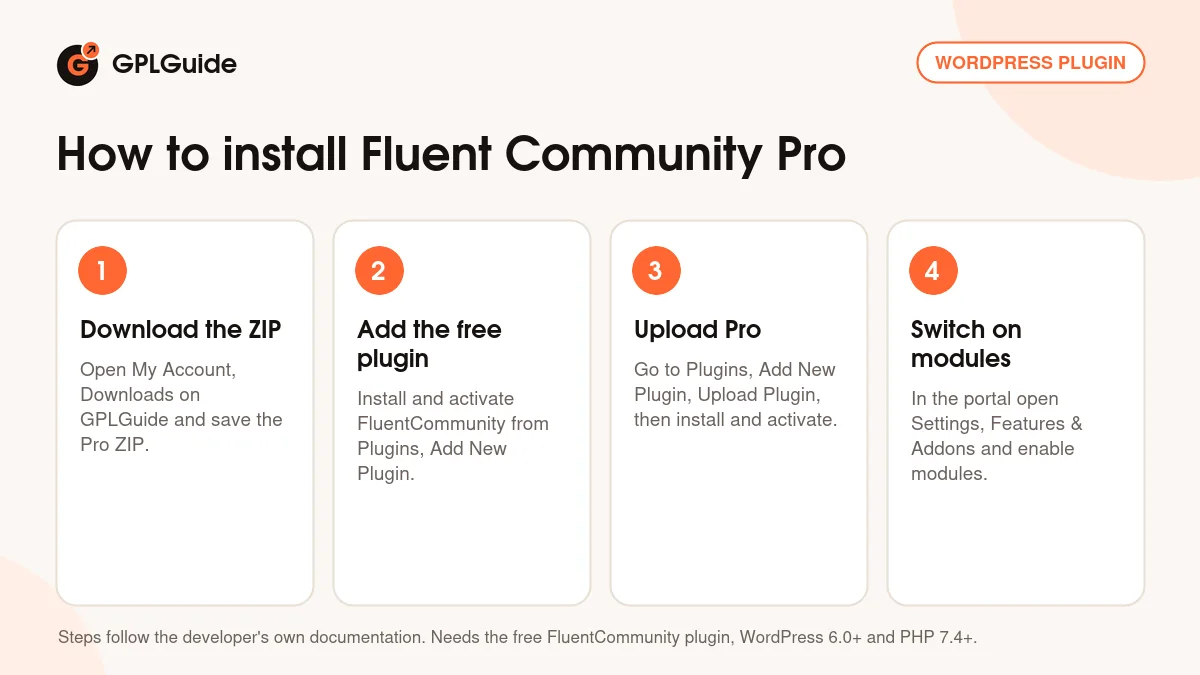
How to install Fluent Community Pro
- Sign in to GPLGuide, open My Account, Downloads and save the Fluent Community Pro ZIP.
- Install and activate the free FluentCommunity plugin from Plugins, Add New Plugin, then run its setup wizard.
- Go to Plugins, Add New Plugin, Upload Plugin, choose the Pro ZIP, click Install Now and then Activate Plugin.
- Open your portal, go to Settings, Features & Addons and switch on the Pro modules you want.
A good first setup is small. In the setup wizard pick a community name, a Community Portal URL and the Basic or Course template. Create one Public space for introductions and one Private space for members. Then enable the Leaderboards Module and User Badges so early members see their progress, and turn on the PWA once your logo is final. Try new modules on a staging site first.
Keeping it up to date
Updates from GPLGuide are manual. When a new version of Fluent Community Pro is listed here, download it from your account and upload it under Plugins, Add New Plugin, Upload Plugin. WordPress offers to replace the installed copy, and your spaces, members and courses stay in your database. Update the free FluentCommunity plugin at the same time so the two stay in step. If you spot a newer version we have not added, tell us on the Request Item/Update page.
Questions about Fluent Community Pro
Do I need the free FluentCommunity plugin as well? Yes. The developer describes Fluent Community Pro as an add-on that needs the free plugin installed and activated first.
Is there a license key to enter? No. The file comes with the license key already activated, so you can go straight to Features & Addons.
Can members install the community like an app? Yes. The PWA module adds an Install App button for Android and desktop, and iPhone users add it with Share, Add to Home Screen.
Can I store uploads off my own server? Yes. The Media Module supports Amazon S3, Cloudflare R2 and BunnyCDN, using your own storage account.
Can I change how many points a post earns? No. Points come only from reactions received, one point each. You can rename the nine levels and change their thresholds.
Will search engines index my community? Only what is public. With Portal Access set to Everyone, Fluent Community Pro builds a sitemap and serves readable pages to crawlers, while private and secret spaces stay hidden.
Can I charge for spaces or courses with Fluent Community Pro? Yes, with a payment plugin. The docs cover FluentCart, Paymattic, Fluent Forms Pro, and WooCommerce with FluentCRM.
Building a membership or course site? Browse more WordPress plugins on GPLGuide, or see what a GPLGuide membership includes if you need several premium plugins. The free FluentCommunity plugin that Fluent Community Pro builds on is on WordPress.org.
Features & capabilities
- Points from reactions with nine renamable Leaderboard Levels
- User badges and four manager roles for spaces and courses
- Quiz builder with Fill in the Blank, Ordering, Matching and Written Answer questions
- Secure File and Document Library for spaces and lessons
- Installable Progressive Web App with your own icon and app name
- Push notifications through FluentNotify and your Firebase project
- Cloud media storage on Amazon S3, Cloudflare R2 or BunnyCDN
- Space Pages, Space Menu Manager and an XML sitemap for public content