Godlike – Game Theme for WordPress

100% Original fileUnmodified copy of the developer's release
DevelopernK
Up to dateOriginal released Sep 24, 2026 · File last updated Oct 17, 2026
About this product
The Godlike theme is a WordPress theme by nK for gaming websites, clans, communities, game stores and news sites. It has a dark, bold look, a long list of header styles, an age check for mature content and room for a forum and a shop. This page is for Godlike theme version 2.9.20, released on September 24, 2026. On GPLGuide you download the original theme file to install on your own websites. The file from GPLGuide comes with the license key already activated, so there is no key to enter.
Good for: Gaming clans and esports teams, game news and review sites, fan or mod communities that want a forum, and studios or streamers who sell merchandise next to their content.
Requirements: WordPress. The ThemeForest listing shows compatibility with WordPress 6.3.x through 7.0.x and gives no PHP version. nK's docs say the Customizer options need the Kirki plugin and the meta box options need Advanced Custom Fields. WPBakery Page Builder and Revolution Slider are bundled with the theme, according to the listing.
What the Godlike theme does
The Godlike theme turns a WordPress site into a gaming portal. Its demo covers news, reviews, a community area and a store, and the listing names support for bbPress forums, BuddyPress profiles and WooCommerce shops. Those three are separate plugins, so you add only the ones your site needs.
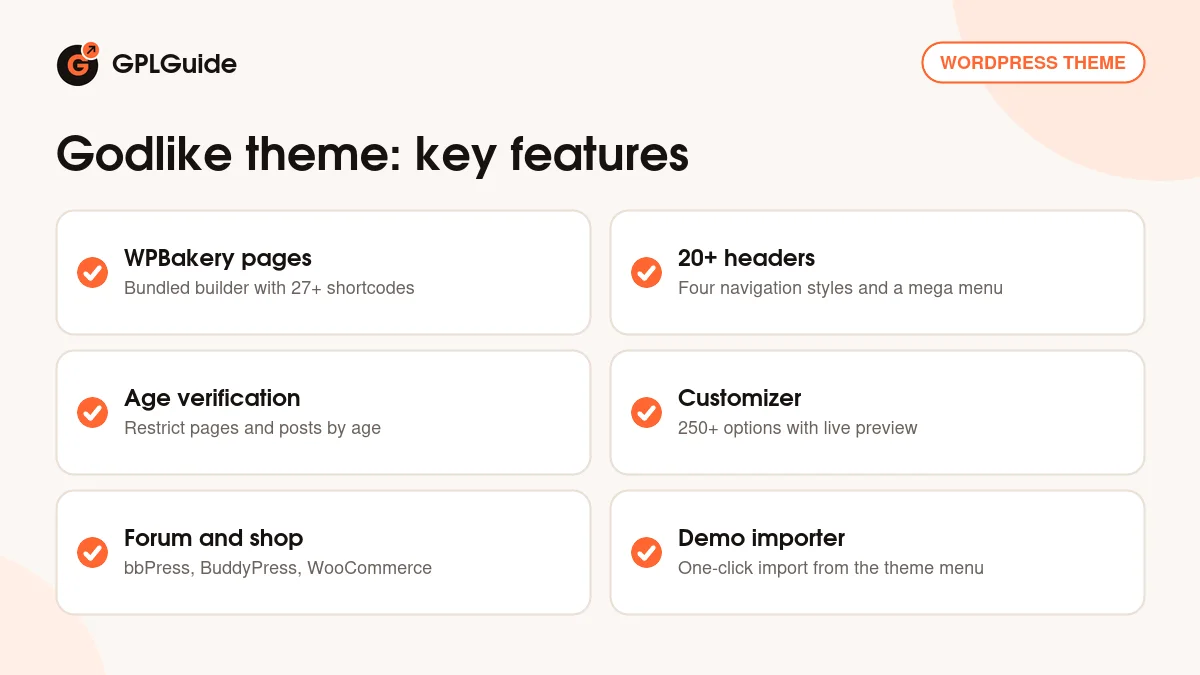
Pages are built with WPBakery Page Builder, which comes bundled. nK's docs say they highly recommend it and point you to the elements tab of the main menu for examples. The listing counts more than 27 shortcodes, plus animations, parallax backgrounds and mouse effects, so a landing page can have plenty of movement.
The look comes from more than 250 options in the WordPress Customizer, according to the listing, with unlimited colour changes. The Godlike theme also has Twitter and Instagram feeds, a MailChimp sign-up, Google Fonts and Google Maps. The preview images from the demo are not part of the download, so plan to use your own artwork.
Pages, shortcodes and sliders in the Godlike theme
Most layout work in the Godlike theme happens in WPBakery Page Builder. You add rows and columns, drop in the theme's elements and set the options for each one in a side panel. nK's docs say the examples are in the elements tab of the main menu, and the listing counts more than 27 shortcodes. nK's docs also say the bundled plugins' own purchase codes are not required to use them with its themes.
Revolution Slider is the second bundled plugin. Use it for a hero banner with a trailer still, a rotating set of featured games or a news slider. Sliders are created in the plugin's own menu and then placed on your pages.
nK's general docs, which cover all of its themes, also have short guides on using WPBakery with custom post types and on restoring WPBakery's frontend mode. They are worth a look if the editor does not behave the way you expect.
Headers, menus and the login popup in the Godlike theme
The listing counts more than 20 header variations and four navigation styles: top, side, off-canvas and fullscreen. Top navigation suits a busy news site, while side or fullscreen navigation gives a showcase page for a single game a different feel.
Mega menus are set up under Appearance, Menus. Tick the Mega Menu checkbox on a top-level item (nK's example is an item called Elements), then pick a Mega Menu Background Image if you want a picture behind the columns. Save the menu and check how it looks.
The sign-in popup in the main navigation needs the Login With Ajax plugin, according to nK's docs. Then go to Appearance, Customize, Navigation, Main Navigation and turn on Sign In Icon. Fill in the Account Url field with the link to your account page. If you run BuddyPress, leave that field blank and the theme uses BuddyPress's own user pages. For a registration tab in the popup, tick Anyone can register under Settings, General.
Customizer, meta boxes and forms in the Godlike theme
Global settings live in Appearance, Customize, and the docs say they need the Kirki plugin. You can preview changes before saving, and nK notes that each setting is commented, so the Customizer explains itself as you go. Version 2.9.18 fixed a Customizer issue that affected sections and icons.
Settings for a single page or post live in meta boxes below the content area. They need the Advanced Custom Fields plugin, they appear once you add a new post, and they can override the global settings for that one page. nK's docs say each option is described in the interface.
For contact forms the docs use Contact Form 7. Paste nK's sample code into the Form field under Contact, Contact Forms to match the demo layout. It holds an email field, a name field, a message box and a Send button styled with the theme's own button classes. For newsletters, the plugin list includes MailChimp for WordPress.
Setups you can copy with the Godlike theme
- Clan home page: a front page built in WPBakery with a Revolution Slider banner, a recruitment page with a Contact Form 7 form, and the off-canvas navigation style.
- Game news site: top navigation, a blog with categories, a MailChimp sign-up box and the Twitter and Instagram feeds in the footer.
- Mature-rated fan site: use the age verification option on the pages or posts that need it. nK's docs don't describe its settings, so try it on a test copy first.
- Community hub: a bbPress forum, BuddyPress profiles, the Sign In Icon in the main navigation and an empty Account Url.
- Two-language site: the listing names WPML as compatible and the theme as translation ready, so a clan with members in two languages can run both versions.
- Merch store: WooCommerce with the theme's templates. nK refreshed those templates in versions 2.9.16 and 2.9.17.
Whichever setup you pick, build one section at a time and check it on a phone before moving on. The Godlike theme is responsive and retina ready, but a page with many parallax blocks still deserves a look on a small screen.
A sensible order for a first build is: install the plugins, import a demo, then adjust the colours in the Customizer, and only then swap in your own text and pictures. The importer brings in demo pages, blog posts and forum content, so the structure already exists when you start editing, and you can delete whatever you do not need.
What's new in the Godlike theme 2.9.20
Version 2.9.20 came out on September 24, 2026. nK says demo import now works without a purchase code, and it fixed a fatal error that could happen with plugins that print the page head before the theme options load. On the day we checked, nK's changelog had no version newer than 2.9.20.
The releases before it were maintenance. Version 2.9.19 (December 20, 2025) stopped custom fields from showing in the posts and pages editor. Version 2.9.18 (November 26, 2025) fixed notices on PHP 8.3 and newer. Version 2.9.17 (May 20, 2025) updated the WooCommerce templates, and 2.9.16 (December 22, 2024) fixed WordPress 6.7 compatibility for the theme and its core plugin. Version 2.9.15 (March 13, 2024) fixed support for AWB plugin 1.12.2.
Good to know before you buy
The Godlike theme works with several plugins, and they are separate downloads: Kirki, Advanced Custom Fields, Contact Form 7, Login With Ajax, and bbPress, BuddyPress or WooCommerce if you want a forum, profiles or a shop. Install only what your site uses. WPBakery and Revolution Slider are bundled, but updates straight from their makers need a personal licence from them, as nK's docs explain, so plan to use the versions that come inside the theme file.
nK's Get Started page only points to a general WordPress theme guide, and the shortcodes page points you to the elements tab instead of listing them. Expect to learn by clicking through the options. The ThemeForest listing also states that item support from nK is not included. Finally, the listing gives no PHP version.
Godlike theme from GPLGuide vs the official subscription
From GPLGuide you get the original Godlike theme 2.9.20 file. The theme's options, headers, shortcodes and bundled plugins are in the file, and the file comes with the license key already activated. The Godlike theme is sold by nK on ThemeForest, where the Regular licence costs $69. nK states that its WordPress themes are licensed under the GNU GPL.
Buying on ThemeForest adds future updates through the marketplace and the marketplace's own refund rules. The listing says nK does not support this item, so the main thing you give up is the marketplace update route. Anything that runs on nK's own servers belongs to nK. If you only need the theme files, that is what you get here.
How to install the Godlike theme
- Sign in to GPLGuide, open My Account, Downloads and save the Godlike theme ZIP.
- In WordPress go to Appearance, Themes, Add New, Upload Theme and choose the ZIP.
- Click Install Now, then Activate.
- Click the Begin Installing Plugins link in the admin notice, tick the plugins you want, choose Install in the bulk actions menu and click Apply. If the notice is missing, open Appearance, Install Plugins.
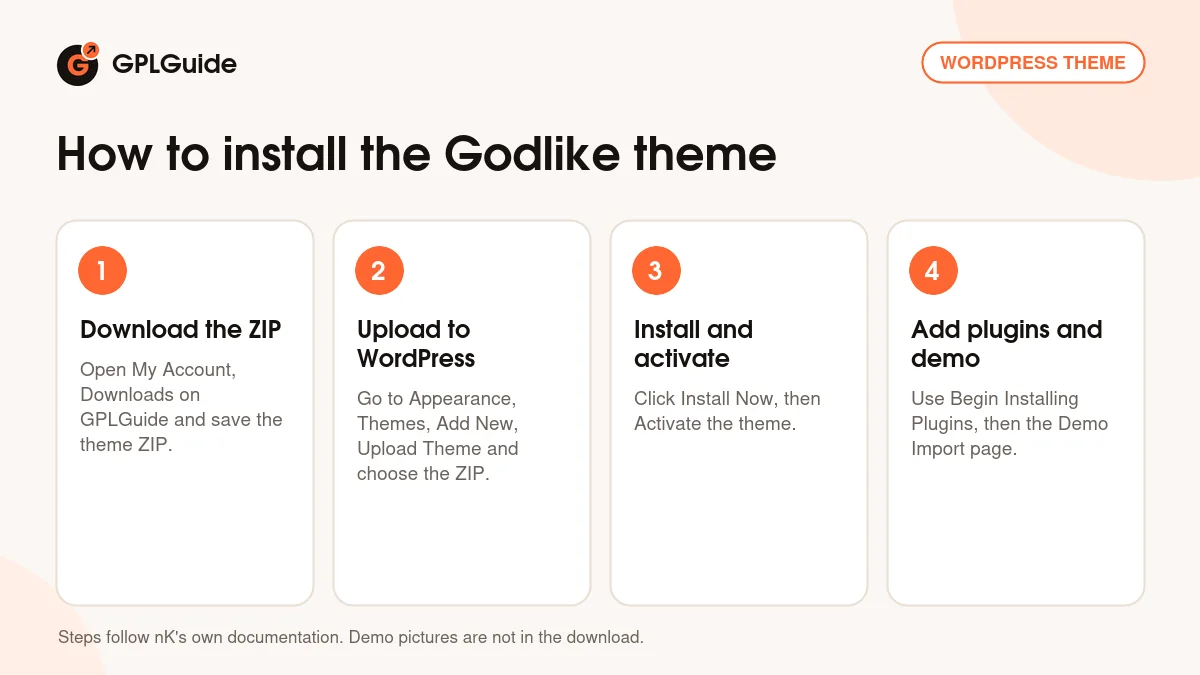
For a first setup, use a fresh WordPress install and add the nK Themes Helper plugin, which nK's docs list for the demo importer. Open the theme's Demo Import page, read the Important Notes, pick a demo and click Import. nK warns that import time depends on your server's connection and resources. Afterwards run the Regenerate Thumbnails plugin, as nK recommends, then replace the demo pictures with your own.
Keeping it up to date
Updates from GPLGuide are manual. When a new version of the Godlike theme is listed here, download it from your account and upload it under Appearance, Themes, Add New, Upload Theme. WordPress offers to replace the installed copy. nK warns that edits made directly to theme files can be lost, so keep your own code in a child theme. If you see a newer version that we haven't added, let us know on the Request Item/Update page.
Questions about the Godlike theme
Which page builder does the Godlike theme use? WPBakery Page Builder, which comes bundled with the theme. nK's docs recommend it for building pages.
Does it include a forum? It supports bbPress forums and BuddyPress profiles, but those are separate plugins that you install yourself.
Can I add an age check? Yes. The listing names age verification for pages and posts. nK's docs don't describe the settings, so test it on a copy of your site.
Do the Customizer options need a plugin? Yes, nK's docs say the Kirki plugin is needed for them.
Will the demo pictures come with the theme? No. The listing says the preview images are not included in the download package.
Can visitors sign in from the menu? Yes, with the Login With Ajax plugin and the Sign In Icon option, as described above.
Does the Godlike theme work with newer PHP? Version 2.9.18 fixed notices on PHP 8.3 and newer. nK does not list a minimum PHP version.
Is the theme translation ready? Yes, the listing says so, and WPML is listed as compatible.
Can I sell products with it? Yes. WooCommerce is listed as compatible, and nK has refreshed its WooCommerce templates in recent versions.
Looking for more designs? Browse the WordPress themes on GPLGuide, or see what a GPLGuide membership includes if you build several sites. The Customizer options in the Godlike theme rely on the free Kirki plugin on WordPress.org.
Features & capabilities
- WPBakery Page Builder and Revolution Slider bundled
- More than 250 Customizer options with unlimited colour changes
- More than 20 header variations and four navigation styles
- Mega menu with a background image per menu
- Age verification for pages and posts
- Support for bbPress forums, BuddyPress profiles and WooCommerce shops
- Sign-in popup in the main navigation via Login With Ajax
- One-click demo importer, MailChimp and Contact Form 7 support