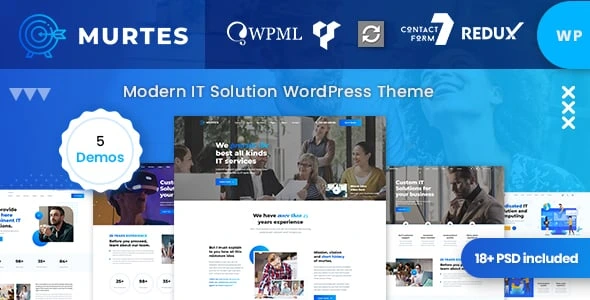
Murtes – IT Solutions Services WordPress Theme
100% Original fileUnmodified copy of the developer's release
DeveloperCase-Themes
Up to dateFile last updated Oct 17, 2026
About this product
The Murtes theme is a WordPress theme for IT solutions and technology service companies, made by Case-Themes and sold on ThemeForest. It comes with five homepage layouts and five header layouts, is built on the WPBakery page builder and is styled around services, case studies, team members and a blog. This page is for Murtes version 1.1.1. The developer does not publish a dated changelog for each version, so we do not give a release date. On GPLGuide you download the original theme file to install on your own websites.
Good for: managed IT providers, software houses, network and security consultants, data and analytics studios, SaaS products and app startups. The listing tags it for digital business, IT services, network solutions, software and technology services, so the wording and layout already speak the language of a tech company.
Requirements: WordPress 4.9 up to 7.0 and, if you add a shop, WooCommerce 5 up to 8, as listed on the item page. The developer's documentation calls for PHP 7 or newer for WordPress and PHP 5.6 for the theme itself, so use PHP 7 or newer. It lists MySQL 5.6, memory_limit 256 MB, upload and post limits of 64 MB, max_execution_time 900 and max_input_vars 4000 or more. WPBakery Page Builder and Revolution Slider are listed as bundled.
What the Murtes theme does
The Murtes theme gives an IT business a complete front end: a homepage that explains what you sell, service pages, a place to show finished projects, a team page and a blog. The listing describes a clean, modern look with CSS3 animations, carousels, parallax effects and section video backgrounds. A sticky header and sticky menu keep navigation within reach on long pages.
Under the surface it is a classic theme. You build and edit pages in WPBakery Page Builder, show hero sliders with Revolution Slider, and collect enquiries with Contact Form 7. The item page also lists Google Maps, Font Awesome icons, Google Fonts, unlimited color options, WPML for translation and right-to-left language support.
One honest point: the listing says the theme is not optimised for the Gutenberg block editor, and it does not mention Elementor at all. If you want a block-based or Elementor workflow, choose a different theme. If you are happy with WPBakery, the Murtes theme is straightforward.
The five homepages and the landing page
The live demo menu lists Home One to Home Five and a separate Landing page. Each homepage follows the same idea: a hero area, a short story of the company, a row of reasons to choose you, counters for years of experience, projects, awards and clients, and then services, case studies, team, news and a closing call to action.
The demo services are named Warranty Management IT, Product Control Service, Quality Control System, Professional Highly Staffs, Infrastructure Technology and Information Security. They are sample texts, so rename them to match what you really sell. The six demo case studies, such as Data Management, Firewall Advance and Big Data and Analytics, show a project grid you can fill with your own work.
Inner pages in the demo include About, Our Services, Single Service, Case Studies, Single Case Study, Team Members, Testimonials, FAQ, a 404 page, Blog and Contact. There is also a shop with Products, Product Details, Wishlist, Cart and Checkout pages if you want to sell hardware, licences or support plans.
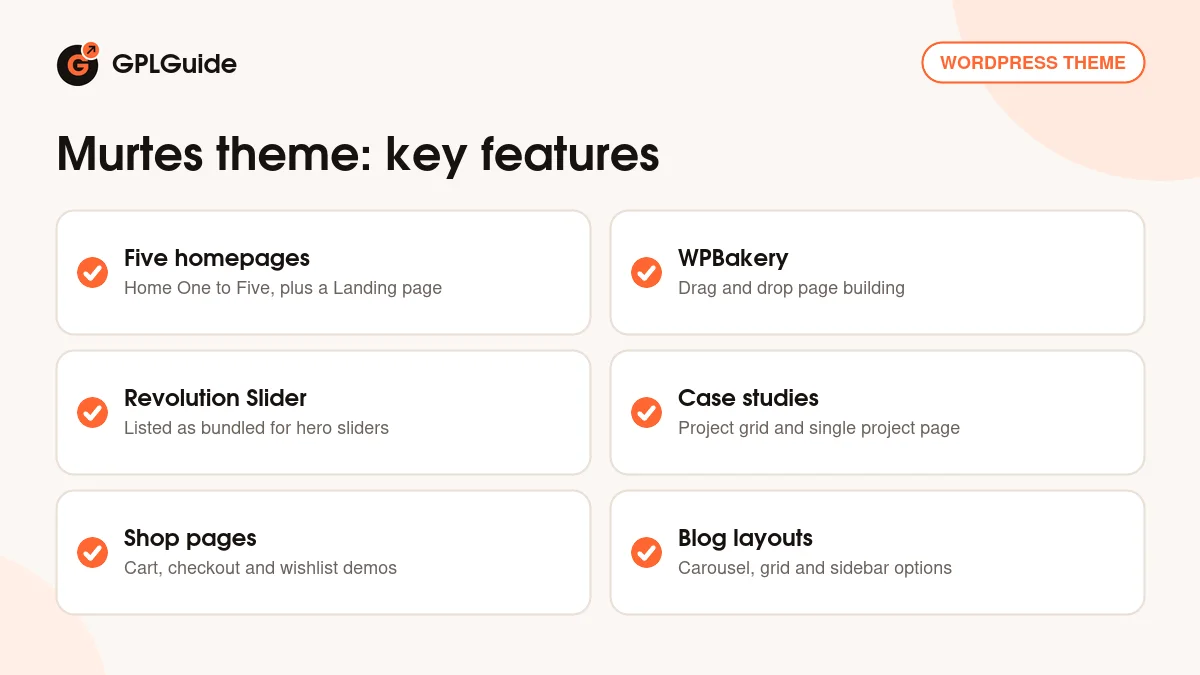
Page builder, slider and forms in the Murtes theme
The item page values WPBakery Page Builder and Revolution Slider as included with the theme, and the documentation also recommends Contact Form 7, WooCommerce and the Newsletter plugin. The Murtes theme includes ready styles for Contact Form 7, so a quote form or support request form picks up the look of the site without extra CSS.
Revolution Slider powers the large hero area. After a demo import you open Slider Revolution and import each slider file from the package, then replace text and pictures. WPBakery handles everything below the hero, from the service rows to the counters. You drag elements into rows, set their options, and save.
Menus work the standard WordPress way under Appearance, Menus. You create a menu, add pages, drag an item to the right to make it a sub-item, and assign the menu to the primary location. Sidebar widgets sit under Appearance, Widgets.
Day to day, working with the Murtes theme is mostly editing text and swapping pictures. The counters, the six service blocks and the case study grid are WPBakery elements, so you open the page, click the element and change its fields. Global choices such as logo, colors and header layout are kept in one place, which keeps the Murtes theme easy to hand over to a client who only wants to edit words.
Demo import, Theme Options and the design files
You can import a demo in one click or by hand. The by-hand route uses five files from the package: attachment-data.xml and content-data.xml through Tools, Import; options.json and settings.json pasted into Murtes, Theme Options, Import/Export; widgets.wie through the Widget Importer and Exporter plugin; and the Revolution sliders from demo-slider.zip. This gives you a clean fallback if a one-click import stops halfway.
The Theme Options panel sits in the left admin menu. The documentation does not name its sections, only that unclear options come with a description, so allow time to explore it. The item page also says the theme has real-time Customizer support. In addition, the listing says the package includes PSD files, which helps if a designer wants to build matching graphics. Check that your download contains them before you plan around them.
Ideas you can copy with the Murtes theme
- Managed IT support provider: import Home One, rename the six services to your plans, and turn the counters into real numbers such as clients supported.
- Cybersecurity consultant: keep the Information Security and Firewall style pages, and add a short FAQ page for common questions.
- Data and analytics studio: use the case study grid for dashboards and reports you have delivered.
- SaaS or app launch: use the Landing page as a single focused page with one call to action.
- Help desk or support portal: use the FAQ and Testimonials pages from the demo menu, and add a Contact Form 7 form for support requests.
- Hardware reseller: add WooCommerce and use the shop pages for products and service contracts.
With the Murtes theme, start from the homepage that looks closest to your own layout, then trim. It is easier to delete a section you do not need than to rebuild one.
What's new in the Murtes theme 1.1.1
This download is Murtes version 1.1.1. Case-Themes does not publish a version-by-version changelog on the ThemeForest page. The documentation refers to a Change_Log.txt file in the full package and to the sale page, and we could not read dated entries in either place. That means we cannot say what changed in 1.1.1 or when it was released. If you already run an older copy of the Murtes theme, back up first and compare it with the Change_Log.txt file inside the developer's full package.
The item page shows a last update on September 7, 2026 and a Recently Updated badge. It lists WordPress compatibility up to 7.0 and WooCommerce compatibility up to 8. We have not confirmed whether a newer version than 1.1.1 exists.
Good to know before you buy
The documentation looks old. It carries a 2019 copyright, calls the page builder Visual Composer and uses a placeholder folder name in some paths. The steps still describe standard WordPress work, but screens may differ from the screenshots.
WPBakery Page Builder and Revolution Slider are paid plugins that we do not sell on their own. If one is not in your copy, you need to add it before the demo looks right. Case-Themes states that plugin updates arrive with theme updates, not from the plugin makers.
Demo pictures are not part of the package, because the developer's terms say placeholders are used instead. The demo counters have no real figures, so fill them in. Help with your own setup comes only from the developer.
Murtes theme from GPLGuide vs the official subscription
Case-Themes states that its WordPress themes are licensed under the GNU GPL. The Murtes theme is sold by Case-Themes on ThemeForest, where a Regular license costs $49. It includes six months of item support from the developer, and you can extend it to twelve months for $13.88. A purchase there also gives you new versions through your marketplace download page.
From GPLGuide you receive the same original theme file, with the same layouts, headers, options and demo importer. The file from GPLGuide comes with the license key already activated, so there is no key to enter. The developer's item support and refunds come only from the developer, so choose the marketplace if you want that. Choose this copy if the theme itself is what you need.
How to install the Murtes theme
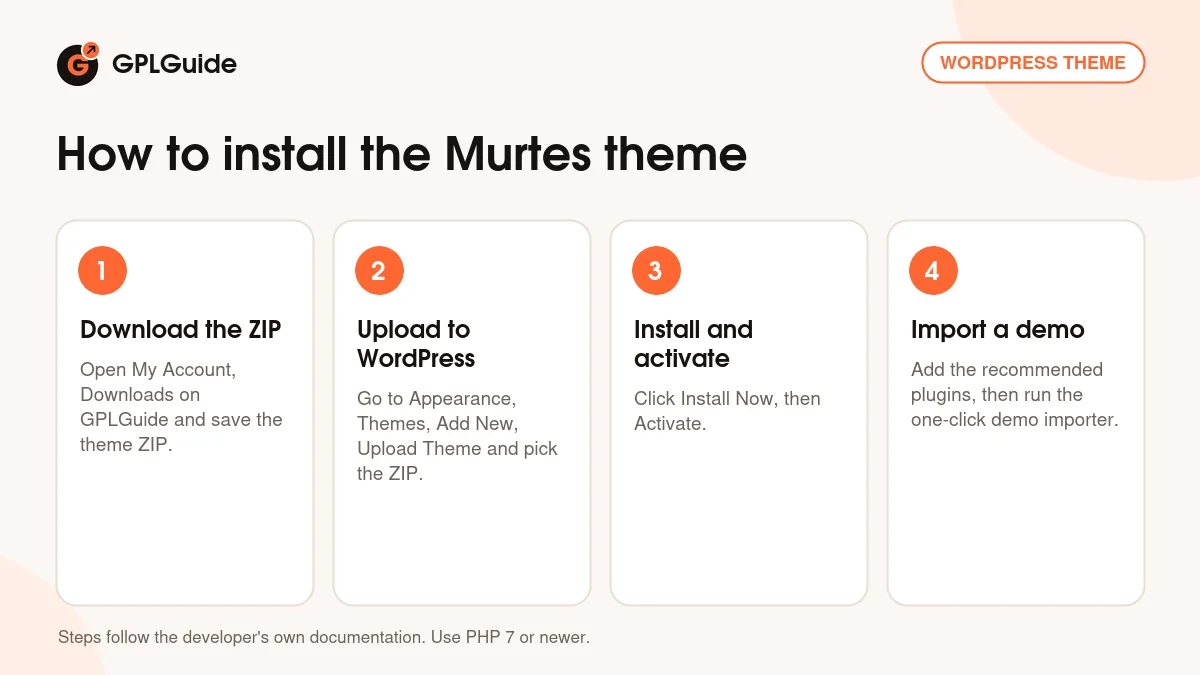
- Sign in to GPLGuide, open My Account, Downloads and save the Murtes ZIP.
- In WordPress go to Appearance, Themes, Add New, Upload Theme and choose the ZIP.
- Click Install Now, then Activate.
- Install WPBakery Page Builder, Revolution Slider and Contact Form 7, then run the one-click demo importer.
A sensible first setup is to import Home One, then open Settings, Permalinks and save once. Replace the logo, change the text of the hero slider, and rewrite the services block. Do the case studies and team last, since they need real photos. The Murtes theme looks best once the placeholder pictures are gone. Before you import, check that your host meets the PHP limits listed above.
Keeping it up to date
Updates from GPLGuide are manual. When a new version of the Murtes theme is listed here, download it from your account and upload it under Appearance, Themes, Add New, Upload Theme. WordPress offers to replace the installed copy. The developer's documentation says to back up your site first. If you see a newer version that we have not added, tell us on the Request Item/Update page.
Questions about the Murtes theme
Which page builder does the Murtes theme use? WPBakery Page Builder. Elementor is not listed on the item page.
How many demo homepages are there? The listing says five, and the demo menu shows Home One to Home Five plus a Landing page.
Can I sell products with it? Yes. WooCommerce is supported, and the demo menu has shop, wishlist, cart and checkout pages.
Does it have a blog layout choice? Yes. The demo shows a blog carousel, grids with two to four columns, and standard layouts with a left, right or no sidebar.
Are the single post formats covered? The demo lists Standard, Video, Gallery, Audio and Quote post details.
Can I run it in another language? Yes. WPML and right-to-left languages are listed, and the documentation explains translation with Loco Translate or Poedit and a child theme.
Are PSD files included? The item page lists PSD among the file types in the developer's package. Check your download to see what is in it.
Is the Murtes theme only for IT companies? The wording and demo content are IT focused, but the listing also tags it for business, agency and startup sites. You can rename the services and reuse the layout for another kind of company.
Do I need Revolution Slider? The demo hero uses it. The theme needs it if you import the sliders from the demo.
Browse more WordPress themes on GPLGuide, or see what a GPLGuide membership includes if you build for several clients. If you add a shop, WooCommerce itself is free on WordPress.org.
Features & capabilities
- Five homepage layouts, five header layouts and a Landing page
- WPBakery Page Builder for drag and drop page building
- Revolution Slider listed as bundled for hero sliders
- One-click demo import with a manual import fallback
- Demo pages for services, case studies, team, testimonials and FAQ
- Contact Form 7 styles and Google Maps support
- WooCommerce shop pages, WPML and right-to-left language support
- Sticky header, parallax and section video backgrounds