
Carenow – Medical & Dentist WordPress Theme
100% Original fileUnmodified copy of the developer's release
DeveloperThemesflat
Up to dateOriginal released May 29, 2026 · File last updated Oct 21, 2026
About this product
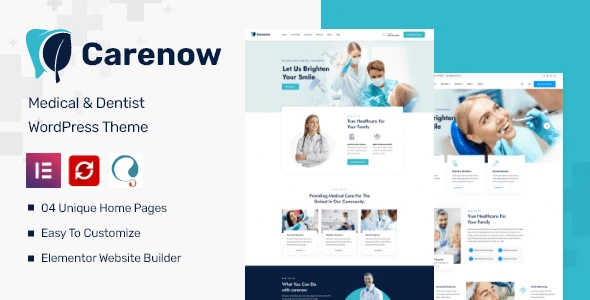
The Carenow theme is a medical and dentist WordPress theme for dental practices, doctors and small clinics that want patients to find a service, meet the doctor and ask for a visit. It runs on Elementor with the developer's own widget add-on, and its one-click importer brings in four home pages and more than 16 inner pages. This page is for Carenow 1.1.7, released on May 29, 2026. On GPLGuide you download the original theme file to install on your own websites.
Good for: dental offices, cosmetic and pediatric dentists, family doctors, small private clinics with a handful of specialists, and practices offering eye care, neurology or cardiology.
Requirements: WordPress 5.4.x to 6.7.x per the item page, and PHP 7.0 or higher per the developer's documentation, which also asks for memory_limit 256M and max_execution_time 300. The theme's style.css still says Requires PHP 5.6 and Tested up to 5.9.2, an old header, so go by the docs. The Carenow theme ZIP carries the theme's core plugin, its Elementor add-on and Slider Revolution. The free plugins it asks for are Elementor, MetForm, Contact Form 7 and Mailchimp for WordPress. One Click Demo Import is optional, and Elementor Pro isn't needed.
What the Carenow theme does
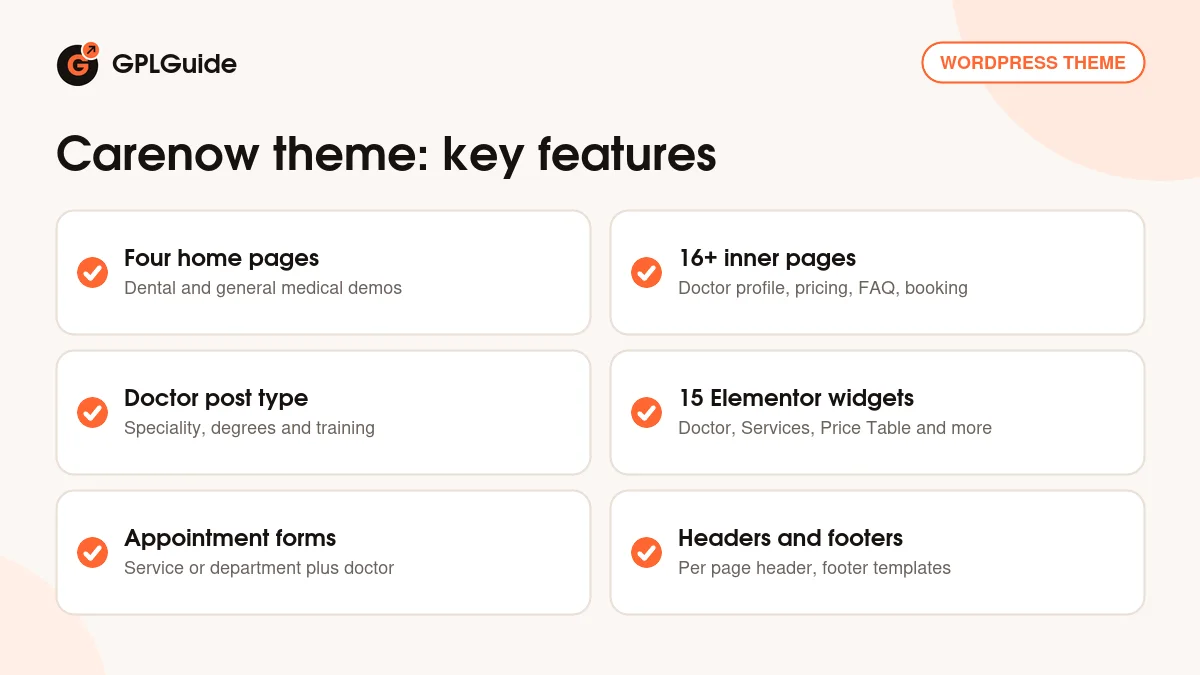
Carenow gives a practice the pages a patient expects: home, about, a list of services with a page for each one, the doctors and their profiles, a booking page, prices, an FAQ, a blog and contact. All of it comes from the demo, so you start by swapping text and photos instead of designing from a blank page.
The home pages lean dental. Two open with a slider headline about brightening your smile and list cosmetic dentistry, pediatric dentistry, implants and teeth whitening. The other two speak to general medicine, with neurology, cardiology, eye care, child health and senior care. That split is the real reason to choose this dentist WordPress theme over a purely dental one: a mixed practice can run both sides on one design.
Behind the pages sit two content types. Doctors are entries under Appearance, Doctor, and services are their own post type with excerpts and an editable Read More label. The theme's core plugin and the developer's Elementor add-on supply the widgets that show them. There's no shop, though. Asked about WooCommerce in the item comments, the developer said the Carenow theme doesn't support it.
The Carenow theme's four home pages and inner pages
Home 01 and Home 02 share the hero line "We Use Latest Medical Technology Let Us Brighten Your Smile" with a Who We Are button. Home 01 moves through medical and dental services, Meet Our Doctors, case studies, four counters, a "We Complete Every Step Carefully" process strip and a map. Home 02 adds a testimonials slider and a Best Awarded Hospital panel. Both suit a dental office.
Home 03 is the one to pick if bookings matter most. Its slider reads "25 Years Of Experience", the topbar shows opening hours and the header carries a Call Us number. Halfway down sits a "Make An Appointment To Get Our Medical Service" form with Choose Service and Select Doctor dropdowns and a Send Request Now button, followed by six services from Neurology Care to Eye Care Service.
Home 04 puts the appointment form first, with Department and Doctor dropdowns, then baby, family and senior care cards, a "Why People Choose Our Medical Services" block with an emergency number and a partners row with six logos. For a general practice it's the closest fit.
The inner pages: About Us, Our Doctor, Doctor Details, Book Appointment, Pricing Table, FAQ, Our Services, Service Details, Portfolio, Portfolio Details, Blog Standard, Blog Details and Contact. The Pricing Table has three plans at $45, $65 and $99. Rename them, since the demo labels still say Small business and Corporate business.
Doctors, services and the Carenow theme's widgets
Each doctor is a post. Open Appearance, Doctor, click New Doctor, then Edit with Elementor. The demo's Doctor Details page shows a photo, phone, email and a Book Appointment button, then Speciality, Degrees and Training fields, a Doctor's Services list and an Awards and Honours block. Archive settings sit under Appearance, Customize, Content, Extra Post Type: Grid Columns, Order By and Order Direction.
Services are entries too. Version 1.1.5 added an excerpt field for the services post type, 1.0.3 made the Read More text editable, and 1.0.8 added a menu to the sidebar of single service pages. The demo's Dental Implants page shows it, with Opening Hours and a Company Profile box.
The developer's add-on gives you 15 Elementor widgets: Title Section, Counter, Team, Image Box, Testimonial Carousel, Testimonial Type Group Carousel, Services, Posts, Price Table, Tabs, Accordion, Pie Chart, Icon Box, Doctor and Portfolio. They sit in their own group in the Elementor panel. Add every doctor before you style the grid. A row of three looks planned. A row of two next to an empty gap doesn't.
Customizer settings in the Carenow theme
Site-wide choices live under Appearance, Customize. General has switches for Enable Smooth Scroll, Enable Preload, Social Share and the Go To Button. Header holds Upload Your Logo, Upload Your Logo On Mobile and Logo Size, then Header Absolute, Header Sticky, Search Box and Sidebar Toggler, plus Button and Info fields. Point that header button at your Book Appointment page first.
Typography covers body, topbar, menu and heading fonts from Google Fonts. Layout & Color has color groups for the topbar, header, action box, footer and bottom bar. Page Title handles breadcrumbs through Enable Breadcrumbs, Breadcrumb Prefix and Breadcrumb Separator. Footer splits into Action Box, Partner Box, Info, Columns Footer and Bottom.
Headers can change page by page: open a page's settings in Elementor and pick a style. Footers are templates you edit with Elementor and assign to chosen pages or to Entire Website. Later releases added header height (1.1.2), a centered header style 01 (1.1.3) and on/off switches for the social topbar, bottom bar and menu topbar (1.1.6).
Practice sites to build with the Carenow theme
Collect your material first: services with a short excerpt each, a photo and credentials for every doctor, opening hours, the emergency number and your address. The Carenow theme's demo has a slot for each of these.
- Family dental office: Home 02 with its smile slider, one service entry per treatment and real patient quotes in the testimonials.
- Cosmetic dentist: Home 01, the case studies for finished smile work and the Pricing Table renamed to whitening and veneer packages.
- Multi-specialty clinic: Home 03, so Choose Service and Select Doctor sit on the home page, with one doctor entry per specialist.
- General practice: Home 04 with the appointment form first, the emergency contact block and opening hours in the footer.
- Pediatric practice: Home 04's care cards cut down to child health, and the FAQ page answering first visit questions.
- Bilingual clinic: WPML for the second language, or a right-to-left language, which the developer confirmed the theme supports.
Keep the Get Appointment button in the header on every page. Most patients come for one reason, and that button is it.
What's new in the Carenow theme 1.1.7
Carenow 1.1.7 is a small release. Its changelog entry is dated May 29, 2026, written as "1.17" on the item page, and has one line: an update to the counter widget, the one behind the Awards Win and Happy Customers numbers. If your counters misbehaved on an older copy, this is the version that touched them.
It came almost three years after 1.1.6 (August 22, 2023), which added the topbar and bottom bar switches. Version 1.1.5 (dated October 18, 2023) added the services excerpt. The item page now also lists 1.1.8, from October 14, 2026, which updated the one click demo import.
Good to know before you buy
The Carenow theme is a modest seller, with 188 sales and a 5.00 rating from six reviews. Its documentation is dated January 2022, written for version 1.0.0, and its FTP section still carries another theme's name. Expect to work a few things out on a test install.
The item page's software versions stop at WordPress 6.7.x, so try the Carenow theme on a staging copy of your current WordPress first. There's no booking calendar either: the demo forms only ask for a service or department and a doctor. For time slots and reminders, add a booking plugin.
Slider Revolution, which runs the Home 02 hero, comes inside the theme ZIP and installs from the theme's plugin prompt. Nothing points to a service on the developer's servers, such as a cloud library or AI credits. Much of the demo text is placeholder copy, so budget time to write your own.
Carenow theme from GPLGuide vs the official subscription
On ThemeForest the Carenow theme's Regular License costs $59, with future updates through the marketplace and six months of support from the developer. The Extended License is $1,600. Under Envato's licence for this item, its PHP code is licensed under the GPL.
From GPLGuide you get the original Carenow 1.1.7 theme file and its child theme, with the same four home pages, Doctor post type and Customizer settings. The core plugin, the Elementor add-on and Slider Revolution are inside the theme ZIP. It comes with the license key already activated, so there's no purchase code to enter.
A ThemeForest purchase adds the developer's own help: item support, refunds under Envato's rules and updates in your Envato account. If you want the developer to look at a failed demo import, buy the licence there.
How to install the Carenow theme
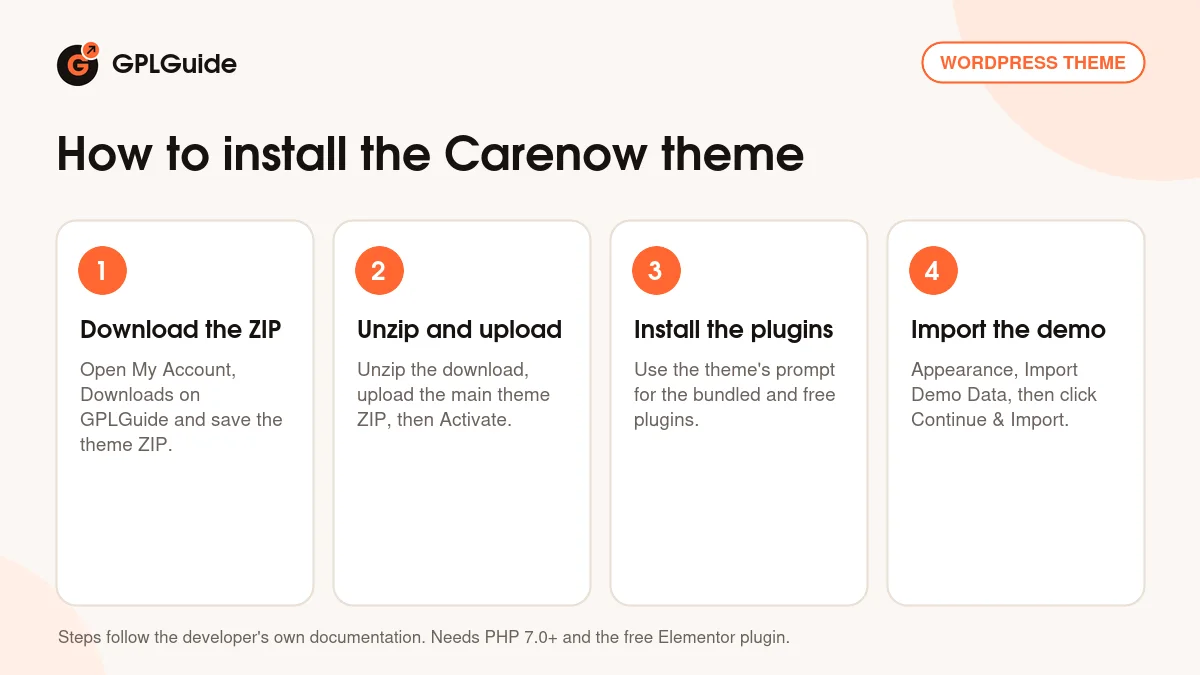
- Sign in to GPLGuide, open My Account, Downloads and save the Carenow theme ZIP.
- Unzip the download. It holds the main theme ZIP and a child theme ZIP. Upload the main theme ZIP under Appearance, Themes, Add New Theme, Upload Theme, then Activate.
- Click Begin installing plugins in the notice, or open Appearance, Install Plugins, and install the bundled and free plugins it lists.
- Open Appearance, Import Demo Data and click Continue & Import.
Check your host's PHP limits before the import. A memory_limit below 256M is the usual reason a demo stops halfway. Once it's in, keep one of the four homes as the front page and delete the rest. Add your doctors and enter services with real excerpts. Upload both logos, turn on Header Sticky if the menu is long, and send yourself a test appointment request.
Keeping it up to date
Updates from GPLGuide are manual. When a new version of the Carenow theme is listed here, download it from your account and upload it under Appearance, Themes, Add New Theme, Upload Theme. WordPress offers to replace the installed copy, and your pages, doctors and services stay in the database. Update the core plugin and the widget add-on along with the theme, and keep code changes in the child theme from the same download. If you spot a newer release we haven't added, such as 1.1.8, tell us on the Request Item/Update page.
Questions about the Carenow theme
Does the Carenow theme need Elementor Pro? No. The developer said the free Elementor is enough, though Elementor Pro is listed as compatible.
How many demos come with it? Four home pages, Home 01 to Home 04, plus more than 16 inner pages such as Doctor Details and Pricing Table.
Can patients book appointments online? Partly. Home 03 and Home 04 have request forms with service or department and doctor dropdowns, but there's no calendar with time slots.
Can I sell products with it? No. The developer confirmed that Carenow doesn't support WooCommerce.
Is it RTL and translation ready? Yes. The developer confirmed RTL support, the theme has an rtl.css file, and WPML is listed as compatible.
Is Slider Revolution included? Yes. It's inside the theme ZIP with the core plugin and the Elementor add-on, and all three install from the theme's plugin prompt.
Which file do I upload? The main theme ZIP. Unzip the download first and upload that file, not the whole download. The child theme ZIP is optional.
What changed in 1.1.7? Just the counter widget. The newer 1.1.8 updates the one click demo import.
Do I need a purchase code? No. The license key is already activated in the file from GPLGuide.
Running a different kind of practice? Browse the WordPress themes on GPLGuide, or see what a GPLGuide membership includes. For extra widgets on your clinic pages, Elementor Pro works with the Carenow theme too.
Features & capabilities
- Medical and dentist design with four home pages, Home 01 to Home 04
- 16+ inner pages, including Doctor Details, Book Appointment and Pricing Table
- Doctor and services post types with archive, excerpt and Read More settings
- 15 Elementor widgets, from Doctor and Services to Price Table and Pie Chart
- Appointment request forms with service, department and doctor dropdowns
- Customizer panels for header, page title, typography, colors and footer
- Footer templates you assign to chosen pages or the entire website
- One-click demo import, WPML compatible and right-to-left support