
Essential Grid Gallery WordPress Plugin
100% Original fileUnmodified copy of the developer's release
DeveloperCode Canyon
Up to dateOriginal released Oct 14, 2026 · File last updated Oct 23, 2026
About this product
Essential Grid is a WordPress plugin for building grids and galleries from your posts, pages, WooCommerce products or hand-picked media, shown in Even, Masonry or Cobbles layouts. It's for people who want a portfolio, a blog grid or a product wall that looks designed without writing CSS: you pick a source, a layout and an item skin, then place the grid with a block, a widget or a shortcode. This page is for Essential Grid 3.2.8, released on October 14, 2026. On GPLGuide you download the original plugin file to install on your own WordPress websites.
Good for: designers and agencies building portfolio pages, bloggers who want a filterable post archive, WooCommerce shops that need a product grid away from the shop page, photographers with image galleries, and Elementor or DIVI users who want more control than the builder's own grid.
Requirements: WordPress 6.3 or newer (the minimum since version 3.2.0) and PHP 7.4 or newer (since 3.1.9.3). The developer added PHP 8.5 compatibility in 3.1.10. Essential Grid runs on its own, so no other plugin is required. WooCommerce only matters if you want product grids.
What Essential Grid does
Every grid starts on the plugin's Overview page, under Ess. Grid in the WordPress admin menu. You create a grid, name it, choose where the items come from, then decide how they're laid out and what each item looks like. The look of a single item is its skin. New grids start with the Washington skin, and you can swap it in the grid's Skins tab or build your own in the Item Skin Editor.
An Essential Grid can be post-based, pulling from any post type, or a custom grid where you add the items by hand. On top of that come category filters, sorting, a search box, pagination or a Load More button, a FancyBox lightbox and Ajax post content that opens a post inside the page. The Overview page gives you each grid's shortcode. The block editor has an Essential Grid block, the Classic Editor has a shortcode generator, version 3.1.7 added an Elementor widget and 3.2.0 added DIVI 4 and DIVI 5 modules.
Essential Grid's Global Settings cover the site-wide side. You can move the plugin's JavaScript to the footer, turn on advanced caching, list post types to leave out (added in 3.1.1), require a nonce check on front-end Ajax calls (3.1.9) and cache Vimeo and YouTube thumbnails (3.1.11). Small things, but they matter on a busy site.
Sources and layouts in Essential Grid
Post-based grids. Pick a Post Type, then narrow it by categories and tags. Category Relation decides how several terms combine: AND shows only posts that have all the selected terms, OR shows posts with at least one. Media Source sets an order of Featured Image, Alternative Image and First Content Image, with a Default Image as the fallback. Set Image Source Type picks which generated image size loads.
Custom grids. Here you add items yourself: image, video, SoundCloud or Simple Content items with no media at all. Images go in one at a time or through Bulk. Blank Items leave deliberate gaps, and Hide Blank Items At chooses the breakpoint where those gaps disappear.
Layouts. Under Grid Settings you choose Even, Masonry or Cobbles. Even makes every item the same size, with the height set by Items Ratio X:Y. Images can be cropped, and Media Fit set to Contain shows the whole image at the cost of some blank space. Masonry with the ratio on Auto keeps each image's own proportions. Cobbles sizes items like Even but lets them span several columns or rows, set globally or per item.
Item width is the grid width divided by the number of columns, so a 1000px content area with 4 columns gives you 250px items. Columns are set per screen size across 7 breakpoints.
Item skins and the Essential Grid skin editor
Skins are where Essential Grid earns its keep. Click Edit Skin on the Overview page and the Item Skin Editor shows Layer Settings on the left, the Item Layout on the right and a list of Available Layers at the bottom. Drag a text, icon or button layer into the layout and choose its source. Then style it: font, Background Color, Background Padding, border radius and a separate Hover state. Spacing handles alignment, display and margins, and moves layers between drop zones.
Show/Hide has two handy switches, Show without Hover on Desktop and Show without Tap on Mobile. The Link/SEO tab sets where a layer points, for example Link To set to Post on a Read More button. A layer you've styled well can be saved as a Template for other skins. One habit to pick up early: duplicate a skin before you touch it. The developer's docs say the same.
Custom Meta Data ties into this. You define extra fields on the plugin's meta screen, fill them in on each post and pull them into skin layers. Layers can also carry conditions under Advanced Rules. Since 3.2.3, a layer set to Hide shows again when its conditions aren't met.
Filters, pagination and the lightbox in Essential Grid
Grid controls live in the Nav-Filter-Sort tab, where you drop elements such as Pagination into a Grid Controls Dropzone. Category filters can use the same categories that feed a post grid, and Filter Logic switches between AND and OR when a visitor picks more than one. Since 3.2.0 visitors can also move through the filters with the keyboard.
Long grids can be split three ways. Set Pagination to Enable and adjust Max Visible Rows, then show arrows, a Pagination control or both. Load More adds a button, while Infinite Scroll fetches the next batch as the visitor scrolls. For both you choose how many items show first and how many each action adds. Hide Load More Button only appears with Infinite Scroll, which confuses people the first time.
A click on an item can open the FancyBox lightbox, the default since version 2.2, with a swipe option added in 3.1.9.4. It can also load the post's content by Ajax inside the page. The search screen connects your theme's search box to a grid, or gives you a search box that you place with a shortcode.
Essential Grid setups you can copy
- Portfolio: a post-based grid on a Projects post type, Masonry layout with the ratio on Auto, category filters in the Nav-Filter-Sort tab and Filter Logic on OR.
- Blog archive: posts from two categories with Category Relation set to OR, an Even layout at 3 columns on desktop, Pagination enabled and Max Visible Rows at 3.
- Product wall: a WooCommerce source in an Even layout, with a duplicated skin that adds a button layer linked to the product.
- Photo gallery: a custom grid filled through Bulk, a Cobbles layout so a few hero shots span two columns, and the lightbox on click.
- Elementor landing page: build the grid once, then place it with the Elementor widget instead of pasting the shortcode.
What's new in Essential Grid 3.2.8
Version 3.2.8 came out on October 14, 2026. It's a fix release for the grid editor with 8 bug fixes and 3 changes. Switching a grid's source from Posts to Custom Grid and back no longer wipes custom items, added filters or the first filter group's selection. Category names with ampersands show properly instead of HTML-encoded, and Edit Source Settings stops adding a "#" to the page address.
It also removes PHP "Undefined array key" warnings for grids missing some settings, and stops the update check from ending a WP-Cron run with a fatal error. Two security changes escape stored names and settings in admin scripts and in the front-end search script. Before it, 3.2.3 (October 10, 2026) changed saving so only the settings you edit are stored, and 3.2.0 (September 3) brought the DIVI modules and keyboard control for filters.
Good to know before you buy
The Essential Grid add-ons aren't in this ZIP. Over the 3.0 releases the developer moved several parts out of the core plugin: watermarks, right-click protection and media filters went into add-ons in 3.0.16, and the social and video streams went into the Social Media and Video Playlists add-ons in 3.0.17. Those add-ons, the object library and the Grid Template Library with its 60+ ready-made grids are downloaded from the developer's servers. They're the developer's service, tied to an account and plan with them.
Planning a social stream? The platforms want their own credentials too, such as a YouTube API key and channel ID or a Flickr API key. The Twitter feed integration was discontinued in 3.1.2.
Since 3.2.3 the grid editor saves only the settings you change, so older or imported grids aren't restyled on save. The essgrid_grid_lossless_save filter brings back the old full save. At the time of writing the developer has also released 3.2.5, 3.2.6 and 3.2.7 (October 15 to 18, 2026), mostly security and editor fixes.
Essential Grid from GPLGuide vs the official subscription
From GPLGuide you get the original Essential Grid 3.2.8 plugin file with the license key already activated, to install on your own websites. The core plugin is all there: post-based and custom grids, the three layouts, the Item Skin Editor, filters, pagination, the lightbox, custom meta, import and export, and the Elementor and DIVI integrations. Under Envato's licence for this item, its PHP code is licensed under the GPL.
Some things only come from the developer: ticket support, refunds (their home page mentions a 14-day window) and the services on their servers, meaning the template library, the add-ons and the object library. Their plans are yearly. Starter covers 1 site, Enthusiast 3 sites and Scale up to 250 sites at $299 per year, with licences starting from $39.
How to install Essential Grid
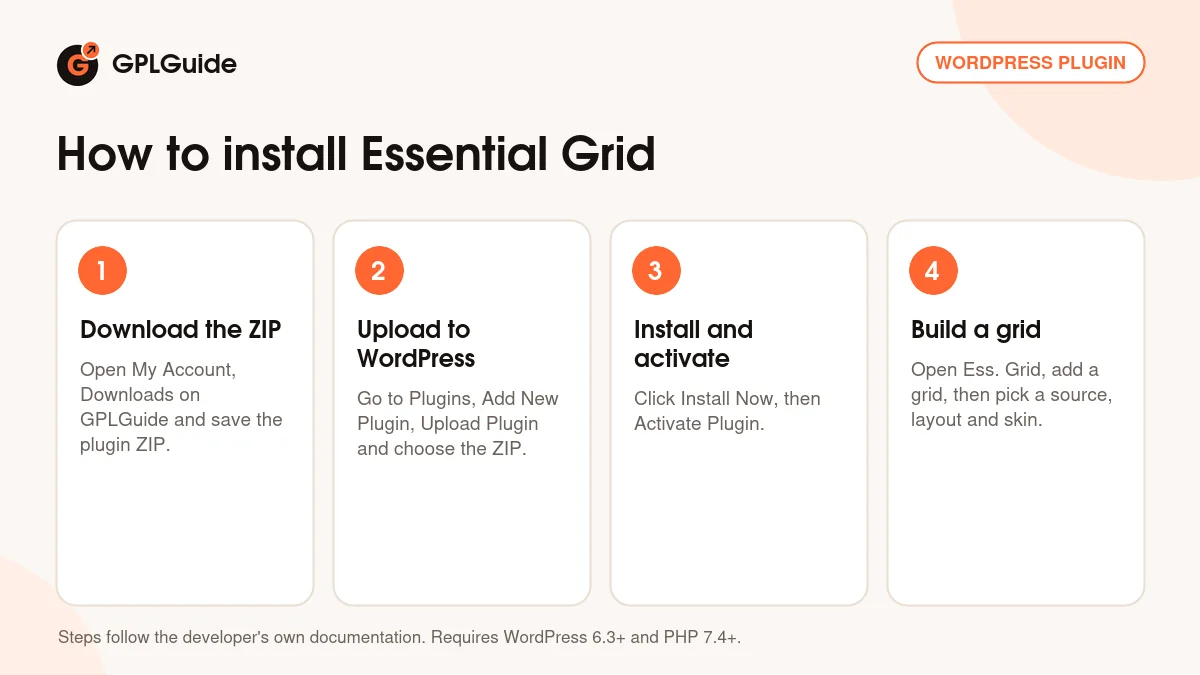
- Sign in to GPLGuide, open My Account, Downloads and save the Essential Grid ZIP.
- In WordPress go to Plugins, Add New Plugin, Upload Plugin and choose the ZIP.
- Click Install Now, then Activate Plugin.
- Open Ess. Grid in the admin menu and create your first grid from the Overview page.
For a good first Essential Grid setup, make a post-based grid from your blog posts, keep the Washington skin and set the columns for desktop and mobile in Grid Settings. Paste the shortcode into a draft page and look at it on a phone. Then duplicate the skin and start moving layers. You learn the editor faster on a grid you already like.
Keeping it up to date
Updates from GPLGuide are manual. When a new version of Essential Grid is listed here, download it from your account and upload it under Plugins, Add New Plugin, Upload Plugin. WordPress offers to replace the installed copy, and your grids and skins stay in place because they're stored in the site's database. If you spot a newer version that we haven't added, tell us on the Request Item/Update page.
Questions about Essential Grid
Does Essential Grid work with WooCommerce? Yes. WooCommerce is one of the sources on the developer's feature list, so you can build product grids with their own skins and filters.
Can I use Essential Grid with Elementor or DIVI? Yes. An Elementor widget arrived in 3.1.7, and DIVI 4 and DIVI 5 modules followed in 3.2.0.
Do I need to enter a license key? No. The file from GPLGuide comes with the license key already activated, so you can start building grids right after you install it.
Are the Essential Grid add-ons included? No. This download is the core plugin only. Add-ons such as Social Media, Video Playlists and Watermarks come from the developer's servers.
Can I show Instagram or YouTube feeds? Not with the core plugin alone. Streams moved to the developer's Social Media and Video Playlists add-ons in 3.0.17, and each platform needs its own credentials.
Which PHP version do I need? PHP 7.4 or newer, together with WordPress 6.3 or newer.
Will my images get cropped? Only if you let them. Even and Cobbles can crop to the Items Ratio, while Masonry with the ratio on Auto keeps every image's shape. Media Fit set to Contain avoids cropping in Even.
Can I move grids to another site? Yes. The Import/Export screen handles grids, skins and meta data, and 3.1.0 added export for a single grid.
Building more sites? Browse more WordPress plugins on GPLGuide, pair your grids with Elementor Pro if you design in Elementor, or see what a GPLGuide membership includes if you use several premium plugins.
Features & capabilities
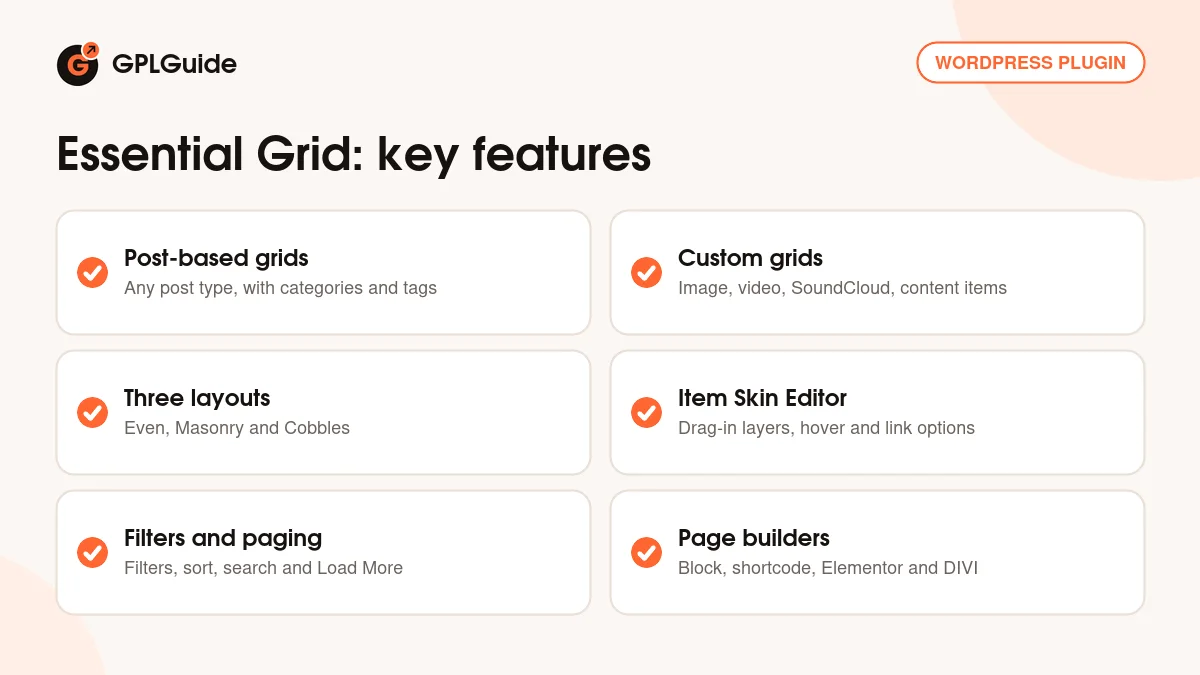
- Post-based grids from any post type, with categories, tags and AND or OR relation
- Custom grids of image, video, SoundCloud and Simple Content items
- Even, Masonry and Cobbles layouts with columns across 7 breakpoints
- Item Skin Editor with drag-in layers, hover styles and Advanced Rules
- Category filters, sorting, search, pagination, Load More and Infinite Scroll
- FancyBox lightbox and Ajax post content inside the page
- Custom Meta Data plus import and export of grids, skins and meta
- Block editor block, shortcode, Elementor widget and DIVI 4 and 5 modules


