Cryptocurrency Widgets Pro – WordPress Crypto Plugin

100% Original fileUnmodified copy of the developer's release
DeveloperCode Canyon
Up to dateOriginal released Nov 14, 2025 · File last updated Oct 23, 2026
About this product
Cryptocurrency Widgets Pro is a WordPress crypto plugin that puts live coin prices on your site as tickers, tables, cards, charts, a converter and a donation box, each one placed with its own shortcode. It suits crypto blogs, news sites and project pages that want current prices without code. This page is for Cryptocurrency Widgets Pro 4.2.2, released on November 14, 2025. On GPLGuide you download the original plugin file to install on your own WordPress websites.
Good for: crypto news and education sites, blockchain project pages, finance blogs that want a price strip in the header, coin reviews with a chart beside the text, and creators who accept crypto donations.
Requirements: the CodeCanyon item page lists compatibility with WordPress 4.9.x through 6.9.x. No other plugin is needed. The developer's setup guide asks for a CoinGecko API key and an OpenExchange API key, both from those third-party services. Don't run the free Cryptocurrency Widgets plugin alongside it.
What Cryptocurrency Widgets Pro does
Every Cryptocurrency Widgets Pro widget is saved under Crypto Plugins, Crypto Widget Pro in the WordPress admin. Click Add New Widget, choose a Widget Type, set the options in the Crypto Widget Settings box and click Publish. You then get a shortcode for that widget to paste into a page, a post or a sidebar.
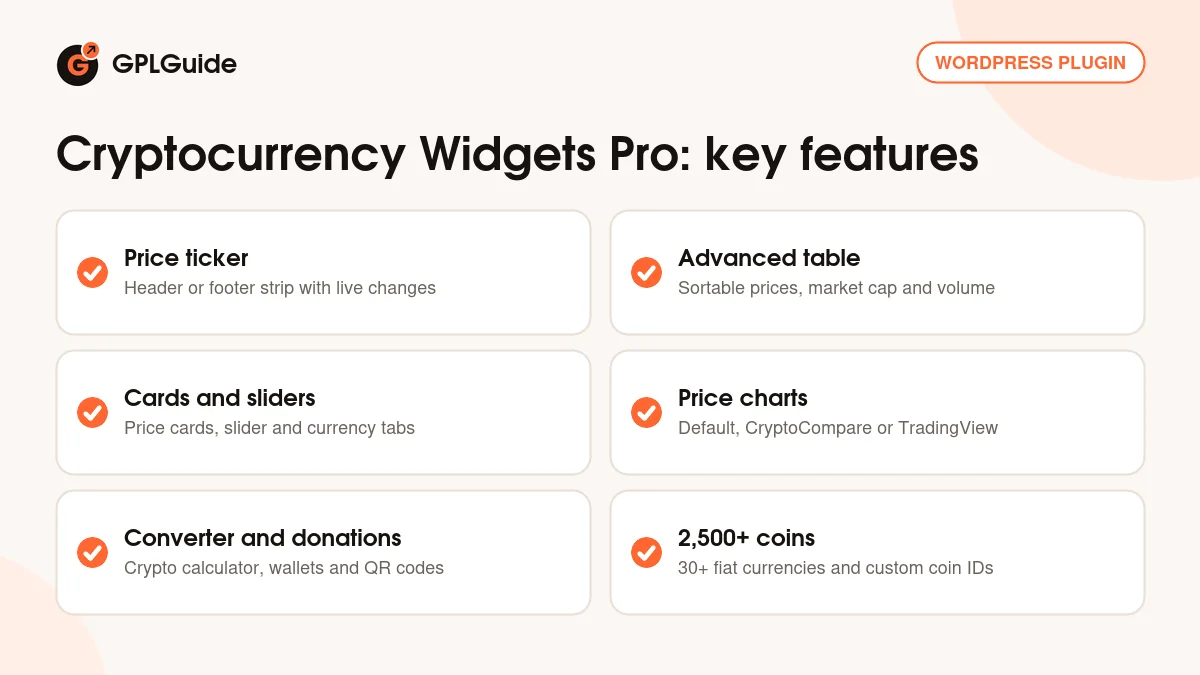
The docs cover thirteen widget types: Ticker, Advanced Table, Multicurrency Tabs, Price Label, Price Card, Price Block, List, Slider, News Feed, Currency Convertor Calculator, Price Chart, Donation Box and Accordion Block. The developer says Cryptocurrency Widgets Pro covers 2,500+ coins, against the top 250 in the free plugin, and more than 30 fiat currencies such as USD, EUR, GBP, INR, JPY and CNY.
Because everything runs on shortcodes, the crypto price widgets fit whatever editor you use. The developer's FAQ names Elementor, Gutenberg, WPBakery and Divi. Use a Shortcode block in the block editor, or the Shortcode widget in Elementor Pro.
Tickers, tables and price cards in Cryptocurrency Widgets Pro
Ticker. In Cryptocurrency Widgets Pro, the scrolling price strip is the widget you will probably set up first. Show Coins sets how many top coins scroll past, Designs picks the style (the sales page shows tooltip and 7D chart versions), and Where Do You Want to Display Tickers puts it in the header or the footer. Speed of Ticker controls the scroll. Enable Live Changes turns on live price movement, Display Changes adds the 24 hour percentage, and Enable Number Formatting shortens big numbers to millions or billions.
Disable from Pages takes the page IDs where the strip shouldn't show, such as a contact page. Disable Ticker in Mobile hides it on phones. A moving bar can crowd a small screen, so test both views before you go live.
Advanced Table. The table lists price, market cap, volume and change percentage, and visitors can sort the columns. Show Coins takes values such as Top 10 or Top 50, Records Per Page splits a long list into pages, and Select Fiat Currency sets the currency for every price. Enable Live Changes and Enable Number Formatting work as in the ticker.
Price Card, Slider and Multicurrency Tabs. Price Card has Show Coins, Designs and Select Column for the number of cards per row, plus a Disable Bootstrap switch. If your theme's grid shifts after you add the cards, try that switch first. The Slider uses the same options and adds Autoplay Slider. In Multicurrency Tabs, Display Currencies Tab picks which fiat currencies get a tab.
Where the prices come from: APIs, keys and caching
Cryptocurrency Widgets Pro doesn't create price data. It fetches it from third-party services. Under Crypto Plugins, Crypto Widgets Pro, API Settings, the Select API option has four choices: Coingecko, CoinMarketCap API, Both (Coingecko Preferred) and Both (CoinMarketCap Preferred). The sales page adds that coins listed on Binance get real-time updates from the Binance Exchange API, while other coins refresh about every 10 minutes from CoinGecko's free API.
Now the keys. The developer's Get Started guide lists a CoinGecko API key and an OpenExchange API key as requirements and has you paste both into API Settings. The OpenExchange key, from Open Exchange Rates, handles fiat currency conversion. The sales page says no API subscription is required. The keys are your own accounts with those services, and the FAQ warns that free plans may have limits that temporarily block data.
Select API Cache Time sets how often the plugin asks for fresh numbers, and API Usage Report links to your provider's dashboard to check how many requests you've used. Purge API Data Cache clears the stored data right away. Use it after you change providers or add a coin.
Page caching is the other half. The FAQ says aggressive caching can delay live prices in Cryptocurrency Widgets Pro and suggests turning it off on those pages. With WP Rocket or a similar plugin, add those pages to the never cache list.
Charts, the converter, news and donations
Price Chart. Pick coins with Show Coins or search for them in Select Cryptocurrencies. If a coin isn't suggested, type its ID into Add Coin IDs. Chart Types offers Default, 3rd Party (CryptoCompare) and 3rd Party (TradingView), and the last two load their charts from those services. Chart Height and Chart Color handle the look.
Crypto Convertor. The calculator widget has Default Base Cryptocurrency, which falls back to Bitcoin (BTC), and Default Target Fiat Currency or CryptoCurrency, which falls back to USD. Enable Vertical Style stacks the fields so it fits a narrow sidebar.
News Feed. You give it a News Feed Url(First) and, if you like, a second feed URL, then set Number of News and a News Feed Layout. The headlines come from the feeds you enter, so pick sources you trust.
Donation Box. Add your addresses under All Wallets and choose a Donation Box Style such as the table layout. The box also shows a QR code. For MetaMask there are Default Amount, MetaMask Title, MetaMask Description and MetaMask Success Donation fields. Check every wallet address twice before you publish. A single wrong character sends donations somewhere you can't get them back.
Setups you can copy for a crypto site
Each of these Cryptocurrency Widgets Pro setups uses only the options described above.
- News site header: a Ticker with Show Coins at 10, placed in the header, Enable Live Changes and Display Changes on, and Disable Ticker in Mobile ticked.
- Markets page: an Advanced Table with Show Coins at Top 50, Records Per Page at 10, Enable Number Formatting on and the page excluded from your caching plugin.
- Coin review post: a Price Chart with one coin in Select Cryptocurrencies, Chart Types on Default and a Chart Color that matches your brand.
- European readers: Multicurrency Tabs with EUR, GBP and USD in Display Currencies Tab and Display Changes on.
- Sidebar calculator: a Crypto Convertor with BTC as the base, EUR as the target and Enable Vertical Style on.
- Project donations: a Donation Box in the table style with your wallets under All Wallets and a small MetaMask Default Amount.
What's new in Cryptocurrency Widgets Pro 4.2.2
Version 4.2.2 came out on November 14, 2025. It's a small release. The changelog has a single line for it, an added notice for CodeCanyon users, and lists no changes to the widgets themselves.
The releases before it were about the admin side too. 4.2.1 (November 3, 2025) and 4.2.0 (October 30, 2025) reworked the license activation and its settings panel. 4.1.6 (August 28, 2025) fixed coins not loading, and 4.1.5 (August 26, 2025) fixed security issues. The last feature release was 4.1.0 (January 18, 2025), which added the Fear and Greed Index widget, fixed duplicate slides in the Slider and optimized API requests.
The developer has shipped newer Cryptocurrency Widgets Pro versions since. 4.2.3 (November 28, 2025) fixed a fatal error while activating the plugin, 4.3.0 (March 23, 2026) redesigned the dashboard, and 4.3.4 (September 4, 2026) fixed the percentage colors and is tested up to WordPress 7.1.
Good to know before you buy
Cryptocurrency Widgets Pro depends on outside services. CoinGecko, CoinMarketCap, Binance and Open Exchange Rates supply the numbers, and CryptoCompare and TradingView draw the third-party charts. If a provider changes its free plan or goes down, your widgets feel it. On an API key error, the FAQ says to copy the key again without extra spaces and check that your plan is active.
Some APIs only give full data in USD, so certain features fall back to USD. Prices refresh on your cache time, except Binance coins, so a widget can trail an exchange by a few minutes. The widgets display prices and nothing more. They don't give advice.
The CodeCanyon page lists WordPress up to 6.9.x, and testing with WordPress 7.1 only arrived in 4.3.4. Given the activation fix in 4.2.3, try this version on a staging copy first.
Cryptocurrency Widgets Pro from GPLGuide vs the official subscription
From GPLGuide you get the original Cryptocurrency Widgets Pro 4.2.2 plugin file to install on your own websites, with every widget type in the file and the license key already activated. Under Envato's licence for this item, its PHP code is licensed under the GPL.
Buying Cryptocurrency Widgets Pro from the developer gets you their help desk support, refunds and updates through their account. On CodeCanyon the Regular License costs $49 and includes 6 months of support, which you can extend to 12. The developer's own store currently shows an Annual License from $39 a year for one website and a Lifetime License from $79, with a 14-day money-back guarantee. Wherever you buy, the API keys come from the third-party services.
How to install Cryptocurrency Widgets Pro
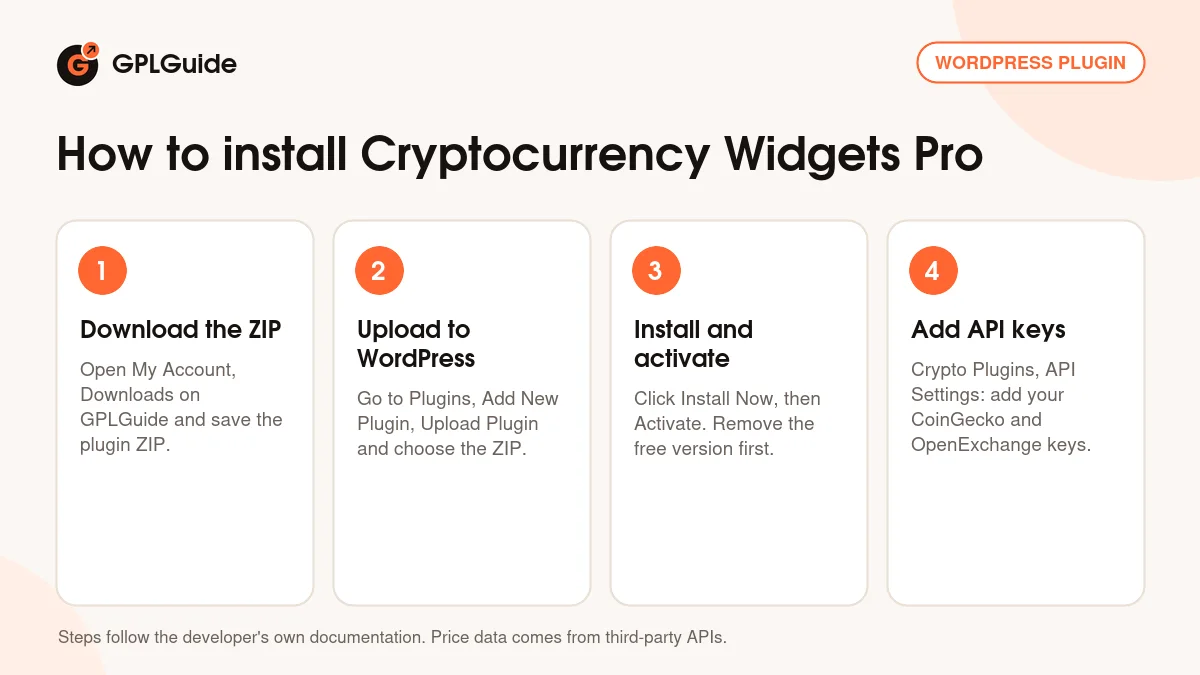
- Sign in to GPLGuide, open My Account, Downloads and save the Cryptocurrency Widgets Pro ZIP.
- In WordPress go to Plugins, Add New Plugin, Upload Plugin and choose the ZIP. Remove the free Cryptocurrency Widgets plugin first if it's installed.
- Click Install Now, then Activate. A Crypto Plugins menu appears in the admin sidebar.
- Open Crypto Plugins, Crypto Widgets Pro, API Settings, add your CoinGecko and OpenExchange keys and save. The license key is already activated, so you can go straight to Add New Widget.
For a good first Cryptocurrency Widgets Pro setup, start small. Leave Select API on Coingecko to match the keys from the setup guide, keep the default cache time and save. Then build a Ticker with ten coins, publish it and paste the shortcode on a test page. Once prices load, add the Advanced Table to a markets page and exclude both pages from your cache.
Keeping it up to date
Updates from GPLGuide are manual. When a new version of Cryptocurrency Widgets Pro is listed here, download it from your account and upload it under Plugins, Add New Plugin, Upload Plugin. WordPress offers to replace the installed copy, and your widgets and API settings stay in the database. The developer has released newer versions, so you can ask for one on the Request Item/Update page.
Questions about Cryptocurrency Widgets Pro
Do I need API keys? Yes. The developer's setup guide lists a CoinGecko key and an OpenExchange key, which you enter under API Settings. Both come from those third-party services.
Do I have to enter a license key? No. The Cryptocurrency Widgets Pro file you download here comes with the license key already activated.
How often do the prices in Cryptocurrency Widgets Pro change? It depends on the coin. Coins listed on Binance update in real time, and the rest refresh about every 10 minutes from CoinGecko, within the cache time you set.
Does it work with Elementor or the block editor? Yes. Paste the widget's shortcode into a Shortcode block or Elementor's Shortcode widget.
Can I show a coin that isn't in the list? Yes. Enter its ID in the Add Coin ID field in the widget settings.
Can I keep the free plugin active alongside Cryptocurrency Widgets Pro? No. The developer warns that running both can cause plugin conflicts, so deactivate and delete the free one first. The install guide says your settings and data stay.
Will it run on a multisite network? Yes, according to the developer's FAQ.
Does the plugin predict prices or give trading tips? No. Cryptocurrency Widgets Pro only shows market data from the APIs you connect.
Building a crypto site with Cryptocurrency Widgets Pro? Browse more WordPress plugins on GPLGuide, or see what a GPLGuide membership includes if you use several premium plugins.
Features & capabilities
- Thirteen widget types, each placed with its own shortcode
- Header or footer price ticker with speed, page and mobile controls
- Sortable Advanced Table with market cap, volume and paging
- Price cards, slider and multicurrency tabs with column options
- Price charts with Default, CryptoCompare or TradingView types
- Crypto converter and donation box with QR codes and MetaMask
- CoinGecko, CoinMarketCap and Binance data with cache controls
- 2,500+ coins, 30+ fiat currencies and custom coin IDs